Why On-Device Processing Matters in Everyday iOS Apps
A practical look at how on-device processing improves privacy, offline access, speed, and reliability in apps for transcription, text to speech, and contact export.
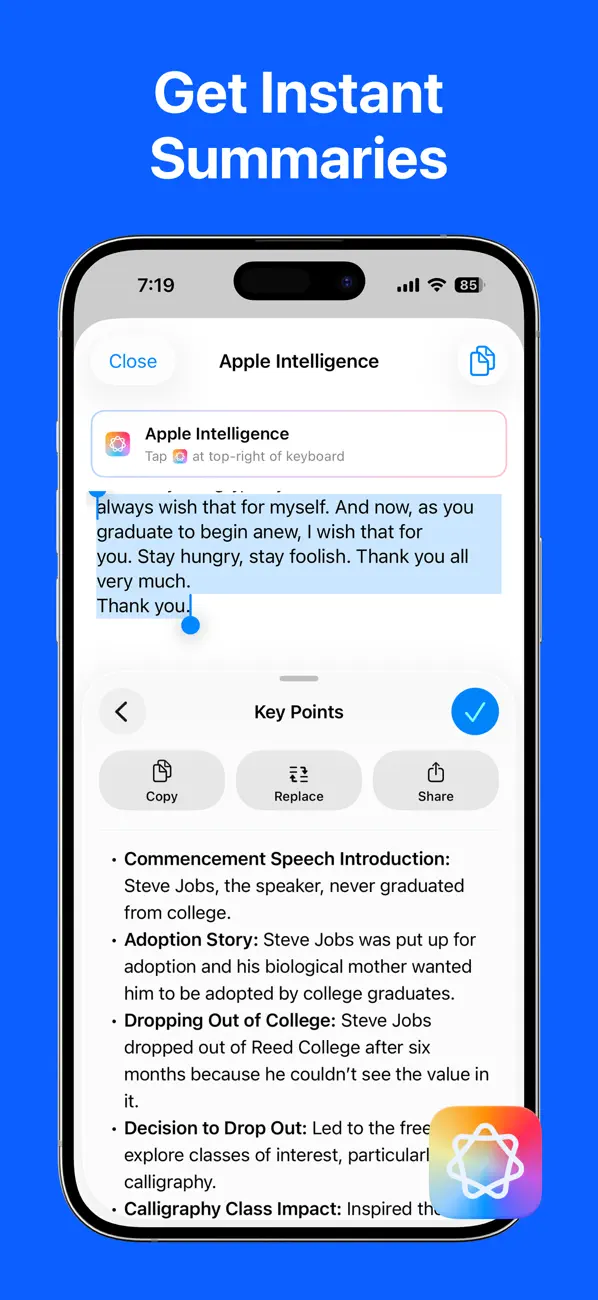
 LoroNote - Speech to Text
 Local TTS - AI Voice Reader
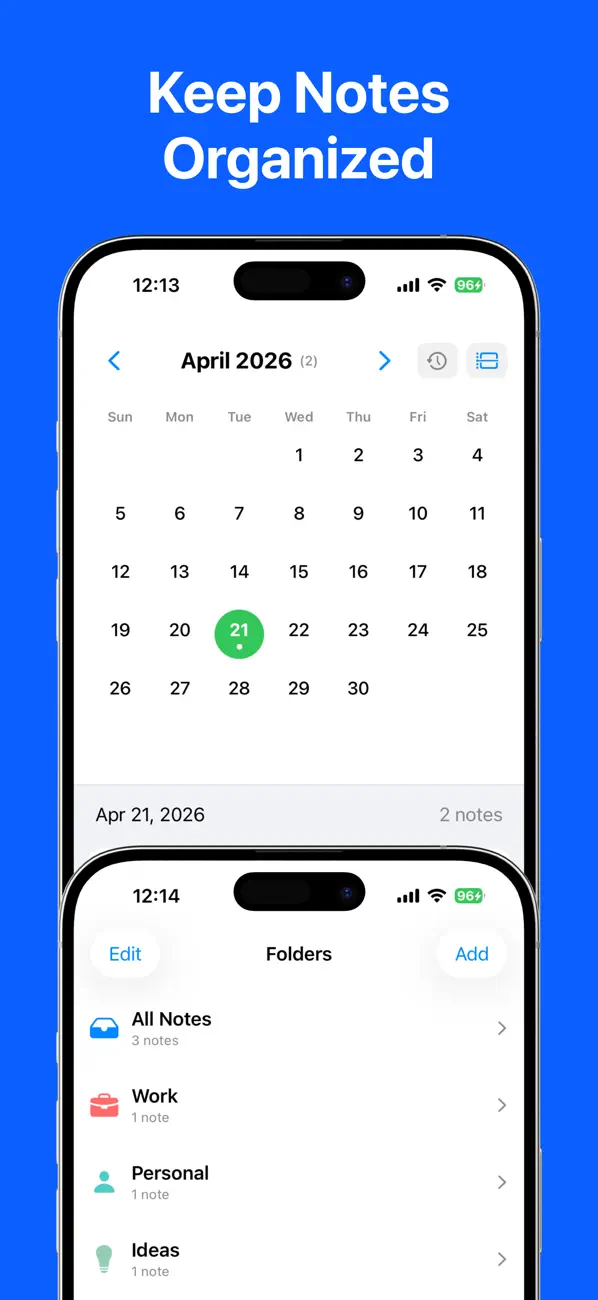
 Export Contacts to Excel & CSV
Many mobile apps send information to a server because the server has more computing power or makes collaboration easier. That can be the right design. But when a task can run well on the device, keeping it there often gives people a faster, more private, and more dependable experience.
At Rich Soft, we use on-device processing where it directly improves the job an app is meant to do. LoroNote transcribes supported recordings on your iPhone or iPad. Local TTS turns documents into speech on the device. Export Contacts creates spreadsheet and backup files without uploading an address book to our servers.
This article explains what that architectural choice changes—and where a cloud service can still be useful.
Privacy starts with the data flow
A privacy policy matters, but the most effective privacy control is often architectural: do not collect data that does not need to leave the device.
For a cloud workflow, information normally travels from the app to a remote service, is processed there, and then returns as a result. The provider must secure the transmission, storage, access controls, logs, backups, and deletion process.
An on-device workflow is shorter:
input on your device → local processing → result on your device
That does not remove every security responsibility. Your phone, backups, shared files, and account access still need protection. It does remove an entire external processing step, which is especially valuable for recordings, personal documents, and contact information.
What changes for everyday use
On-device and cloud processing offer different trade-offs. The right choice depends on the task rather than a slogan.
| Consideration | On-device processing | Cloud processing |
|---|---|---|
| Internet connection | Often works offline after setup | Usually required |
| Data transfer | Input can remain on the device | Input is sent to a service |
| Response time | No network round trip | Depends on network and server load |
| Device requirements | Uses local storage, memory, and battery | Heavy work can run on larger servers |
| Collaboration | Usually requires an explicit export or share | Shared workspaces can be built in |
| Service continuity | Core work is less dependent on a remote outage | Provider availability matters |
For a personal utility, avoiding a network round trip can make the app feel immediate. It can also make the result predictable on a train, during a flight, or in a building with weak reception.
Offline access is more than a convenience
Offline support is sometimes described as a travel feature. It is also a reliability feature.
A recorder should not stop being useful because a meeting room has poor Wi-Fi. A text reader should still work with a saved document while commuting. A contact export should not depend on a third-party server being available at the exact moment you need a backup.
Local processing cannot guarantee unlimited performance. Large files need storage, long tasks consume battery, and advanced models require capable hardware. Good on-device software should explain those constraints and make progress visible instead of pretending the device has infinite resources.
Three examples from our apps
Private transcription with LoroNote
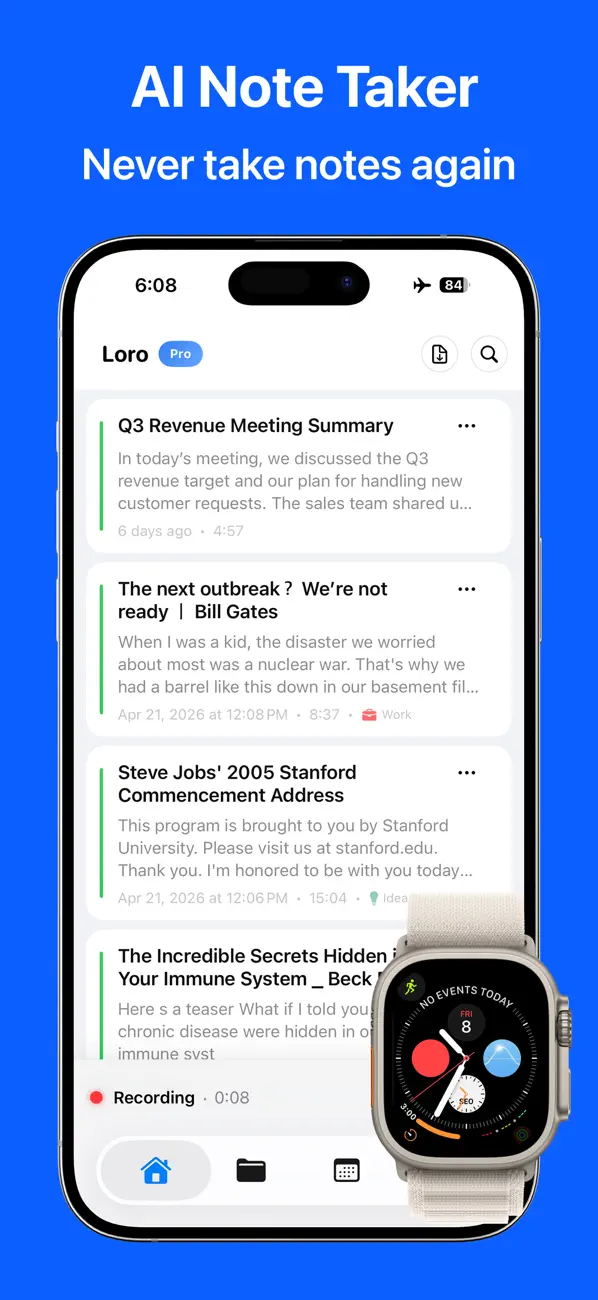
LoroNote runs its speech-to-text model locally on supported iPhone and iPad hardware. Recordings can be transcribed without sending the audio to a Rich Soft transcription server. This is useful for interviews, lectures, meeting notes, and other audio that you would rather keep within your own device and iCloud environment.
Local document reading with Local TTS
Local TTS converts text and supported documents into spoken audio using voices available on the device. After the required content and voices are available, reading does not need a remote text-to-speech request for every paragraph.
Contact exports without an upload
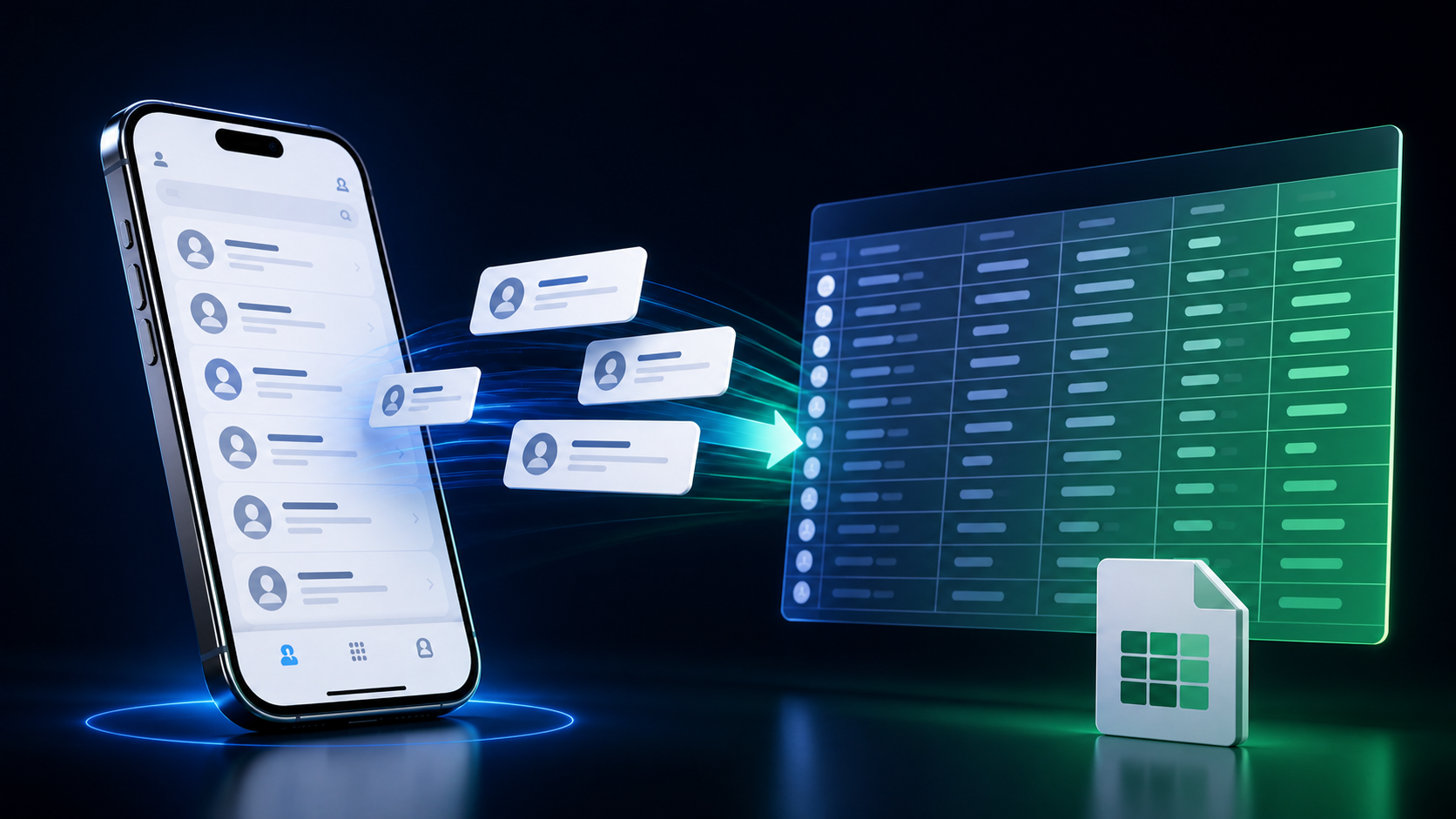
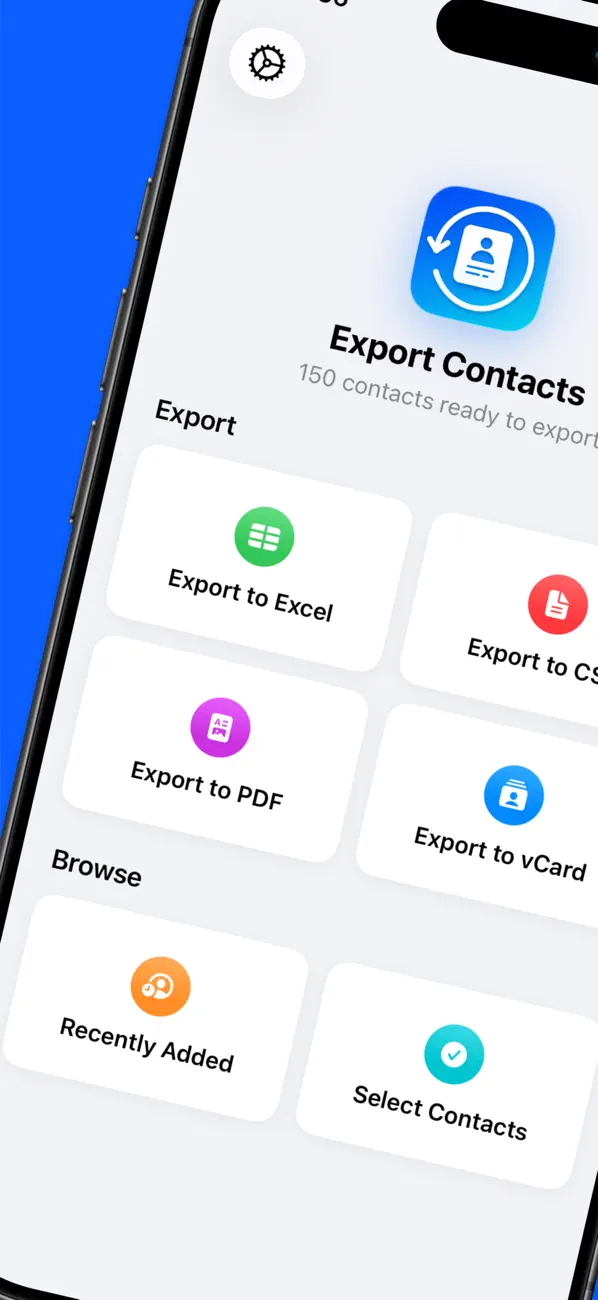
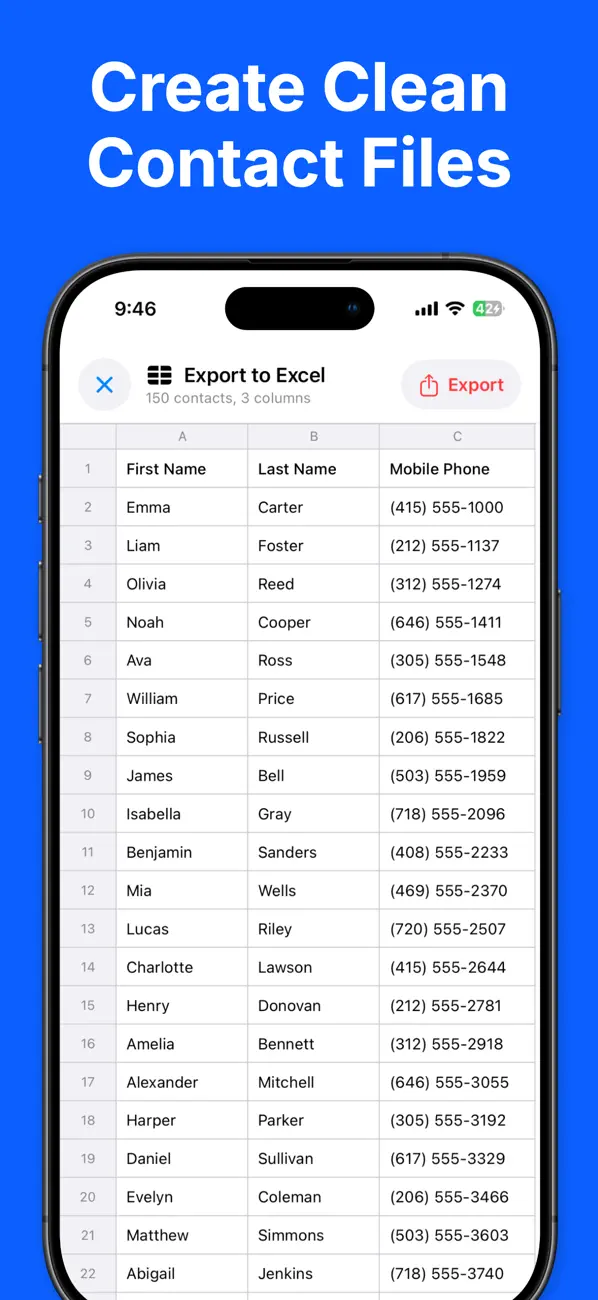
Export Contacts creates Excel, CSV, PDF, and vCard files directly from the address book permission granted on your iPhone. The export can then be saved or shared using the destinations you choose. Rich Soft does not need to receive the address book to create the file.
Where cloud processing is the better tool
On-device processing is not automatically superior. Cloud infrastructure is valuable when a product needs real-time collaboration, centralized administration, cross-platform synchronization independent of a personal cloud account, or models too large for current phones.
The important question is whether sending the data is necessary for the feature. If it is, the app should make that flow clear and protect it carefully. If it is not, local processing can reduce both privacy risk and operational dependency.
How to evaluate an app's privacy claims
Before trusting an app with sensitive material, ask a few concrete questions:
- Does the core task work in Airplane Mode?
- Is the original input uploaded, or only an optional result that you choose to share?
- Does the app require an account for a task that could be local?
- Where are backups stored, and can you disable them?
- What happens to remote data when you delete it?
Specific answers are more useful than broad labels such as “AI-powered” or “privacy-first.” Data flow, storage location, and user control reveal how the product actually behaves.
Our approach
Rich Soft builds focused iOS utilities. We prefer local processing when it makes an app more private, responsive, or dependable, and we use platform services such as iCloud when they provide clear user value and remain under the user's control.
Explore all Rich Soft apps to see how that approach works across productivity, accessibility, and everyday utilities.
Find the right app for your workflow
Explore focused iOS utilities designed for privacy, productivity, and everyday use.
Explore our apps