Skip to content
Back to Home
Export Contacts to Excel & CSV

Export Contacts to Excel & CSV

Business

4.2
5 ratings
2 countries
Download on the App Store
Price

Free

Version

1.1

Min iOS

18.6

View ratings by country
South Korea
5.0
3
United States
3.0
2

Preview

Export Contacts to Excel & CSV screenshot 1
Export Contacts to Excel & CSV screenshot 2
Export Contacts to Excel & CSV screenshot 3
Export Contacts to Excel & CSV screenshot 4
Export Contacts to Excel & CSV screenshot 5
Export Contacts to Excel & CSV screenshot 6

About

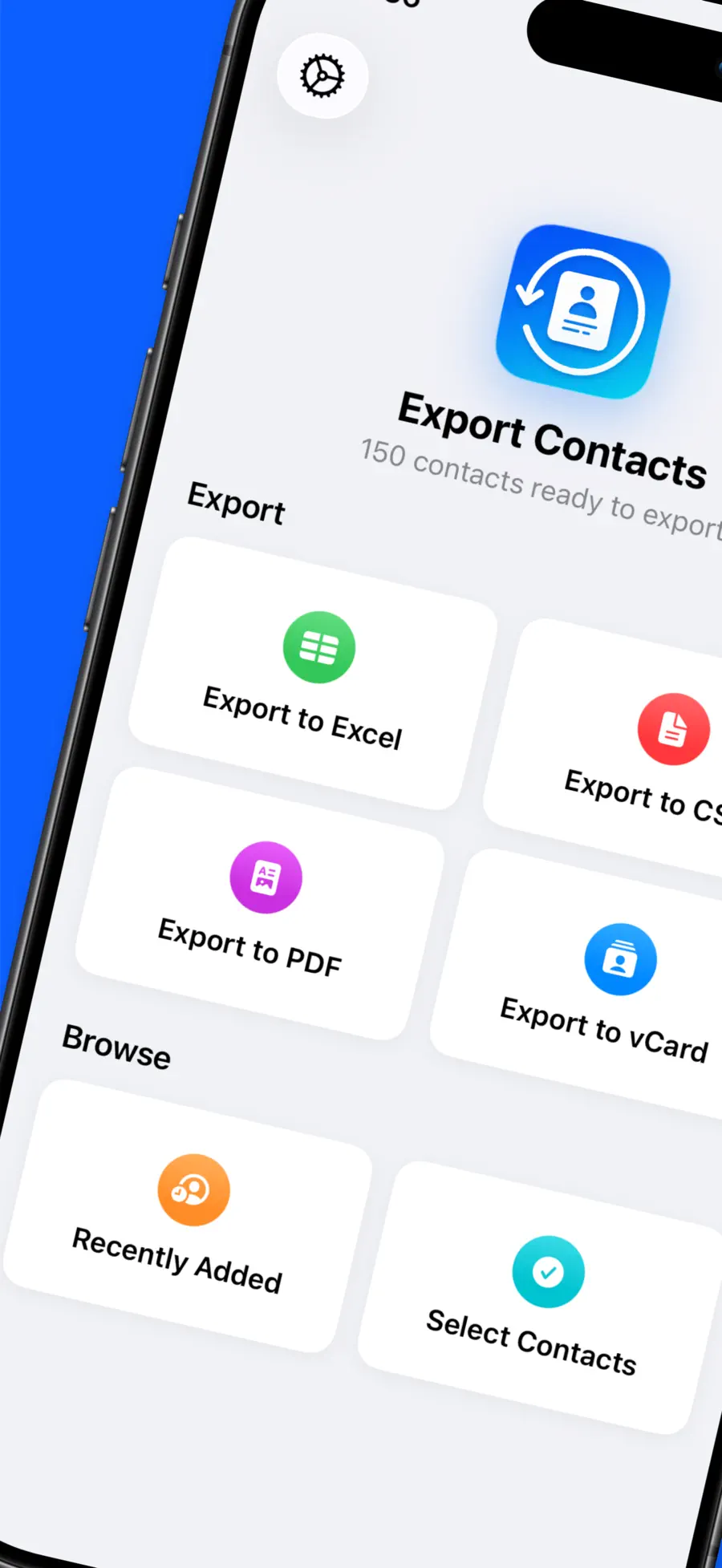
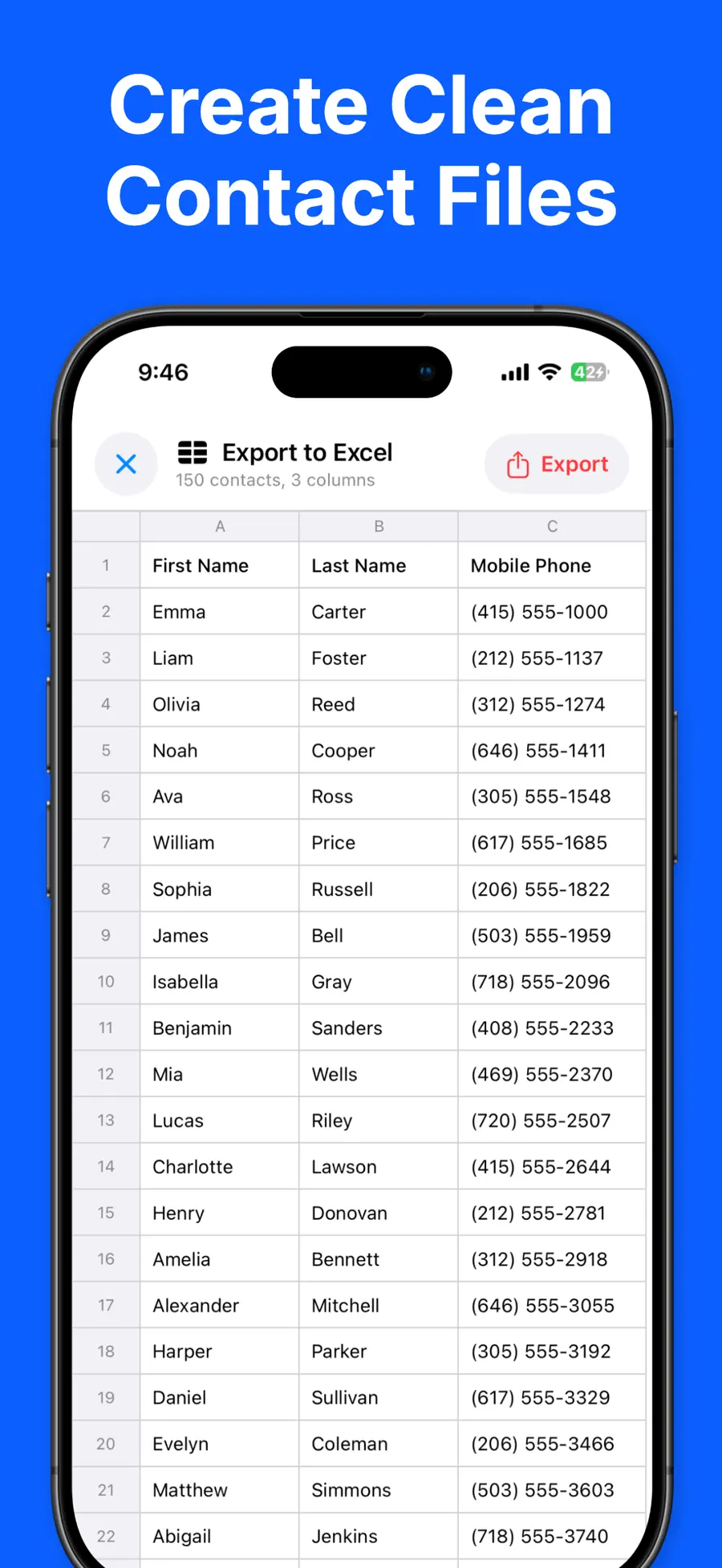
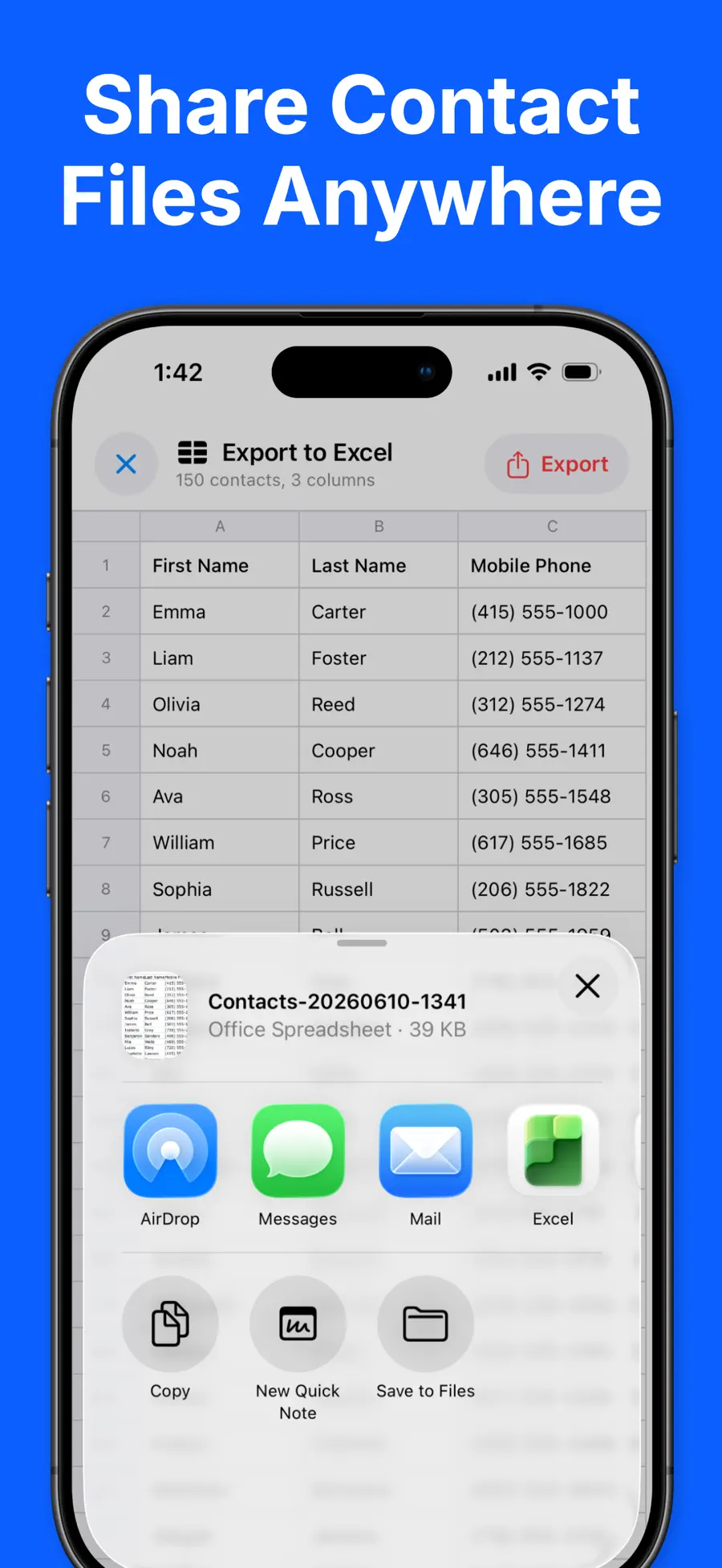
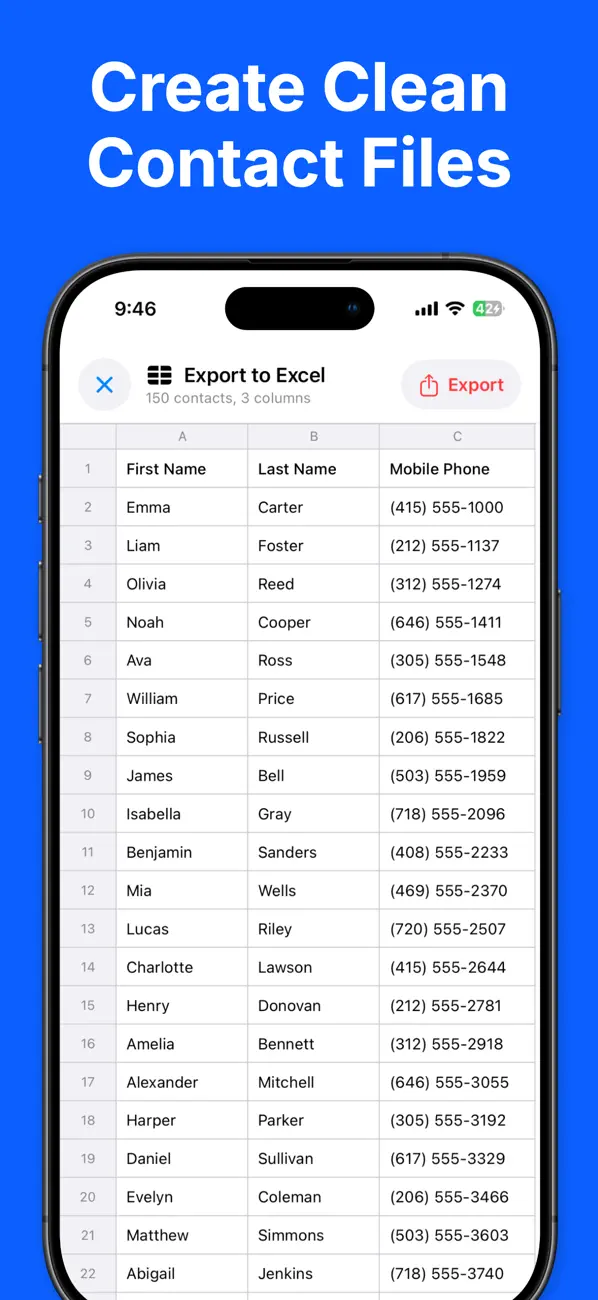
Export all your contacts to Excel, CSV, PDF, and vCard format - Easy to use - Safe and secure — contacts never leave your device - Export to Excel (XLSX), CSV, PDF, and vCard (VCF) - Send exported files via Email, iMessage, AirDrop, iCloud, Slack, Dropbox, … - Ready for Excel and Google Sheets - Back up and share your address book in 1 click Perfect for backing up your address book, moving contacts to a new phone, building a mailing list, or printing a clean contact sheet. Everything is processed on-device. Your contacts are never uploaded to any server. FREE: - Export up to 50 contacts at a time - All formats included: Excel, CSV, PDF, and vCard - Standard columns (name, phone, email, and more) PRO: - Export your entire address book — no 50-contact limit - Pick exactly which columns to export - Reorder columns to fit your needs - One-time purchase, no subscription Privacy policy: https://richsoft.app/contact/privacy Terms of service: https://www.apple.com/legal/internet-services/itunes/dev/stdeula/


Information

SellerRich Soft Co., Ltd
Size37.5 MB
CategoryBusiness
Languages9 supported

What's New v1.1

You can now export contact Notes! • New: your contacts' Notes are now included when you export to Excel, CSV, vCard, and PDF. • The Notes column is on by default — Pro users can show or hide it in Export Columns. • Stability improvements and minor bug fixes. As always, your contacts are processed entirely on your device and are never uploaded anywhere.

Frequently asked questions about Export Contacts to Excel & CSV

What is Export Contacts to Excel & CSV?

Export Contacts to Excel & CSV is a Business app for iPhone made by Rich Soft and distributed worldwide through the Apple App Store. Export all your contacts to Excel, CSV, PDF, and vCard format - Easy to use - Safe and secure — contacts never leave your device - Export to Excel (XLSX), CSV, PDF, and vCard (VCF) - Send exported files via Email, iMessage, AirDrop, iCloud,…

Is Export Contacts to Excel & CSV free?

Yes — Export Contacts to Excel & CSV is free to download from the Apple App Store.

How do I download Export Contacts to Excel & CSV on iPhone?

Download Export Contacts to Excel & CSV from the Apple App Store: tap the App Store button on this page or search for “Export Contacts to Excel & CSV” on your iPhone. It requires iOS 18.6 or later.

What is Export Contacts to Excel & CSV’s App Store rating?

As of September 2026, Export Contacts to Excel & CSV holds an average rating of 4.2 out of 5 stars from 5 ratings aggregated by Rich Soft across 2 App Store countries.

Get Export Contacts to Excel & CSV

4.2 · 5 ratings

Insights

Guides, tips, and product insights for Export Contacts to Excel & CSV.

View all articles
Productivity12 min read

5 Best Apps to Export iPhone Contacts to Excel in 2026

Compare the 5 best iPhone apps for exporting contacts to Excel or CSV in 2026, including formats, privacy, free limits, pricing, and iOS support.

Export Contacts to Excel & CSV
Read article
Productivity7 min read

Export Contacts to Excel & CSV vs Contacts Backup

Compare Export Contacts vs Contacts Backup + Transfer for file formats, local processing, restore, cloud backup, free limits, and pricing.

Export Contacts to Excel & CSV
Read article
Productivity4 min read

Export Contacts to Excel & CSV: Export iPhone Contacts

Use Export Contacts to Excel & CSV to export iPhone contacts to Excel, CSV, PDF, or vCard and create a private, useful address book backup.

Export Contacts to Excel & CSV
Read article