Unit Converter Max vs Unit Converter - Best Unit App
Compare Unit Converter Max vs Unit Converter - Best Unit App for categories, currency, fractions, ads, pricing, languages, and iPad support.
 Unit Converter Max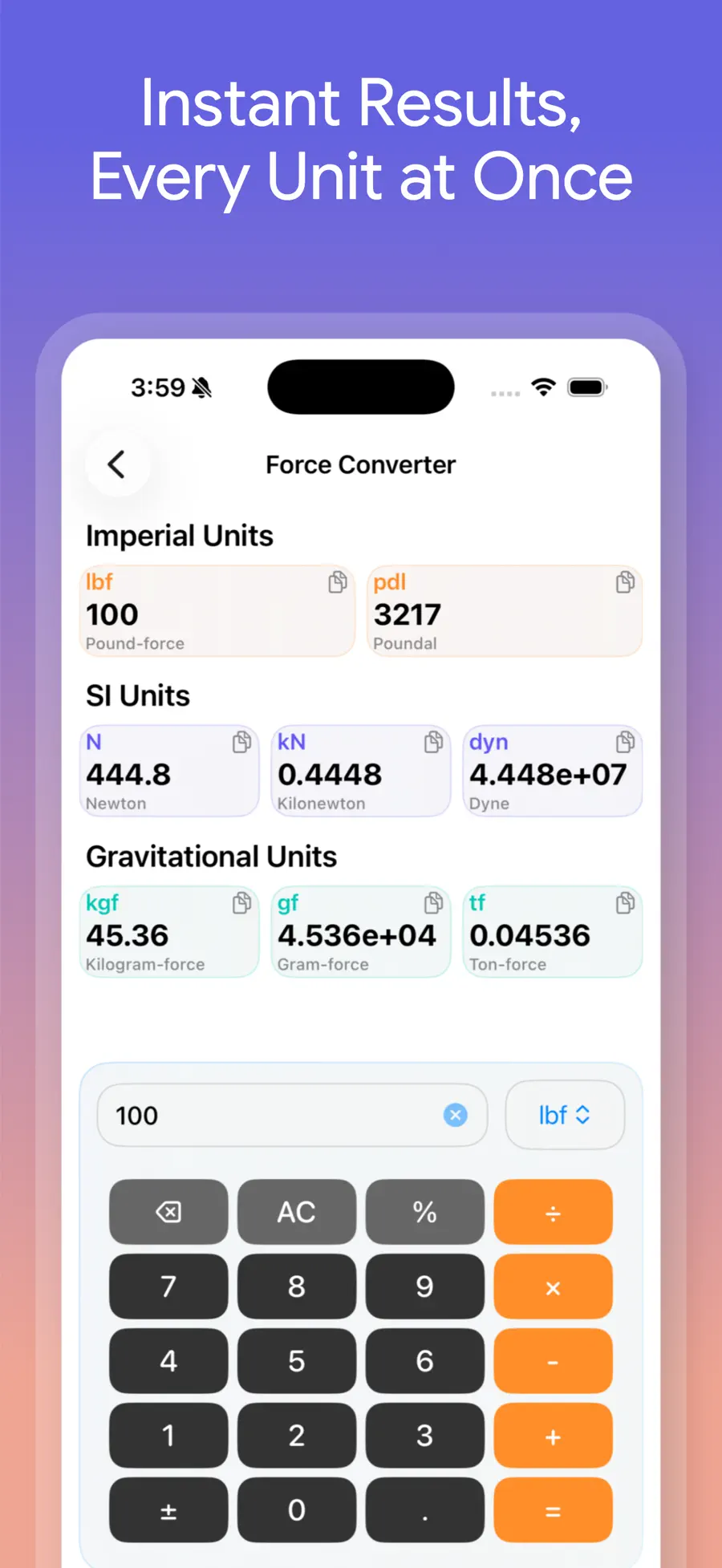
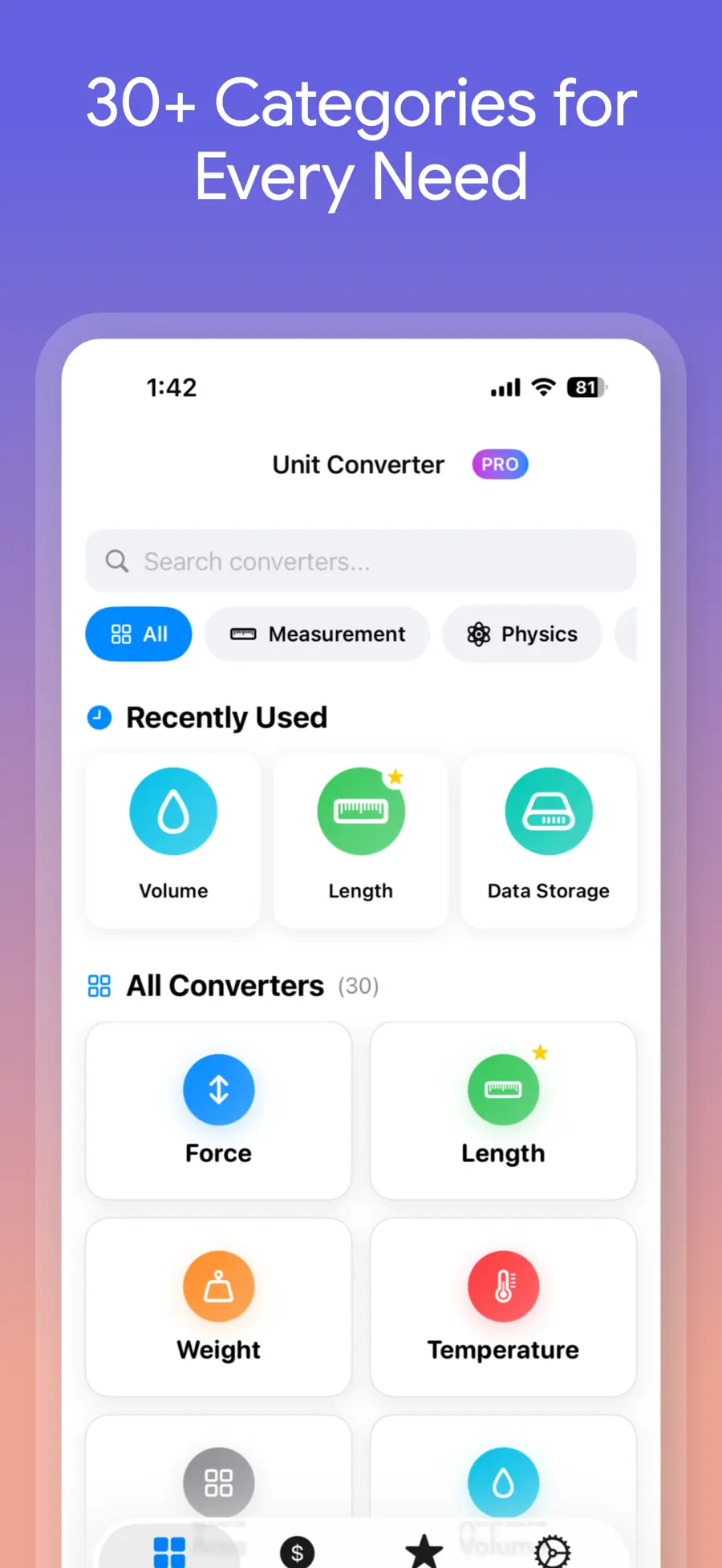
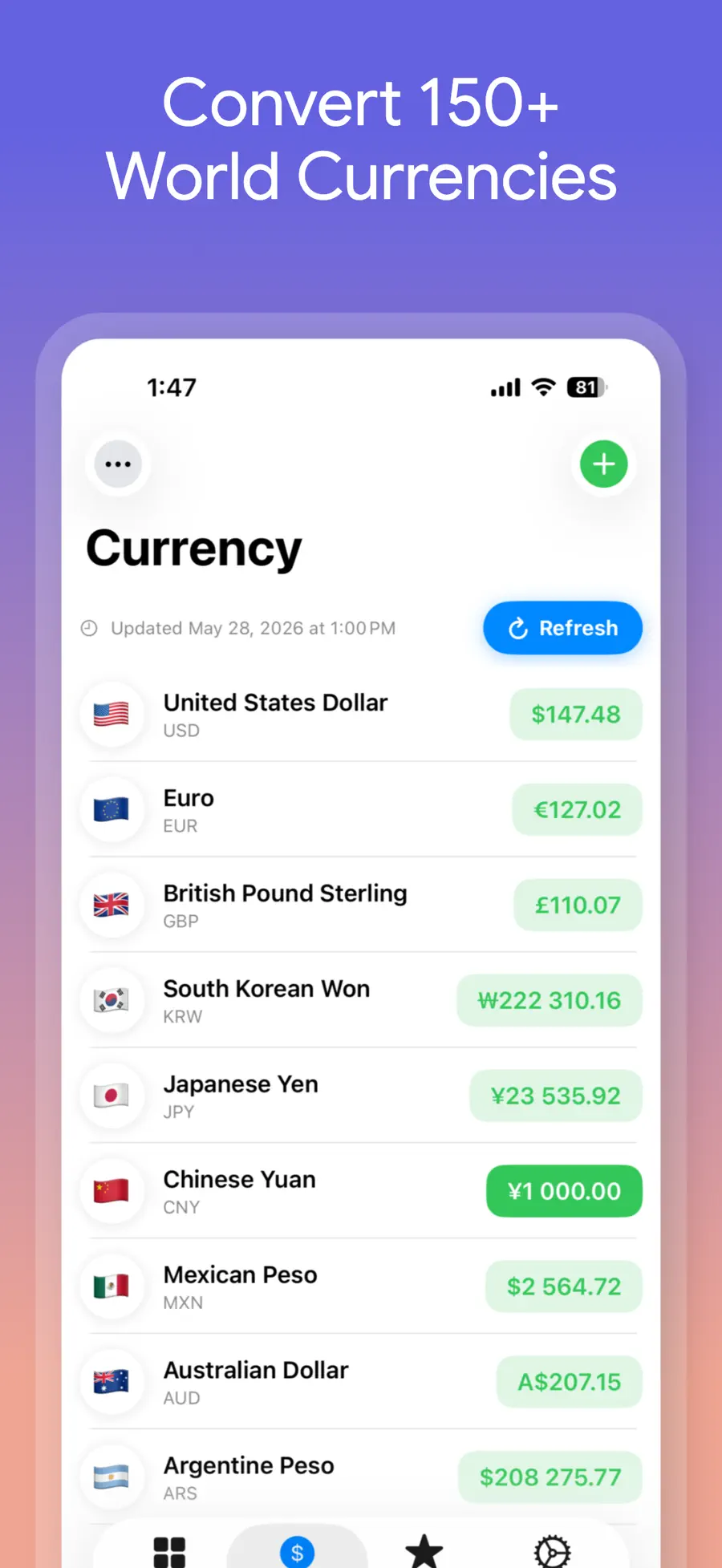
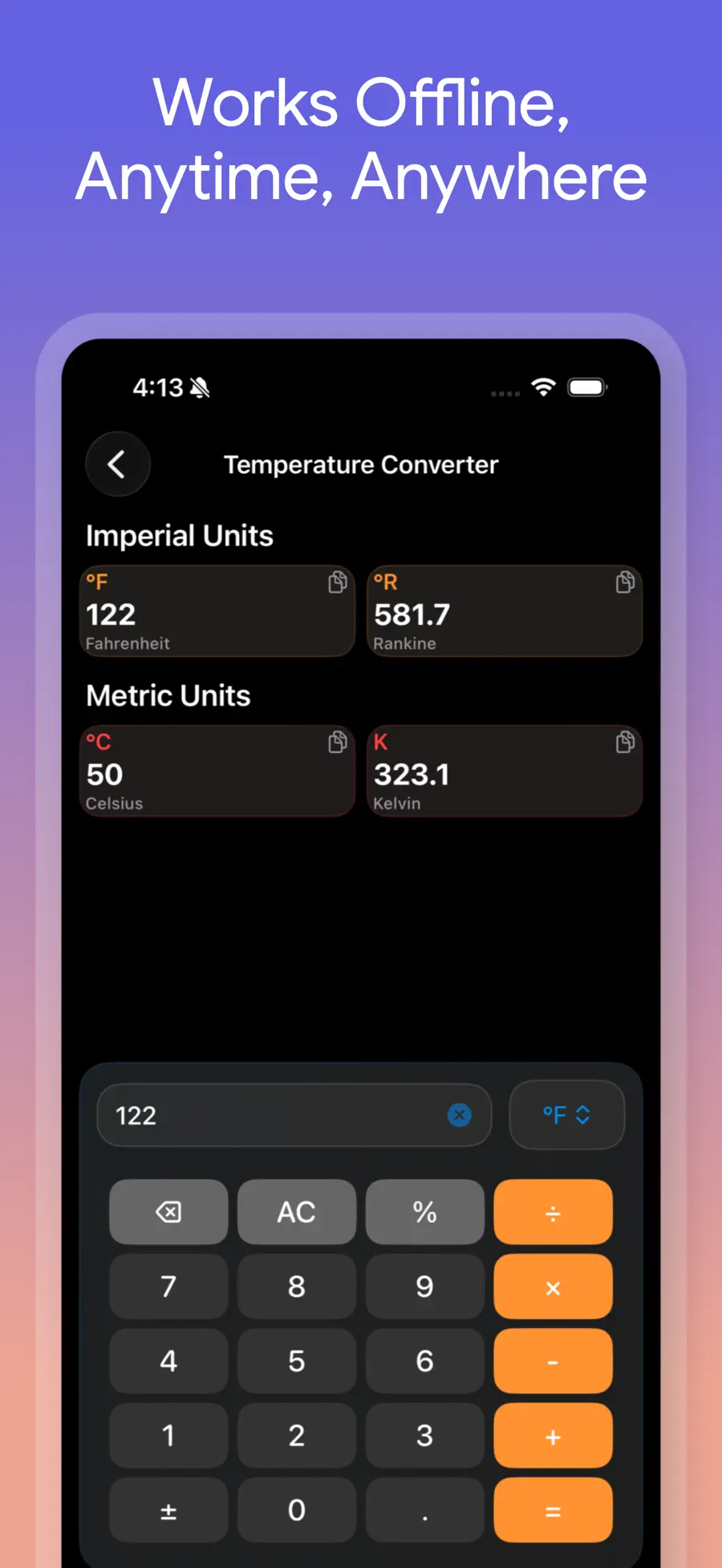
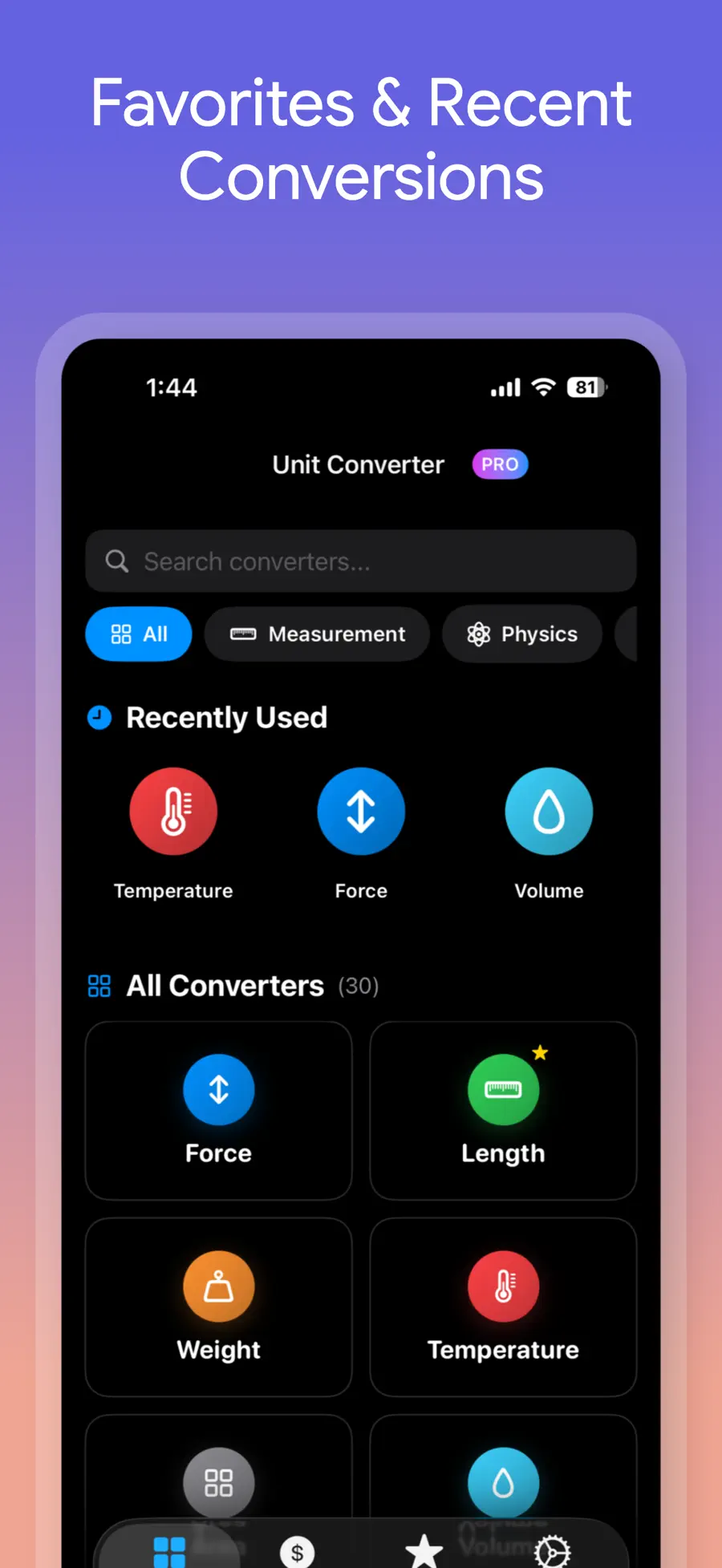
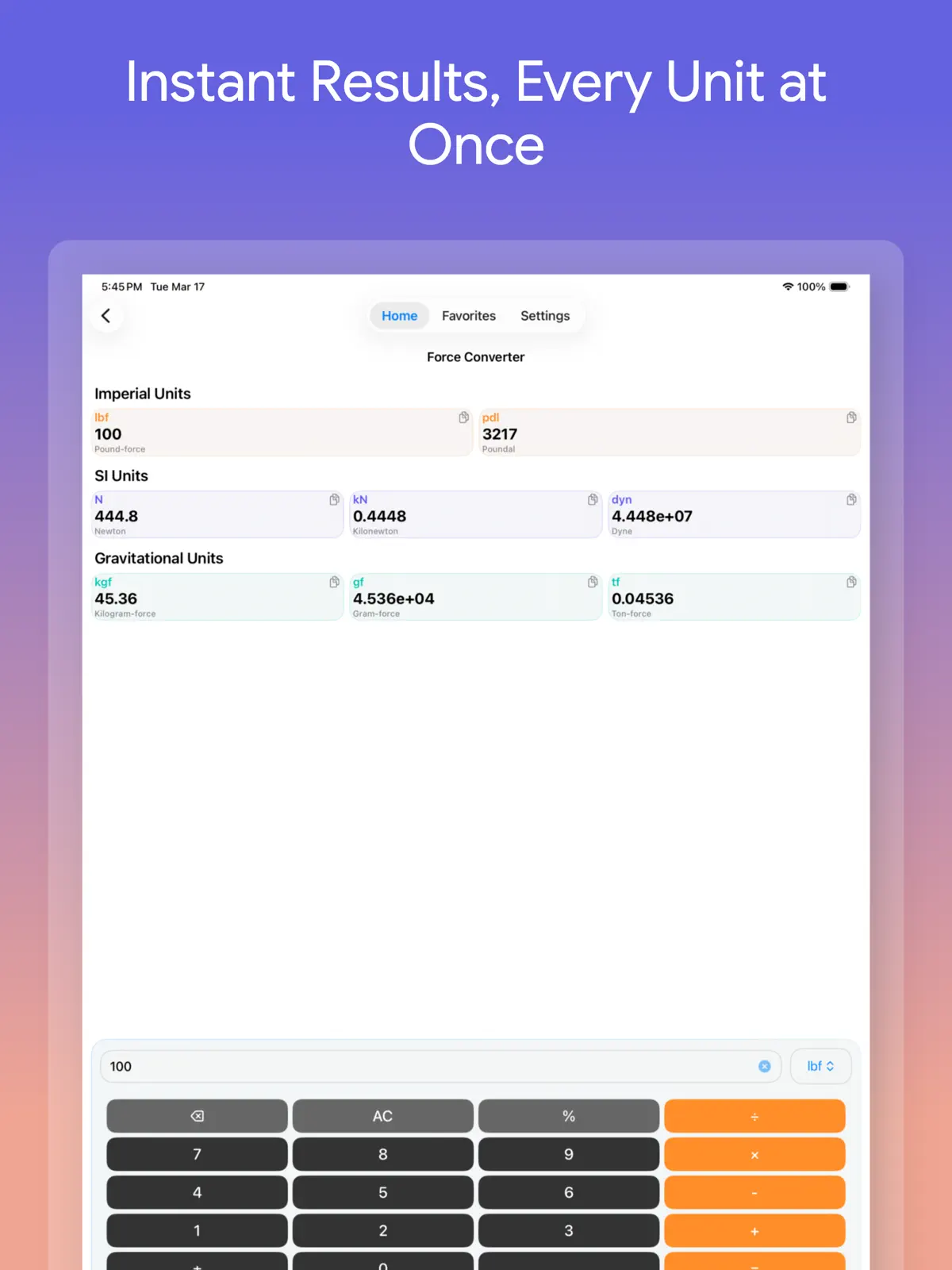
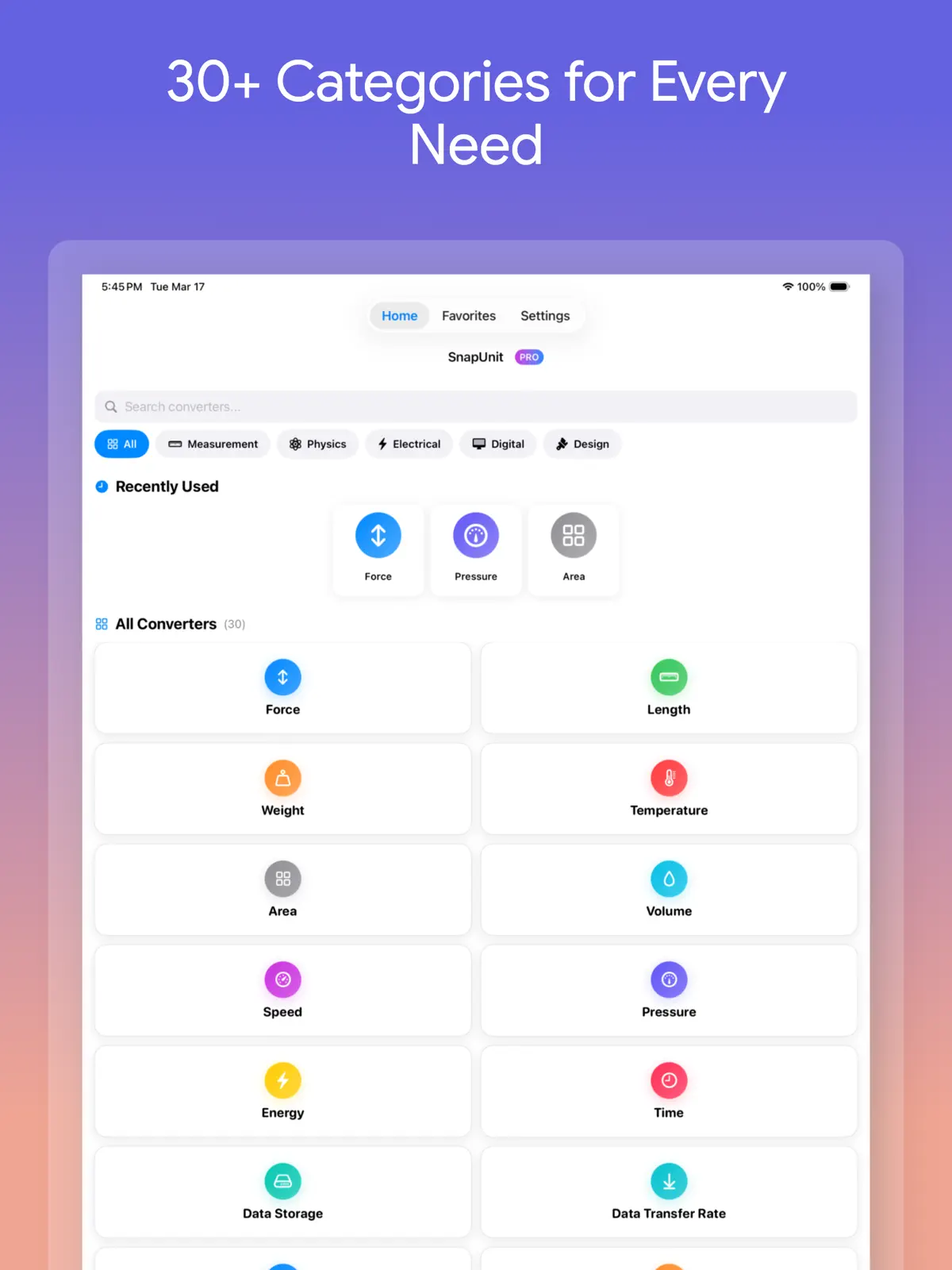
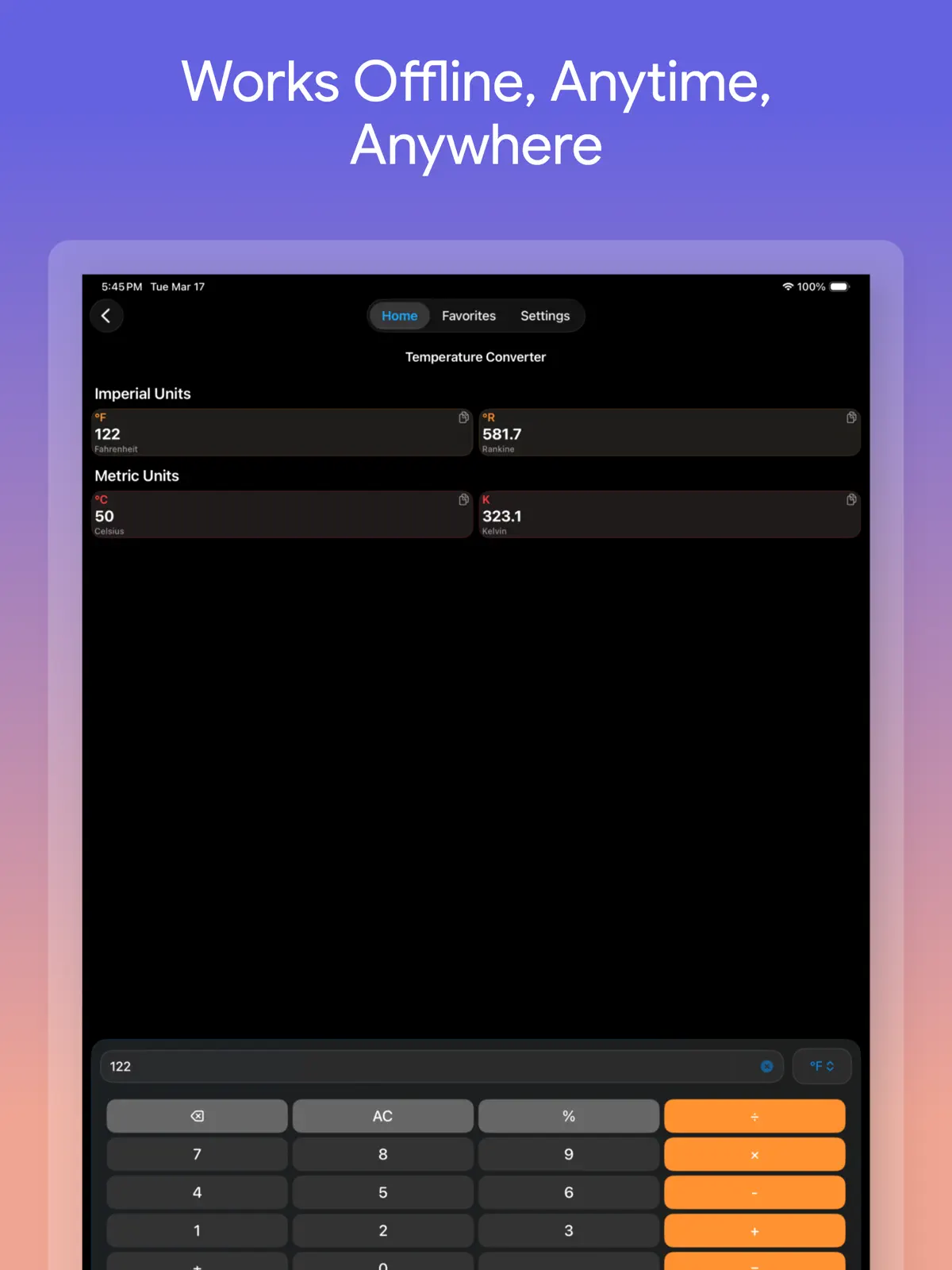
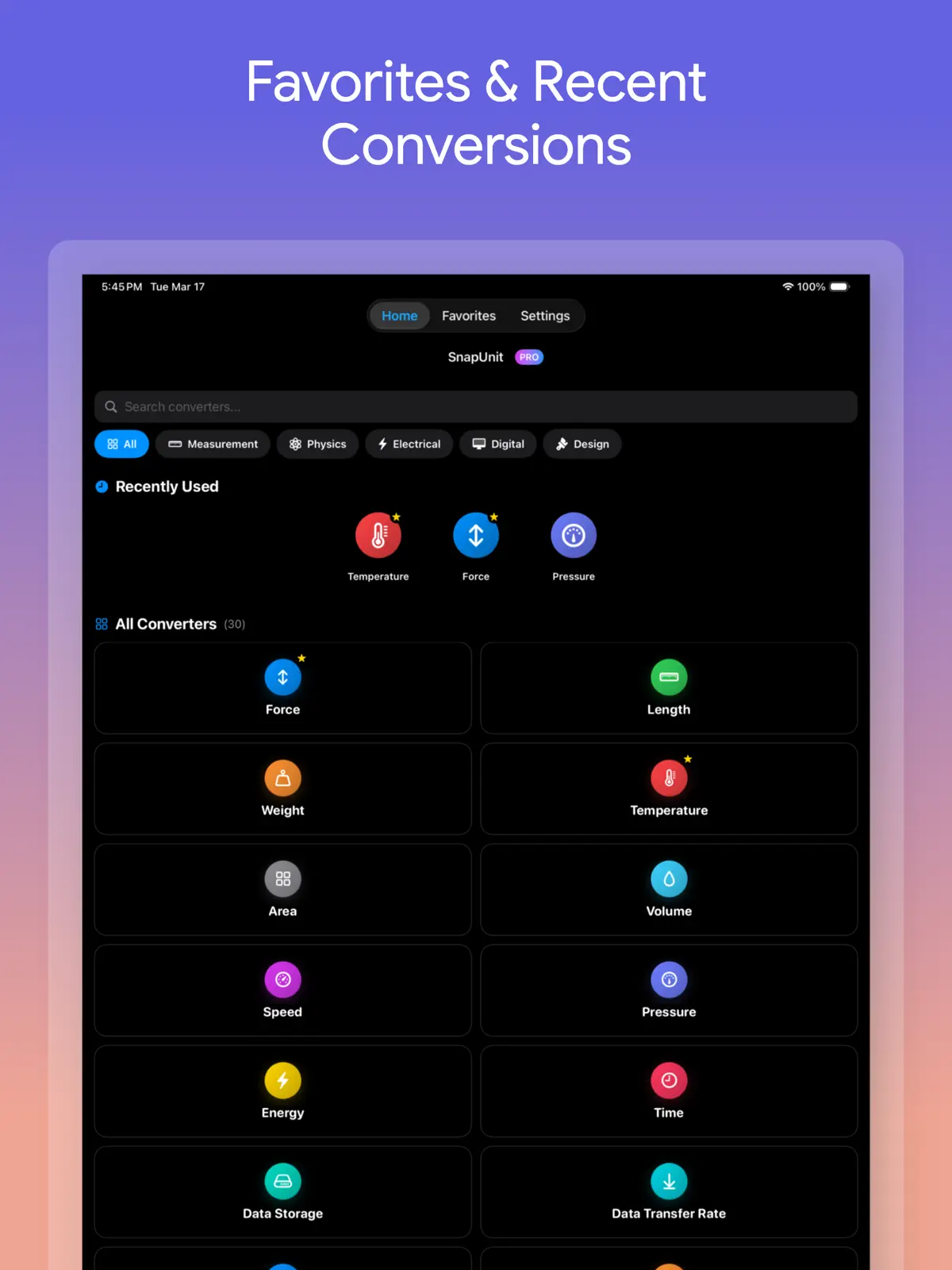
Table of contents+
- Unit Converter Max vs Unit Converter - Best Unit App at a glance
- Choose Unit Converter Max for broader technical categories
- Choose Unit Converter - Best Unit App for clothing and fraction tools
- Currency count is less important than the workflow
- Ads and purchase models change the daily experience
- Language and device support can decide the comparison
- Test both apps with five real values
- Which unit converter should you choose?
- Frequently asked questions
- Start with the conversions you repeat
The competitor's App Store title is “Unit Converter - Best Unit App,” while its description also calls the product Units Plus Converter. This first-party comparison from Rich Soft uses the two US App Store listings, release histories, and privacy labels verified on August 12, 2026. It compares published capabilities instead of claiming hands-on competitor testing. Features, advertising, and in-app purchases may change.
Unit Converter Max vs Unit Converter - Best Unit App at a glance
Both apps convert everyday measurements and world currencies on iPhone and iPad. Their category focus, input workflow, language support, and free experience are meaningfully different.
| Comparison | Unit Converter Max | Unit Converter - Best Unit App |
|---|---|---|
| Published range | 30+ unit categories and 150+ world currencies | 20 unit categories and 155 world currencies |
| Distinctive categories | Power, frequency, voltage, current, resistance, density, and other science or engineering units | Pants, shoes, tops, and other everyday categories |
| Results workflow | Enter one value and see multiple units from the category together | Listing and release notes highlight search, favorites, unit ordering, visibility controls, and a swap button |
| Numeric input | Built-in arithmetic and percentages within the converter | Release history lists a calculator, fractions, and compound units such as ft-in |
| Currency | 150+ currencies, several selected results, and a visible refresh time | 155 currencies with rates downloaded once daily when the app opens |
| Languages | English plus 18 other listed languages | English |
| Ads and upgrade | No ads or subscriptions; free download with a one-time premium purchase | Free download; App Store lists advertising and several Premium in-app purchases |
| Compatibility | iOS 17 or later; iPhone and iPad | iOS 17 or later; iPhone and iPad |
Choose Unit Converter Max for broader technical categories
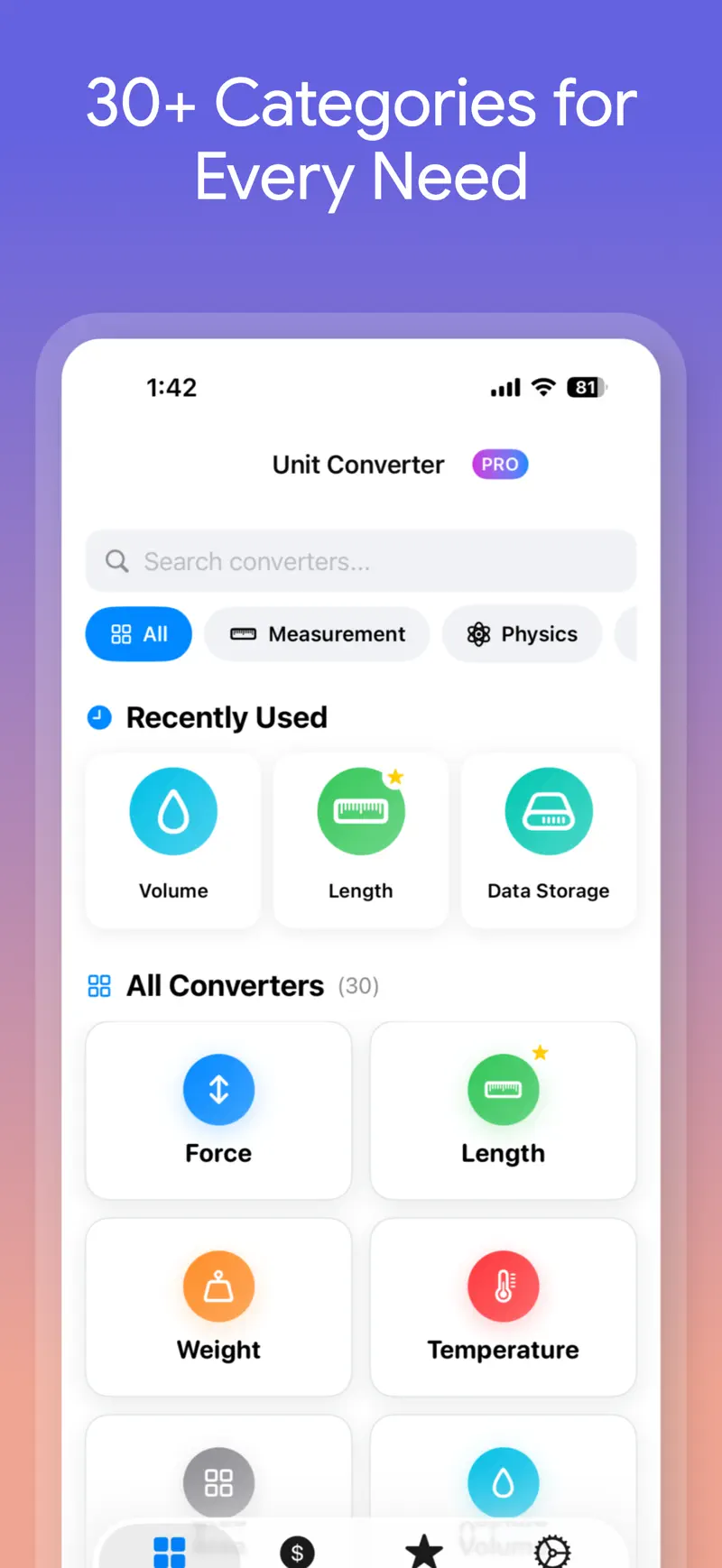
Unit Converter Max covers everyday length, mass, temperature, area, and volume alongside speed, pressure, energy, time, data, power, frequency, voltage, fuel economy, torque, angle, force, density, current, and resistance. The published total is more than 30 categories.
That breadth matters when a converter is used beyond travel and cooking. Examples include:
- Pounds-force and newtons for force
- Watts and kilowatts for power
- Volts, amps, and ohms for electrical work
- Frequency, density, pressure, and torque
- Data storage and fuel economy
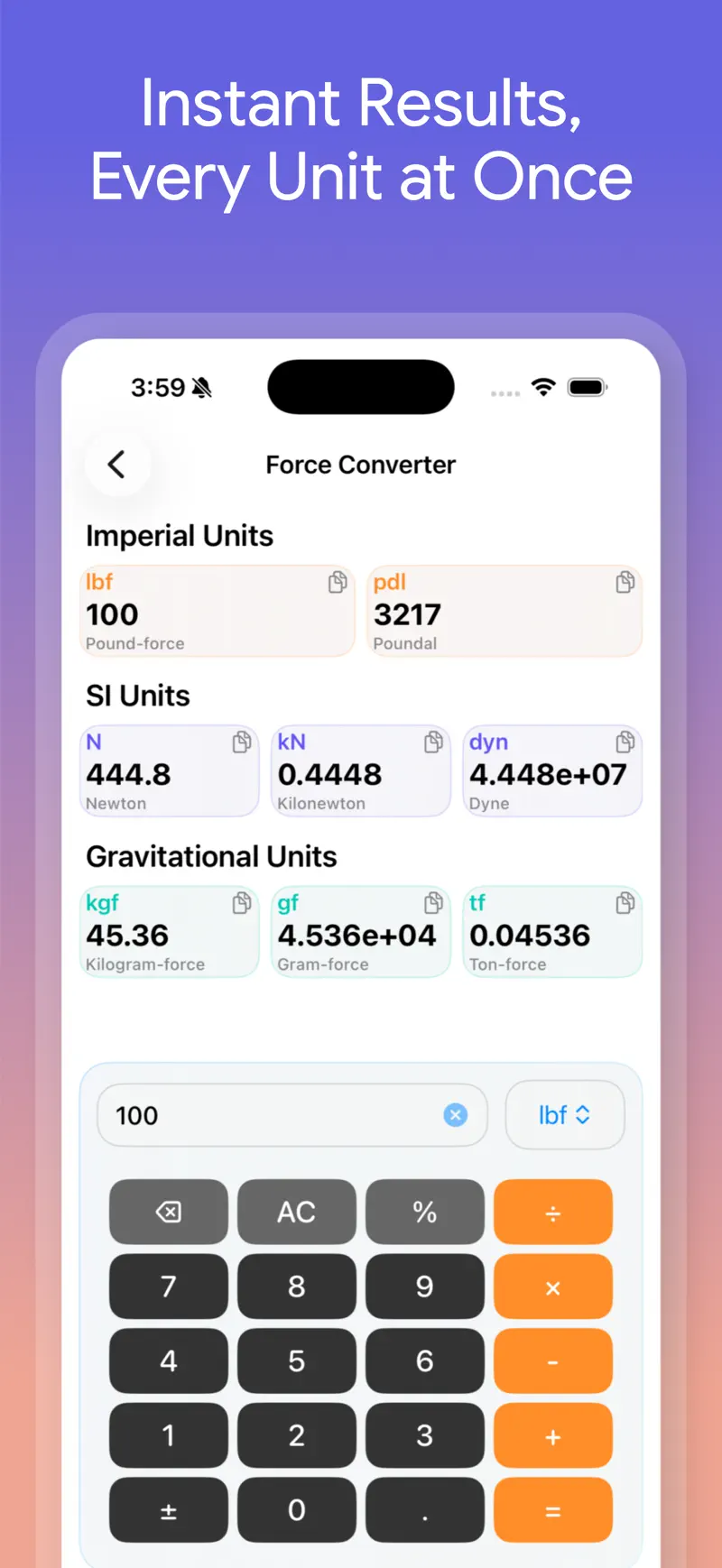
Enter one value to see several related outputs together instead of choosing one target unit first. For example, entering 100 lbf lets you compare newtons, kilonewtons, kilogram-force, and other results before copying the one you need. The complete unit and currency converter guide explains the workflow in more detail.
Choose Unit Converter - Best Unit App for clothing and fraction tools
Unit Converter - Best Unit App lists 20 categories: angle, area, currency, computer data, network speed, energy, force, fuel mileage, length, power, pressure, speed, temperature, time, torque, volume, weight or mass, plus separate pants, shoes, and tops categories.
Its 2025 version history also lists:
- Search across units and favorites
- Add, remove, and reorder units on the main screen
- Fraction input
- Compound units such as
ft-in - A calculator and light or dark mode
Those capabilities are useful when reading a person's height in feet and inches, working from fractional construction measurements, or comparing clothing sizes. The App Store version history also reaches back to 2013, which may appeal to someone who values a long-established tool.
Currency count is less important than the workflow
The published currency totals are close: more than 150 in Unit Converter Max and 155 in Unit Converter - Best Unit App. Confirm that the currencies you use are present, then compare how quickly each app answers the recurring question.
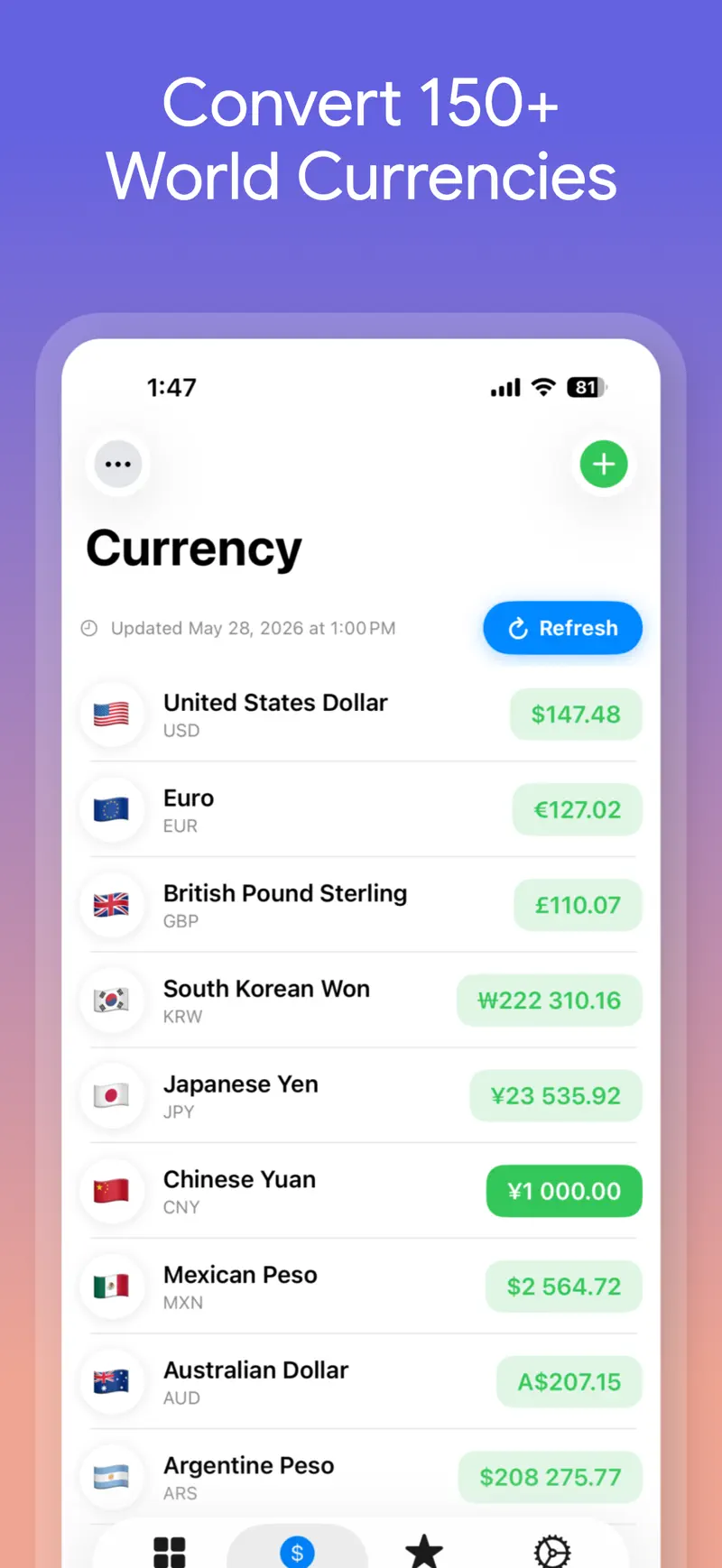
Unit Converter Max can show several selected currency results for one base amount and displays when the rates were last refreshed. That helps when comparing destinations or prices in several stores. Unit Converter - Best Unit App says its 155 rates are downloaded once daily when the app opens and that this refresh requires an internet connection.
Treat either result as a planning estimate. A card issuer, bank, or exchange service may apply a different rate and add foreign-transaction or conversion fees.
Ads and purchase models change the daily experience
The Unit Converter Max listing promises no ads and no subscription. The app is free to download, and premium access is available through a single purchase. Fixed unit conversions work offline, and no account is required.
Unit Converter - Best Unit App is also free to download, but the US App Store marks it as containing advertising and lists several Premium in-app purchases. Check the current purchase screen for duration, included features, renewal behavior, and ad-removal terms before paying.
The privacy disclosures also differ. The Unit Converter - Best Unit App developer indicates that location, identifiers, usage data, and diagnostics may be used for tracking or linked to the user. The Unit Converter Max policy says it does not collect, store, or share personally identifiable information; limited anonymous transaction identifiers are processed to manage and restore purchases. Review the Unit Converter Max privacy policy and the current App Store labels for complete details.
Language and device support can decide the comparison
Unit Converter Max lists 19 languages, including English, Korean, Japanese, French, German, Spanish, Chinese, and others. Unit Converter - Best Unit App lists English only. Symbols such as kg, psi, and °F are universal, but translated category names and settings can make an occasional tool easier to navigate.
The device requirement is otherwise similar. Both listings currently require iOS 17 or later and support iPhone and iPad. Check compatibility again if you use an older device.
Test both apps with five real values
A short acceptance test is more useful than counting every feature:
- Convert a frequent length such as
12 in → cm. - Try
350°F → °Cand inspect rounding or decimal controls. - Find a technical unit such as
100 lbf → N. - Compare one base amount across USD, EUR, JPY, and another currency you use.
- Check favorites, copying, dark mode, advertising, and the number of taps required to repeat the job.
If you need clothing conversion, compare the result with the actual brand's size chart. Shoe numbers and S, M, or L labels are not fixed physical units and can vary by brand and product.
Which unit converter should you choose?
Choose Unit Converter Max if you want to:
- Work across 30+ everyday, scientific, engineering, and electrical categories
- Compare multiple converted results at once
- View several selected world currencies together
- Use a localized interface beyond English
- Avoid ads and subscriptions with a one-time premium option
Consider Unit Converter - Best Unit App if you want to:
- Convert pants, shoe, or top sizes
- Enter fractions or compound feet-and-inches measurements
- Customize the units shown on the main screen
- Choose an English converter with a long App Store history
The simplest distinction is broader technical coverage and an ad-free localized experience versus clothing and fraction-oriented tools. Because the currency totals are similar, choose based on the actual measurements and input formats you use.
Frequently asked questions
Which app publishes more unit categories?
Unit Converter Max publishes more than 30 categories, while Unit Converter - Best Unit App lists 20. The presence of the exact unit you need matters more than the total.
Which app converts clothing sizes?
Unit Converter - Best Unit App explicitly lists pants, shoes, and tops. Unit Converter Max focuses more heavily on everyday measurements plus scientific, engineering, and electrical categories.
Do both apps include currency conversion?
Yes. Unit Converter Max lists more than 150 currencies, and Unit Converter - Best Unit App lists 155. An internet connection is needed to obtain current exchange rates.
Which app has no ads?
Unit Converter Max states that it has no ads. The Unit Converter - Best Unit App listing is marked as containing advertising.
Can I use both apps on iPad?
Yes. Both current listings support iPhone and iPad and require iOS or iPadOS 17 or later.
Start with the conversions you repeat
Try the length, temperature, force, and currency values you actually encounter. Confirm that the result layout, available units, ads, and settings fit the way you repeat the task before purchasing an upgrade.
Review the current Unit Converter Max features and official screenshots, or open Unit Converter Max on the US App Store.
Get Unit Converter Max
Compare Unit Converter Max vs Unit Converter - Best Unit App for categories, currency, fractions, ads, pricing, languages, and iPad support.
4.8 · 61

 QR Reader & Creator