QR Reader & Creator vs QRbot
Compare QR Reader & Creator vs QRbot for scanning, QR creation, barcode support, history, customization, and business features on iPhone.
 QR Reader & Creator
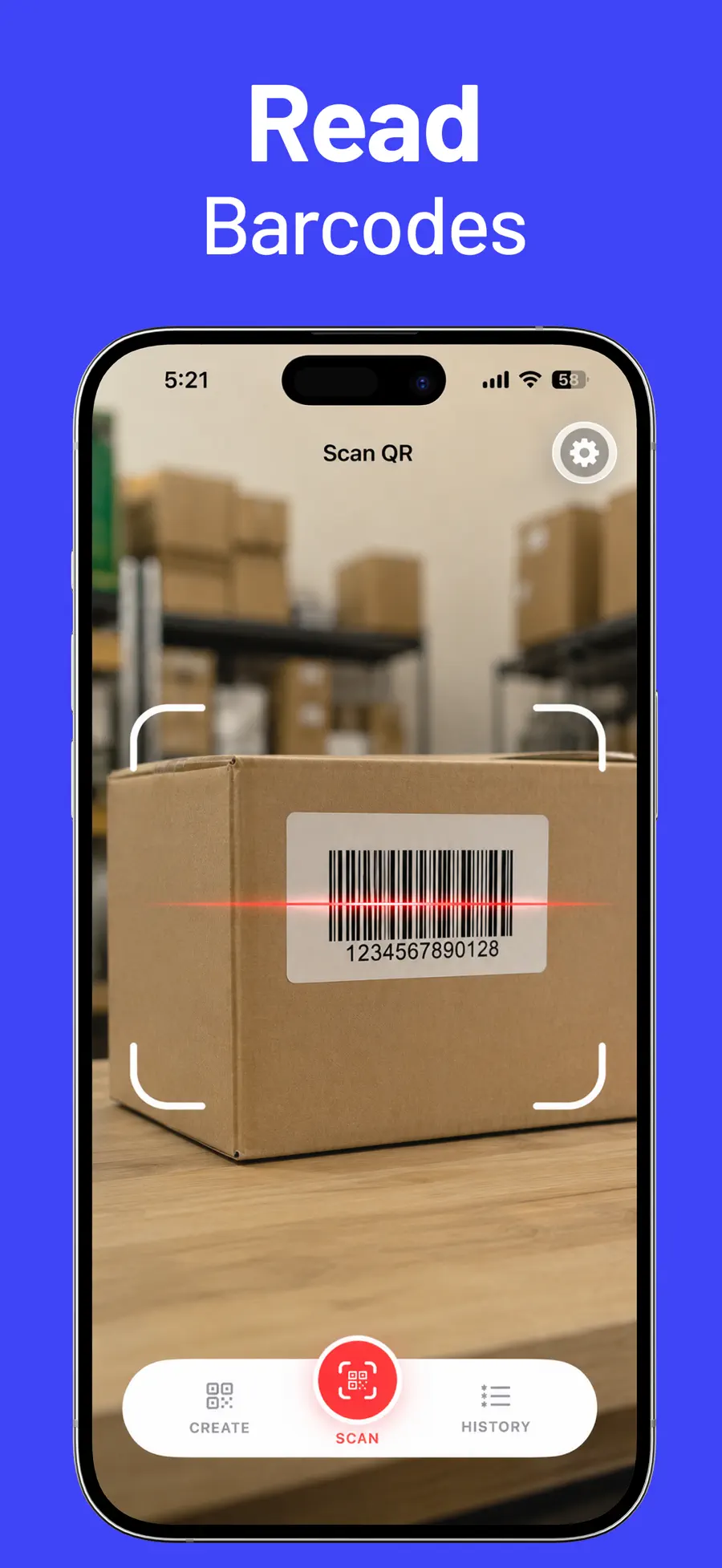
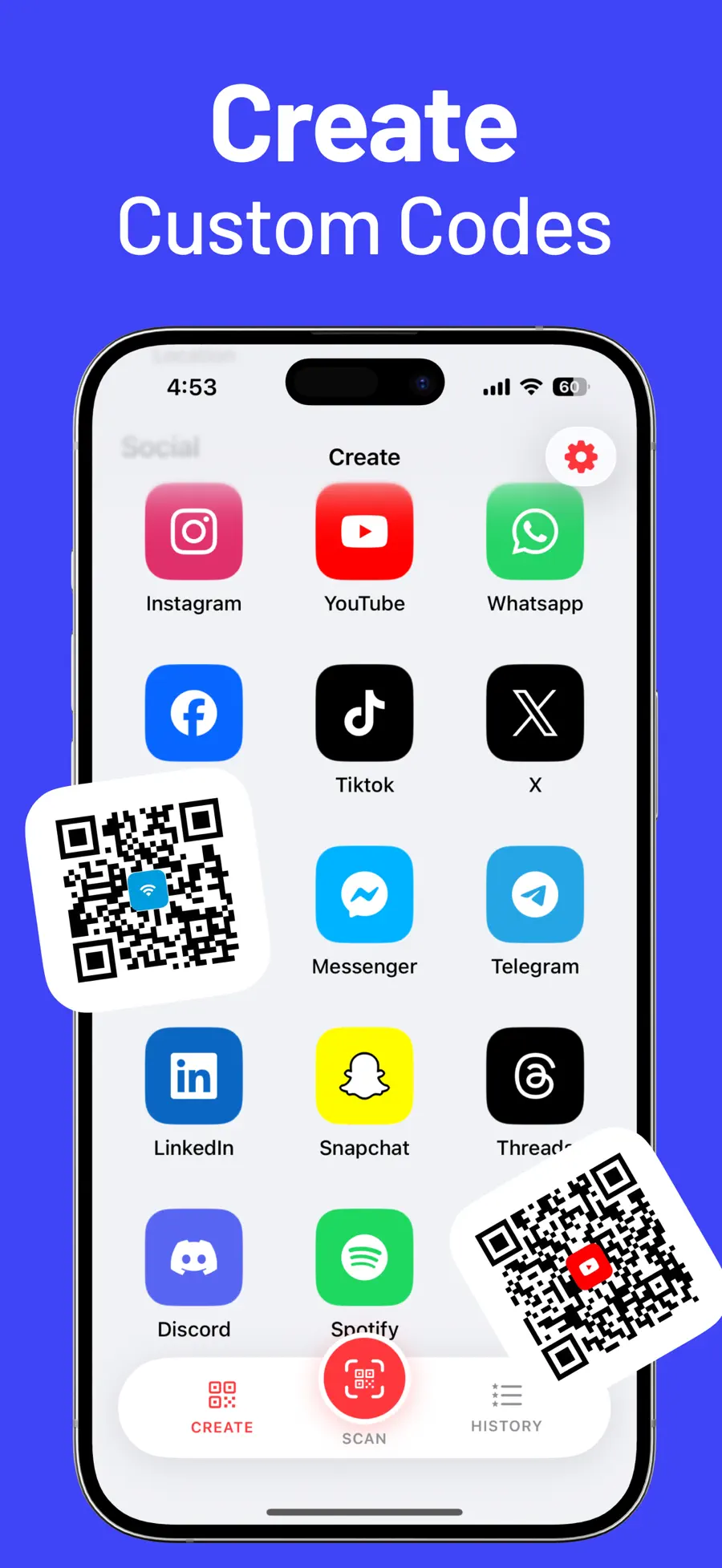
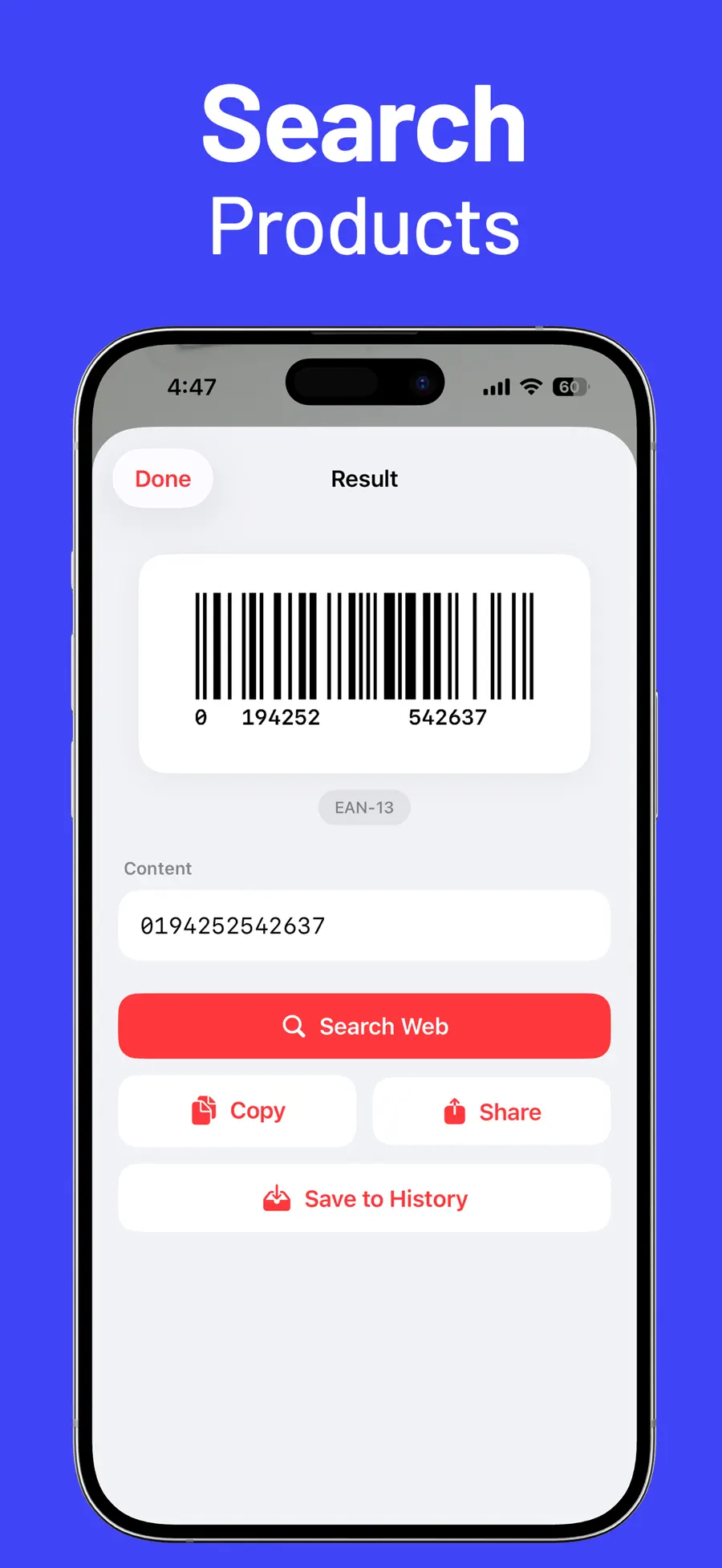
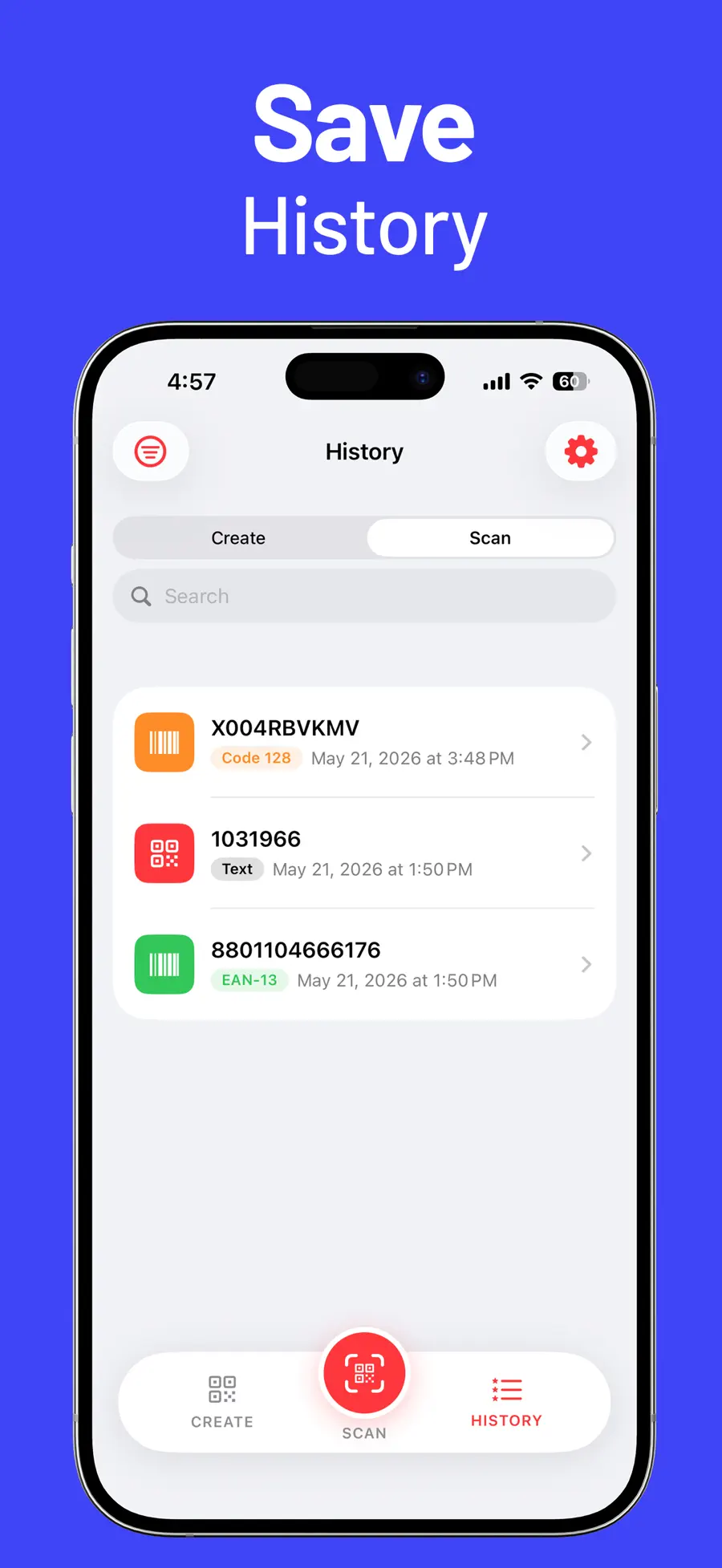
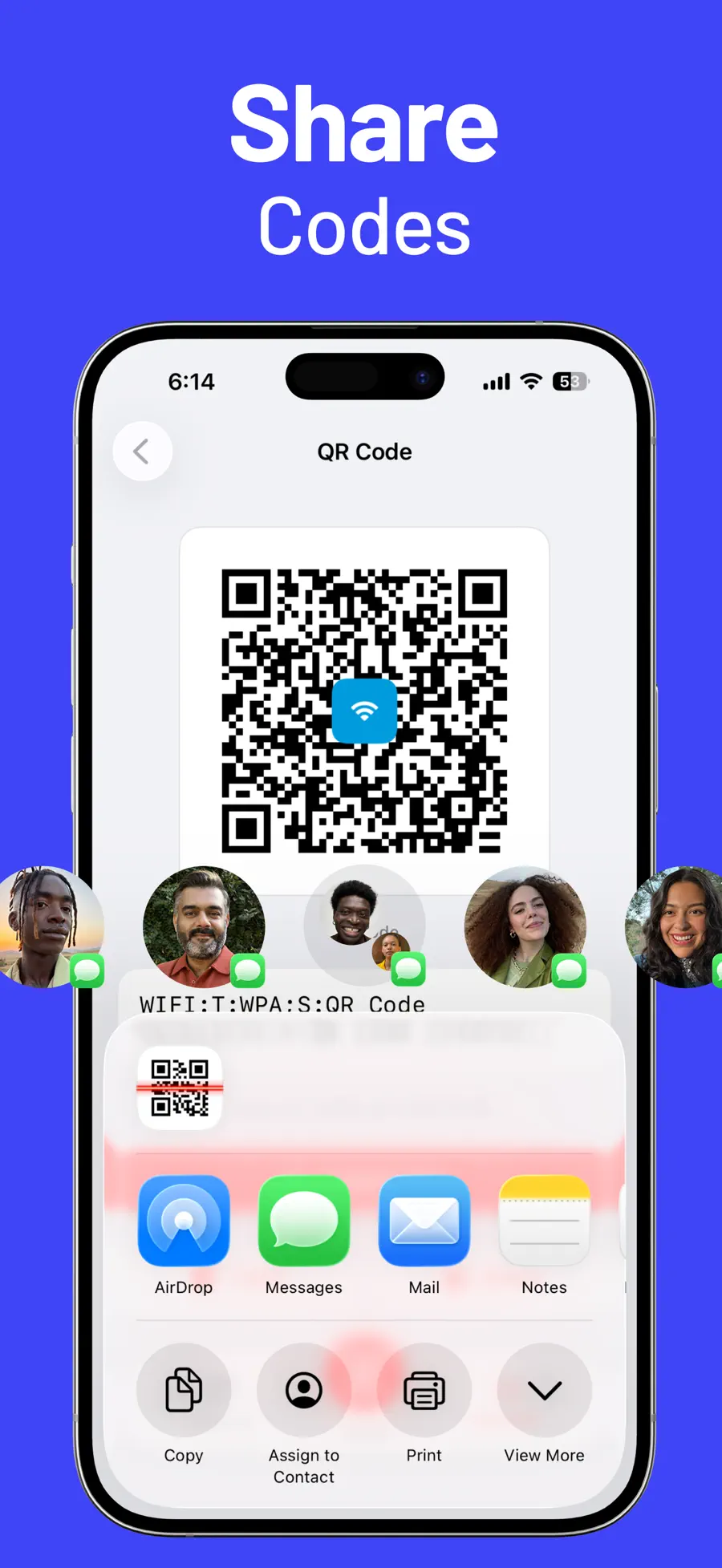
Table of contents+
- QR Reader & Creator vs QRbot at a glance
- The iPhone Camera may already be enough
- Choose QR Reader & Creator for social and repeat workflows
- Choose QRbot for product lookup and broader devices
- Compare the code formats you actually use
- Which QR scanner should you choose?
- Frequently asked questions
- Test with real codes before upgrading
QRbot is the product name used in the competitor's App Store description; its current US store title is “QR Code & Barcode Scanner ・.” This first-party comparison from Rich Soft uses the two US App Store listings verified on August 12, 2026. It compares published capabilities rather than claiming hands-on test results, and features or prices may change after publication.
QR Reader & Creator vs QRbot at a glance
Both apps go beyond the iPhone Camera app. Each can scan codes, generate QR codes, and retain results. The meaningful differences appear in the code-creation workflow, post-scan actions, business tools, and supported Apple devices.
| Comparison | QR Reader & Creator | QRbot |
|---|---|---|
| Core job | QR reader, barcode scanner, and QR maker | QR and barcode scanner, generator, and code manager |
| QR creation | Email, phone, SMS, URL, text, Wi-Fi, location, and many social profiles | URLs, Wi-Fi, contacts, events, and other common QR types |
| Customization | Custom colors and supported center icons | The listing emphasizes creating and sharing codes; check the current editor for available design controls |
| History | Save, search, filter, open, copy, share, or delete scans | Unlimited history, iCloud sync, Spotlight search, and CSV export |
| Result actions | Open links, call, message, open Maps, copy, share, or search | Look up information through Amazon, eBay, Google, or a custom website |
| Repeated scanning | Pro auto-save, auto-close results, and uninterrupted scanning | Business scanner mode for inventory work and sending codes to a configured web server |
| Devices listed | Designed for iPhone | iPhone, iPad, and Apple Watch |
| Store model | Free with in-app purchases | Free with in-app purchases |
The iPhone Camera may already be enough
Before choosing either app, decide whether you need a dedicated scanner at all. Apple's Camera app can open a QR code printed in front of you, and Photos can recognize a code in many saved images.
A dedicated QR app becomes useful when you need at least one of these capabilities:
- Searchable history after the original code disappears
- Product and logistics barcode formats beyond occasional QR links
- A generator for Wi-Fi, contact, social, or business codes
- Custom colors or a recognizable center icon
- Repeated scanning without stopping after every result
- Product lookup or inventory-oriented actions
If you scan one menu every few weeks, use Camera. If codes are part of a shop, event, classroom, warehouse, or marketing workflow, compare the tools around the scanner.
Choose QR Reader & Creator for social and repeat workflows
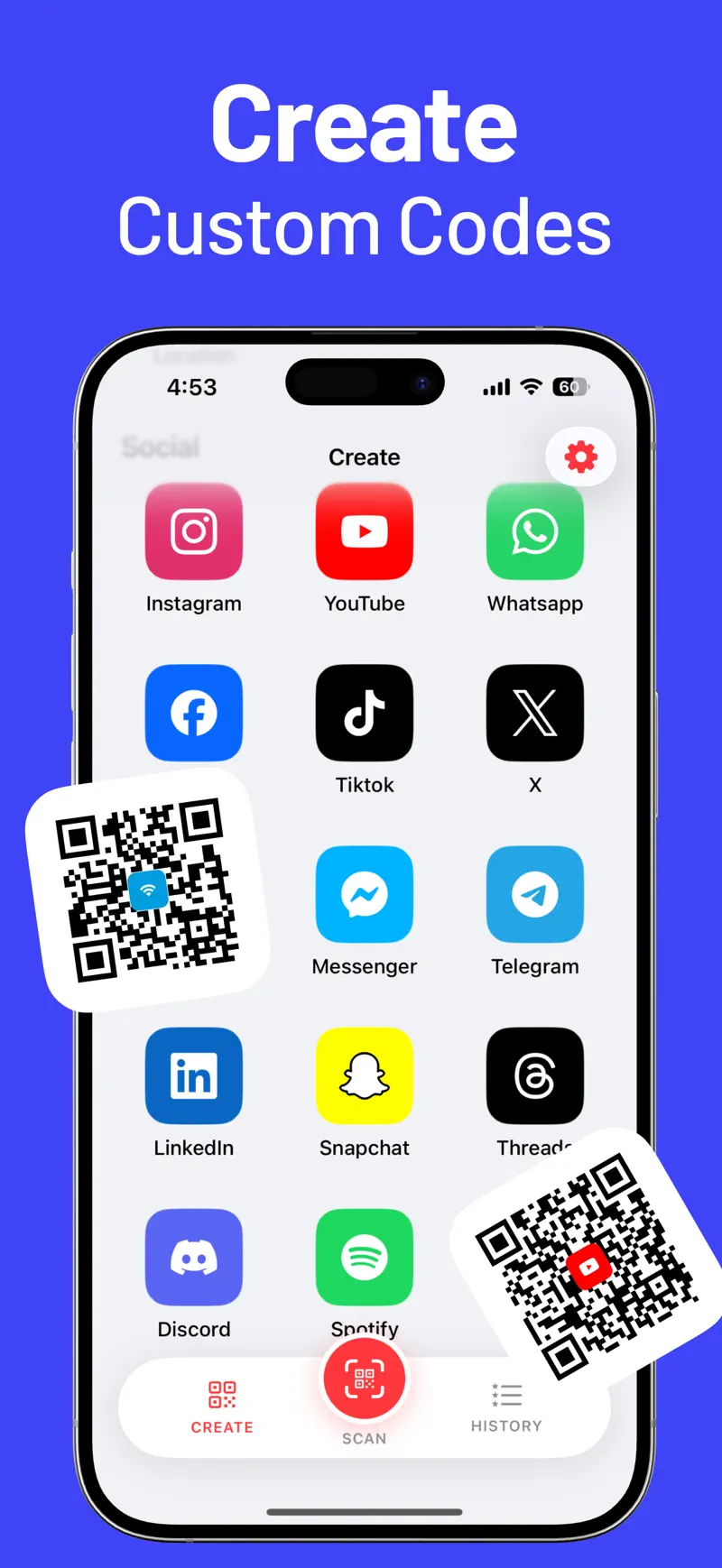
QR Reader & Creator supports QR creation for Instagram, YouTube, WhatsApp, Facebook, TikTok, X, Reddit, Messenger, Telegram, LinkedIn, Snapchat, Threads, Discord, Spotify, and Viber in addition to common types such as Wi-Fi, URL, email, SMS, phone, text, and location.
That explicit social list is useful when the goal is not simply to encode a web address. A shop can create separate codes for Wi-Fi and Instagram, while a creator can prepare codes for YouTube, TikTok, and Spotify without repeatedly rebuilding the destination format.
The app also provides:
- Colors and supported center icons for recognizable QR designs
- Search and filters for saved scan history
- Quick actions matched to the result, such as opening Maps or starting a call
- Auto-save and auto-close options for repeated scanning with Pro
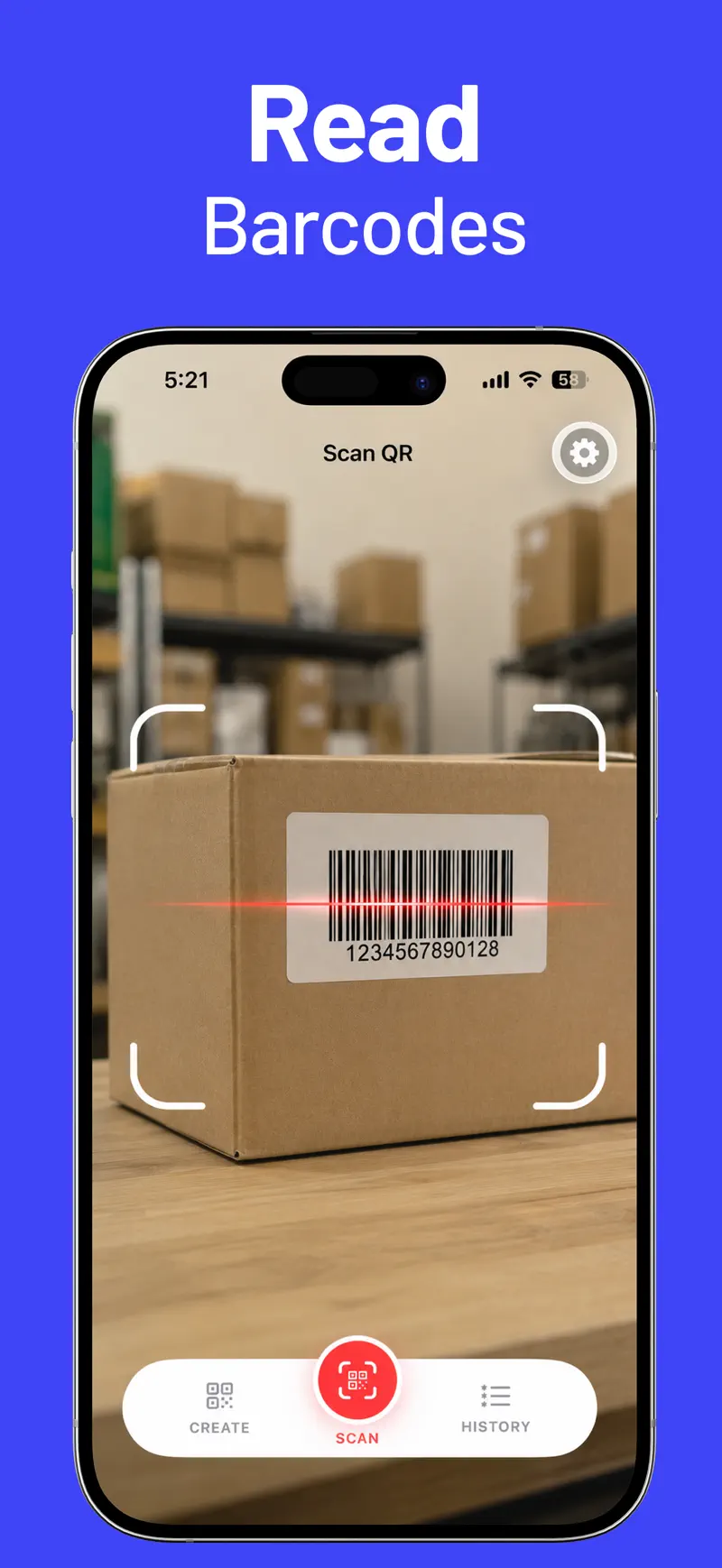
- Support for QR Code, Data Matrix, Aztec, PDF417, EAN, UPC-E, Code 39, Code 93, Code 128, ITF-14, and Interleaved 2 of 5
This combination fits an iPhone user who regularly creates codes, returns to previous scans, or needs to move through several codes with fewer confirmation screens. The iPhone QR scanning guide explains the difference between a one-time camera scan and a reusable code workflow.
Choose QRbot for product lookup and broader devices
QRbot's App Store listing emphasizes the information that can follow a barcode scan. It can surface results from services such as Amazon, eBay, and Google, which is relevant when the code identifies a retail product rather than a URL or contact.
The listing also highlights a business scanner mode for complex inventory work and sending codes to a configured web server. Its unlimited history can sync through iCloud, appear in Spotlight, and export as CSV for Excel, Numbers, or cloud storage. That gives QRbot a clearer published position for organizations that want barcode scanning tied to inventory-style tasks rather than a primarily personal history and QR-creation workflow.
Device support is another difference. QRbot lists iPhone, iPad, and Apple Watch, while QR Reader & Creator is designed for iPhone. If a team wants to scan on iPad or access scanner features from Apple Watch, QRbot deserves closer review.
QRbot publishes a broad format list that includes QR Code, EAN-13, EAN-8, UPC-A, UPC-E, Code 128, Data Matrix, PDF417, Aztec, Interleaved 2 of 5, Code 39, Code 93, Codabar, and DataBar. Compare that list with the exact codes used by your labels or equipment before choosing.
Compare the code formats you actually use
“Supports barcodes” is too broad to be a useful buying criterion. A retail UPC, shipping-label PDF417 code, industrial Data Matrix, and event QR code are different formats.
Use a small acceptance checklist:
- Collect one real sample of every code type you need.
- Test codes with glare, small print, curved packaging, and lower contrast.
- Confirm that the app recognizes the data correctly, not just the code shape.
- Check what happens after recognition: lookup, copy, share, save, or batch workflow.
- Verify whether history can be searched and deleted as your workflow requires.
The fastest scanner on a perfect demo code may not be the best tool for the labels encountered at work.
Which QR scanner should you choose?
Choose QR Reader & Creator if you want to:
- Create QR codes for a wide range of named social platforms
- Apply colors and supported center icons
- Search, filter, and act on saved scan history
- Open context-aware actions such as calls, messages, Maps, copying, and sharing
- Use auto-save and uninterrupted scanning on iPhone
Choose QRbot if you want to:
- Look up products through services named in its App Store listing
- Evaluate a published business scanner mode for inventory work
- Sync unlimited history through iCloud or export it as CSV
- Use the app on iPad or Apple Watch as well as iPhone
- Work with one of the additional barcode types listed for QRbot, such as Codabar or DataBar
Both are more capable than Camera for frequent code work. QR Reader & Creator emphasizes creation, social types, history, and fast iPhone actions; QRbot emphasizes product information, business scanning, and a broader device list.
Frequently asked questions
Is QRbot the same app as QR Code & Barcode Scanner?
In this comparison, yes. The US App Store title is “QR Code & Barcode Scanner ・,” and its listing copy identifies the product as QRbot.
Can both apps create QR codes?
Yes. Both listings include QR generation. Compare the exact content types and design controls needed for your use case.
Which app supports Apple Watch?
QRbot lists Apple Watch support. QR Reader & Creator is designed for iPhone.
Which app is better for social-media QR codes?
QR Reader & Creator explicitly lists generator types for major social and messaging services, including Instagram, YouTube, WhatsApp, TikTok, LinkedIn, Spotify, and others.
Can a QR scanner guarantee that a link is safe?
No. Correctly decoding a QR code does not prove that its destination is trustworthy. Inspect unfamiliar domains before opening them, especially for payment, account-login, delivery, and parking codes.
Test with real codes before upgrading
Install the free version, scan the formats you encounter, create one representative QR code, and confirm that history and post-scan actions match your workflow. That quick test reveals more than a feature count.
Review the current QR Reader & Creator features and official screenshots, or open QR Reader & Creator on the US App Store.
Get QR Reader & Creator
Compare QR Reader & Creator vs QRbot for scanning, QR creation, barcode support, history, customization, and business features on iPhone.
5.0 · 2


 Unit Converter Max