How to Scan a QR Code on iPhone — Camera & Photos
Scan QR codes on iPhone with the Camera app, read codes from photos and screenshots, and create your own QR codes for Wi-Fi, links, and social profiles.
 QR Reader & Creator
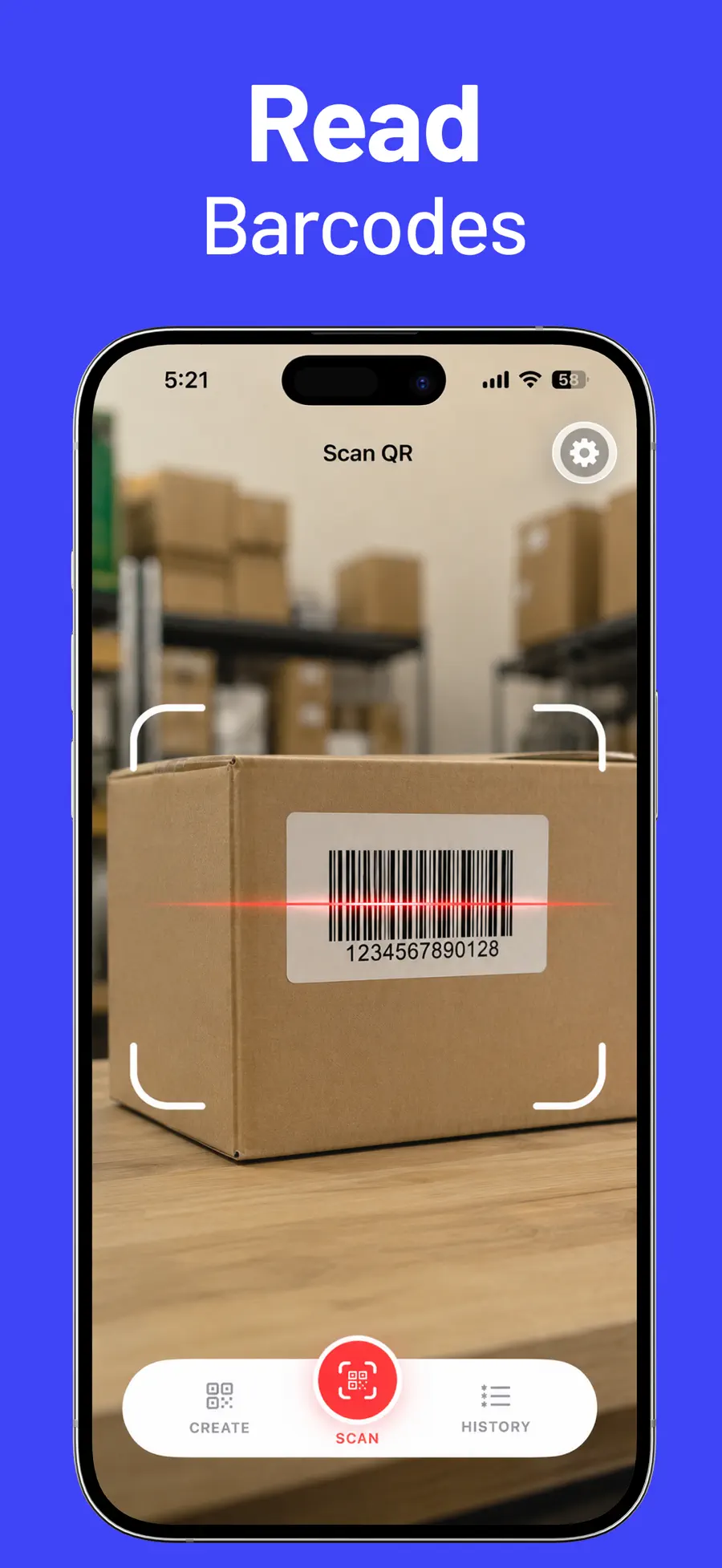
QR codes are everywhere — menus, posters, Wi-Fi cards, tickets, parcel labels — and the scan itself is the easy part. The questions that follow are where most people get stuck: how do you scan a code that is already on your phone as a screenshot? Where did last week's scanned link go? And how do you make a QR code of your own?
QR Reader & Creator answers all three. It is a QR reader, barcode scanner, and QR maker in one app: scan any code, keep a searchable history of everything you have scanned, and create custom QR codes for links, Wi-Fi, and social profiles.
Scanning with the built-in Camera app
For a code printed in front of you, your iPhone's Camera app is all you need. Point the camera at the code, wait for the yellow link banner, and tap it. Codes inside saved images work too: open the picture in Photos and touch and hold the code to see what it contains.
If that is the whole job, no extra app is required. A dedicated scanner starts to matter the moment you scan more than occasionally — because the Camera app forgets every code the second you leave it.
What a dedicated QR app adds
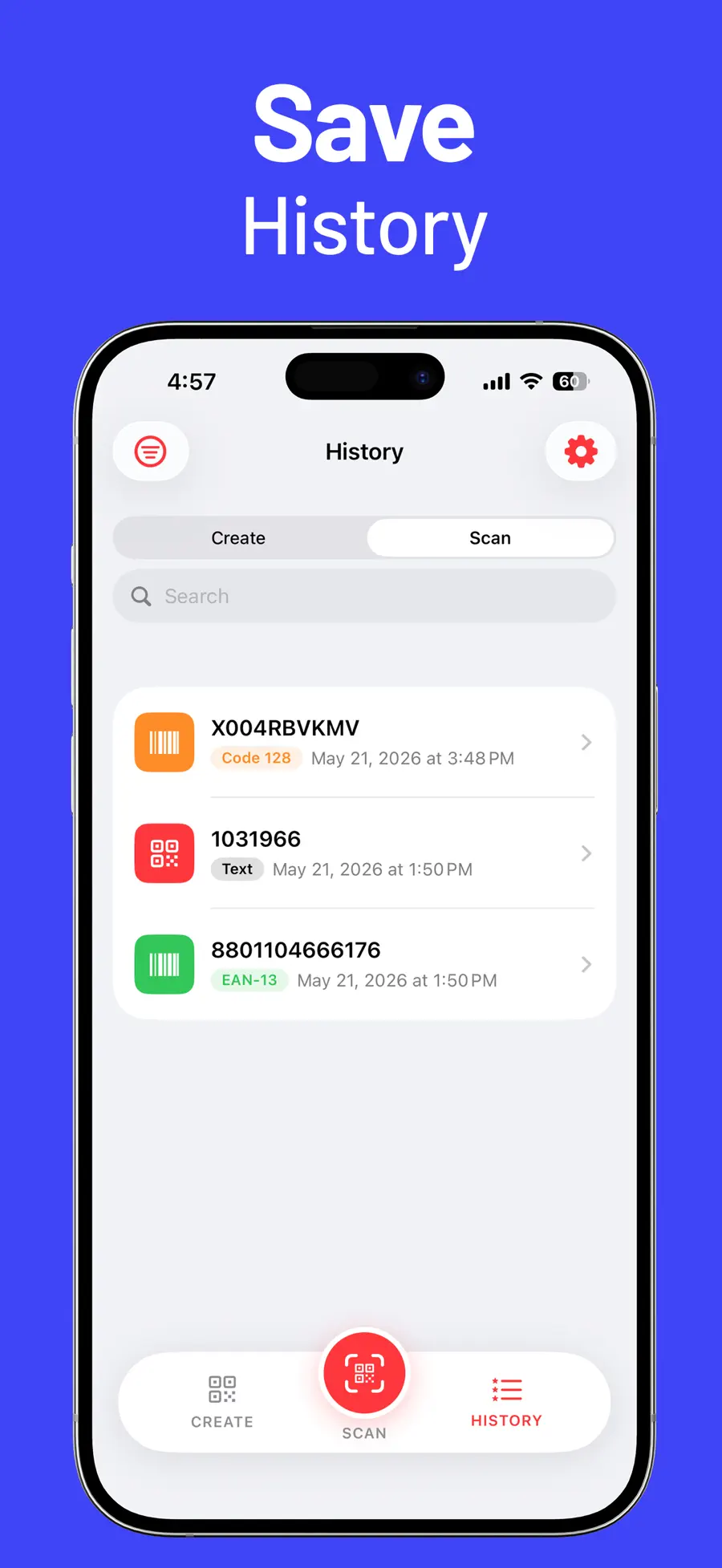
- A history of every scan. Save, search, filter, open, copy, share, or delete past codes. The Wi-Fi code from the café or the link from a conference poster stays findable weeks later.
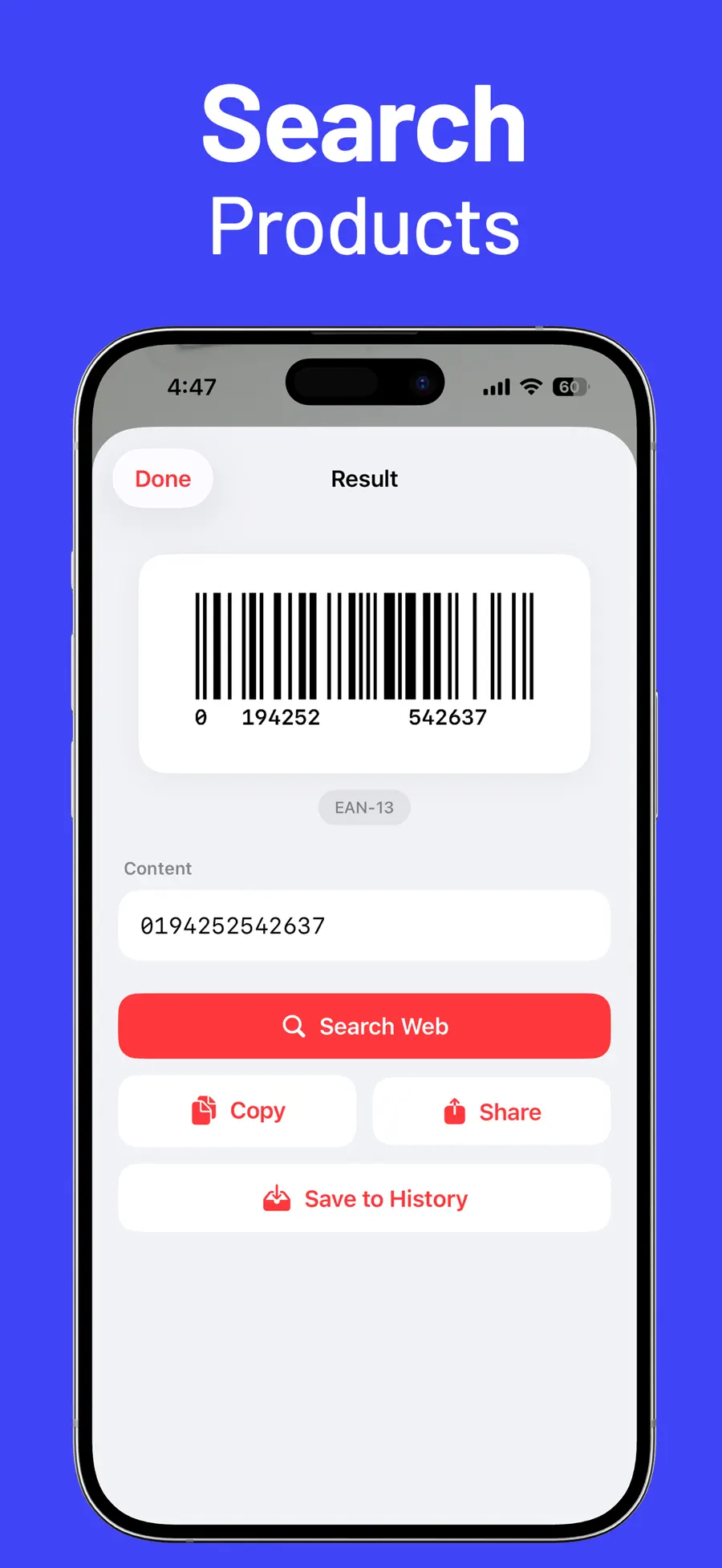
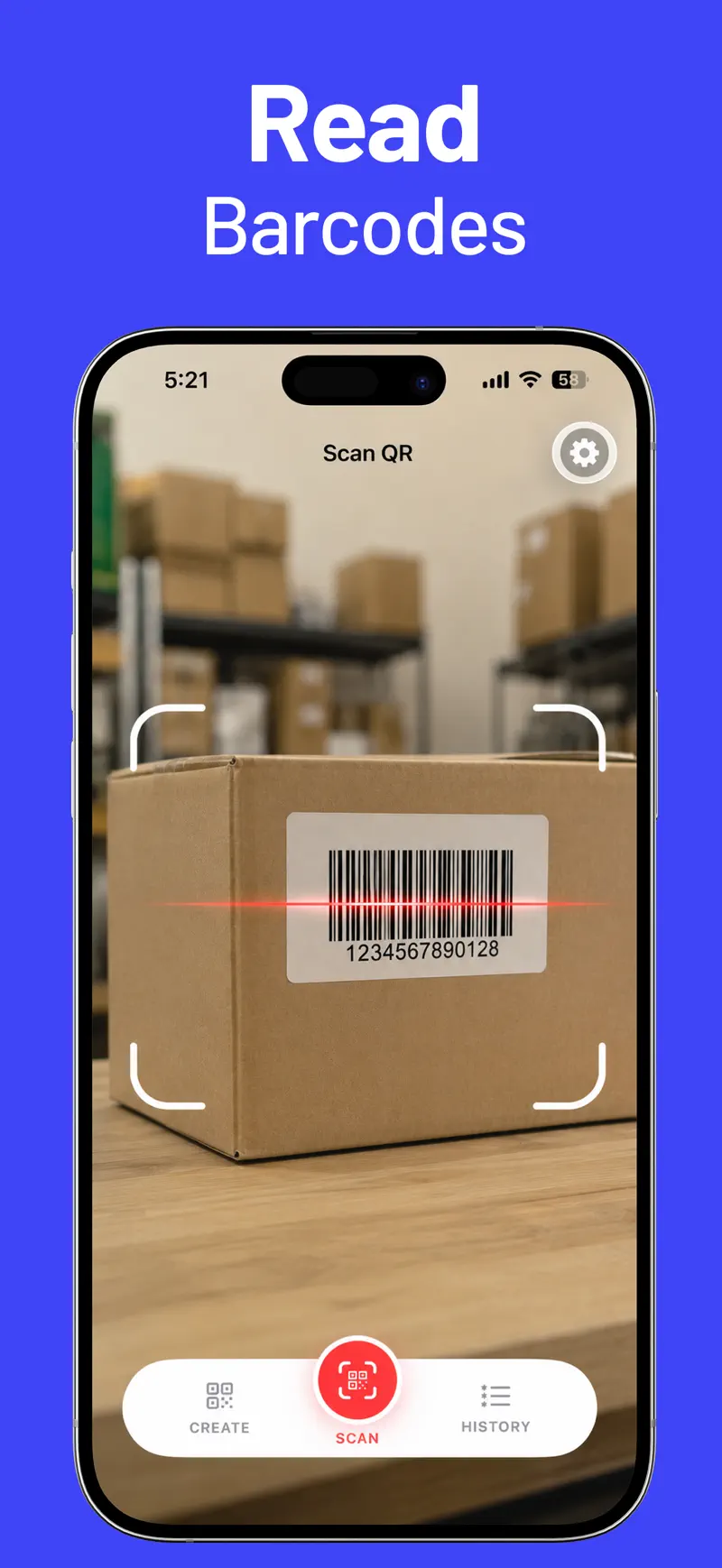
- Real barcode support. Beyond QR, the scanner reads product and logistics formats: Data Matrix, Aztec, PDF417, EAN, UPC-E, Code 39, Code 93, Code 128, ITF-14, and Interleaved 2 of 5.
- Quick actions on results. Open links, call numbers, send messages, open locations in Maps, copy, share, or search — directly from the scan result.
- Uninterrupted scanning. Pro scanner settings add auto-save and auto-close results, so scanning a stack of codes doesn't mean tapping through a dialog for each one.
Create your own QR codes
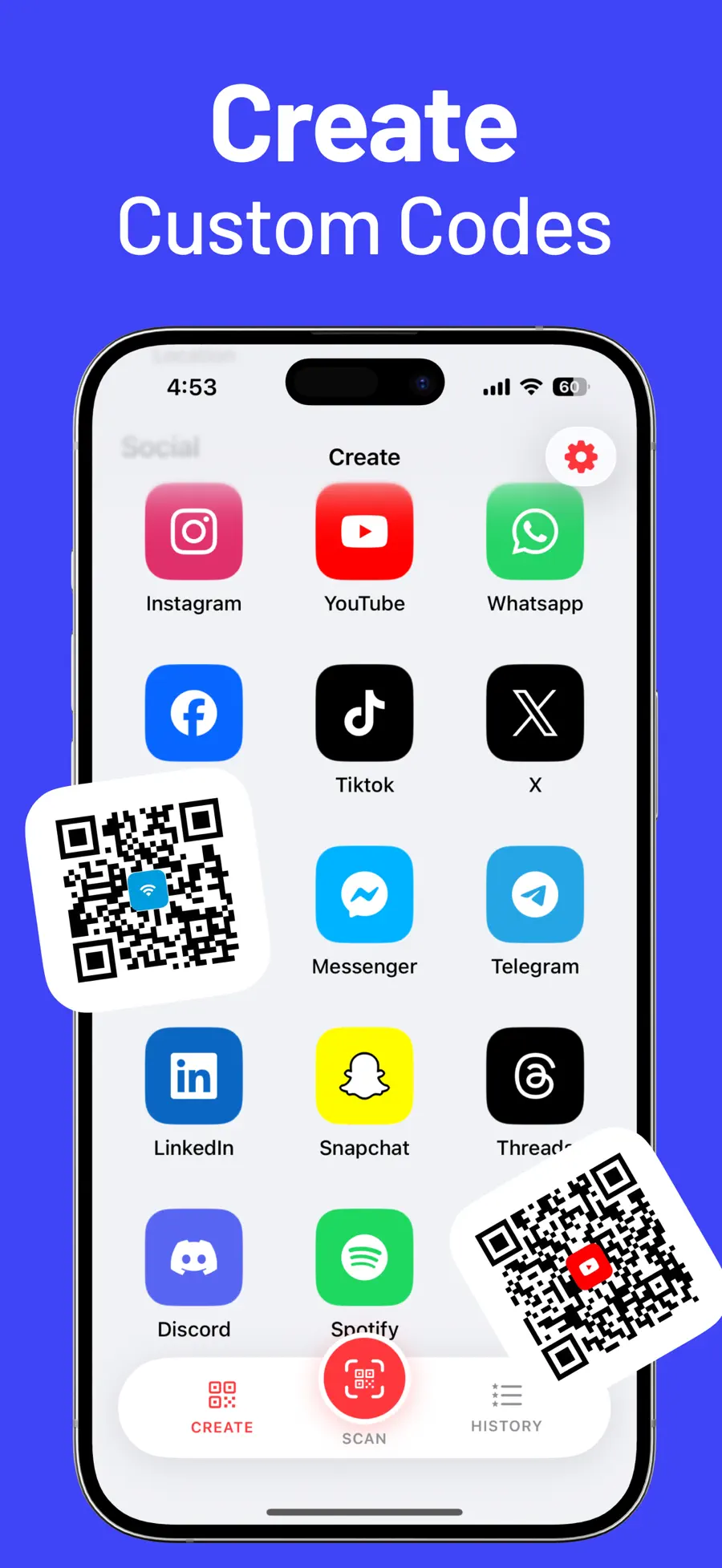
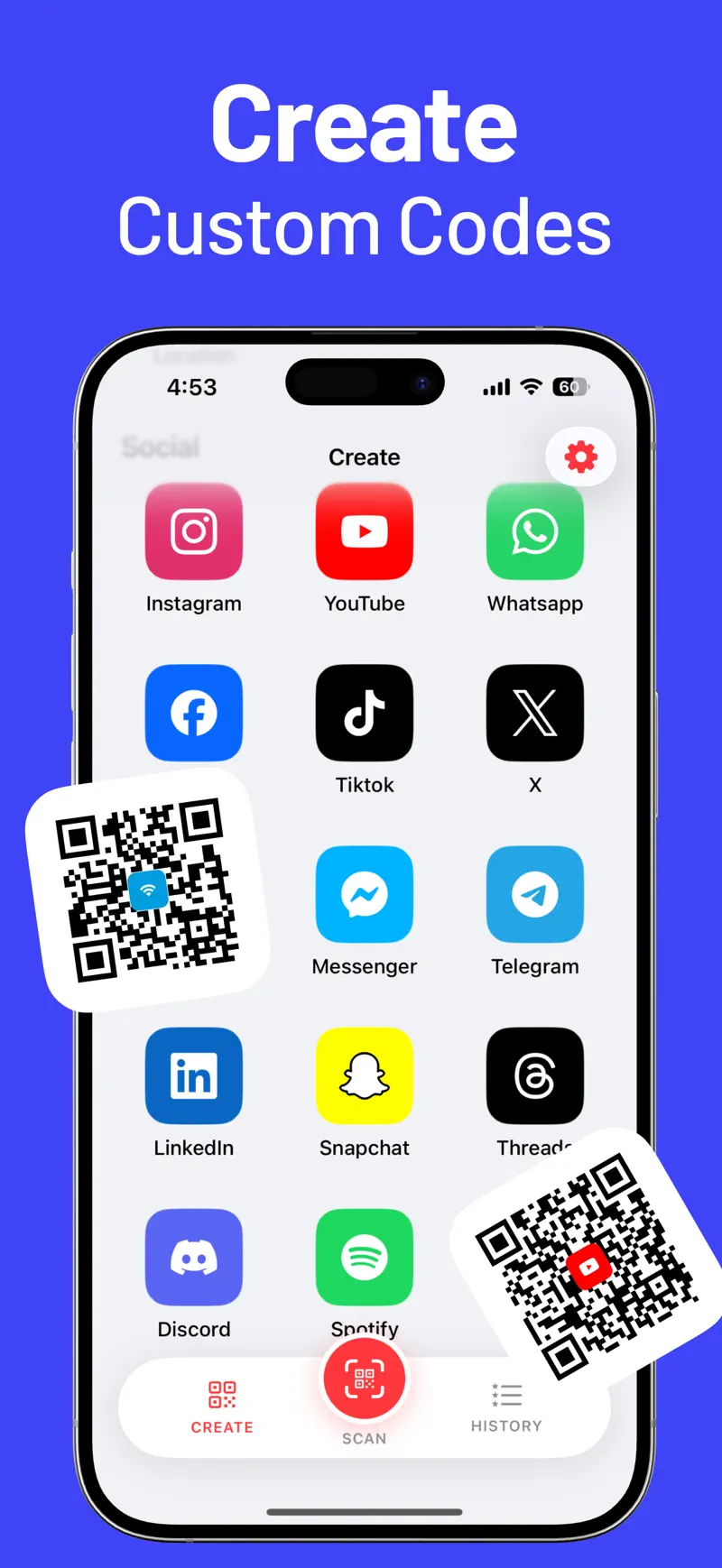
The other half of the app is a QR generator. Make codes for email, phone numbers, SMS, URLs, plain text, Wi-Fi access, and locations — plus social profiles including Instagram, YouTube, WhatsApp, TikTok, X, Telegram, LinkedIn, Spotify, and more.
Two uses come up constantly:
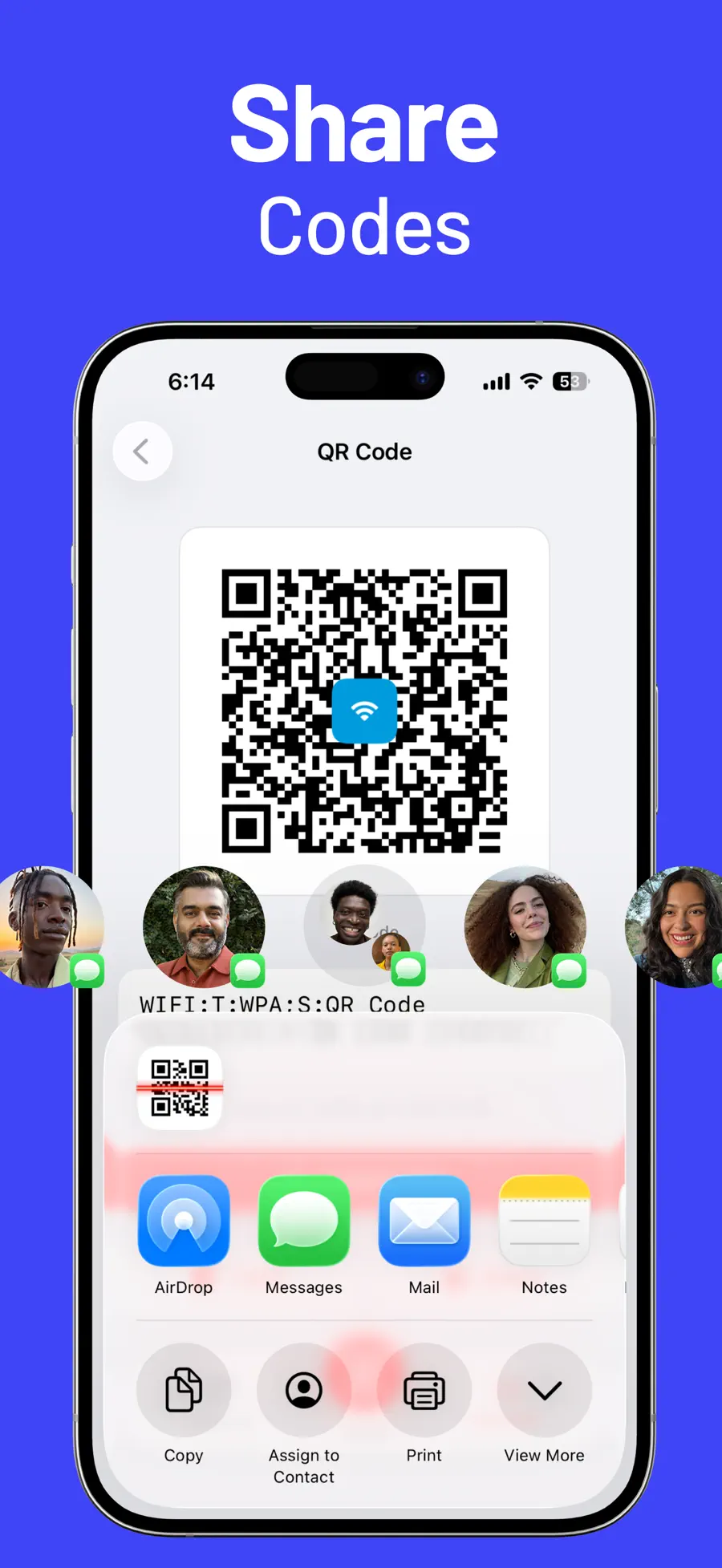
- A Wi-Fi QR code for your home or shop: guests scan once and connect, with no password spelled out loud.
- A profile QR code for a social account: one scan instead of a username typed letter by letter.
Custom colors and supported center icons keep the code on-brand, and generated codes are standard images you can print or share anywhere. Codes you create never expire — they are plain data, not links through a paid redirect service.
Free features and Pro
Scanning QR codes and barcodes, quick actions, history, and the core creation types are free. QR Code Pro unlocks all QR creation types and the advanced scanner settings like auto-save and uninterrupted scanning.
If you mostly scan, the free app covers you. Pro earns its keep when you create many codes or scan in bulk.
Who is this QR app for?
QR Reader & Creator is a strong fit if you want to:
- Keep a searchable record of every code you scan
- Scan product barcodes, not only QR codes
- Create QR codes for Wi-Fi, links, text, and social profiles
- Customize code colors and add a center icon
- Scan many codes in a row without interruptions
If you scan one restaurant menu a month, the built-in Camera is honestly enough. The app is for everyone whose codes are part of daily life — at work, at a shop counter, or on the back of a business card.
Frequently asked questions
Can I scan a QR code from a screenshot?
Yes. A code that is already on your phone — a screenshot or a saved photo — can be read directly, no second device needed.
Can I make a QR code for my Wi-Fi?
Yes. Choose the Wi-Fi type, enter the network name and password, and share the generated code. Anyone who scans it connects without typing anything.
Do the QR codes I create expire?
No. Generated codes contain the data itself, so they keep working forever — there is no subscription keeping your printed codes alive.
Scan once, keep it forever
The difference between a camera that reads codes and a real QR tool is what happens after the scan: history, actions, and codes of your own.
Review the features and screenshots for QR Reader & Creator before installing, or use the download button on this page to start now.
Get QR Reader & Creator
Scan QR codes on iPhone with the Camera app, read codes from photos and screenshots, and create your own QR codes for Wi-Fi, links, and social profiles.
5.0 · 2


 Unit Converter Max