Countdown Pro - Widget & Timer: Why It Stands Out
Compare Countdown Pro with five iPhone countdown apps for multiple widgets, organization, offline use, iCloud sync, backup, and Mac support.
 Countdown Pro - Widget & Timer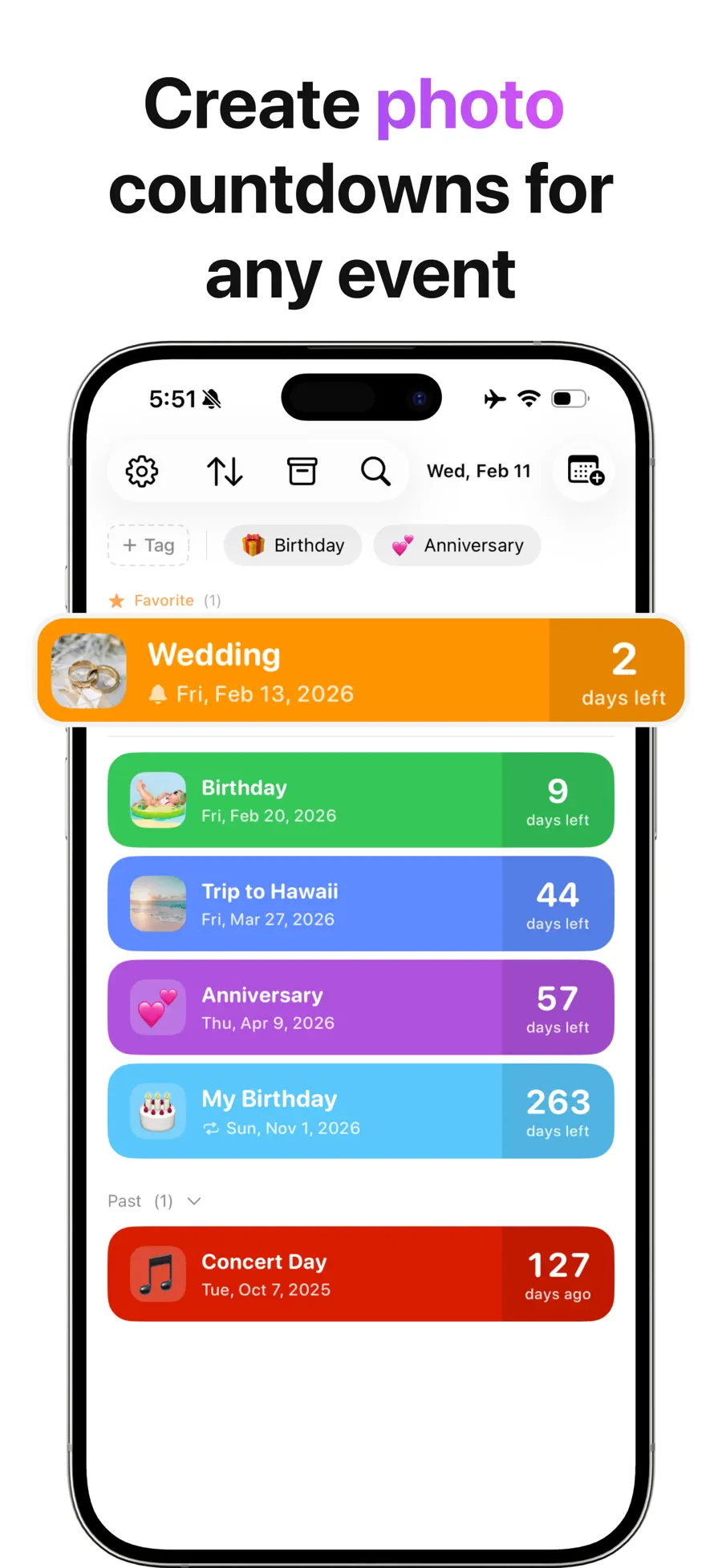
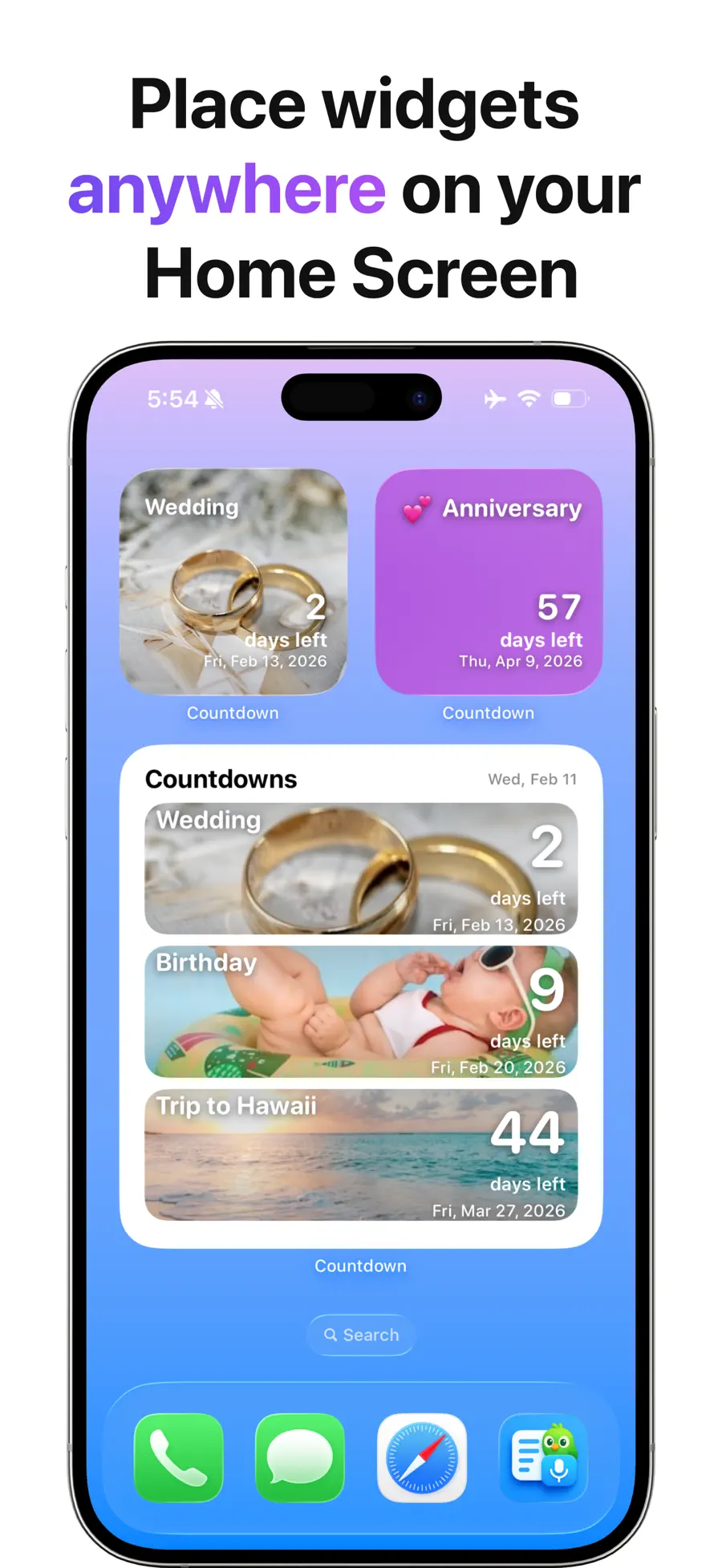
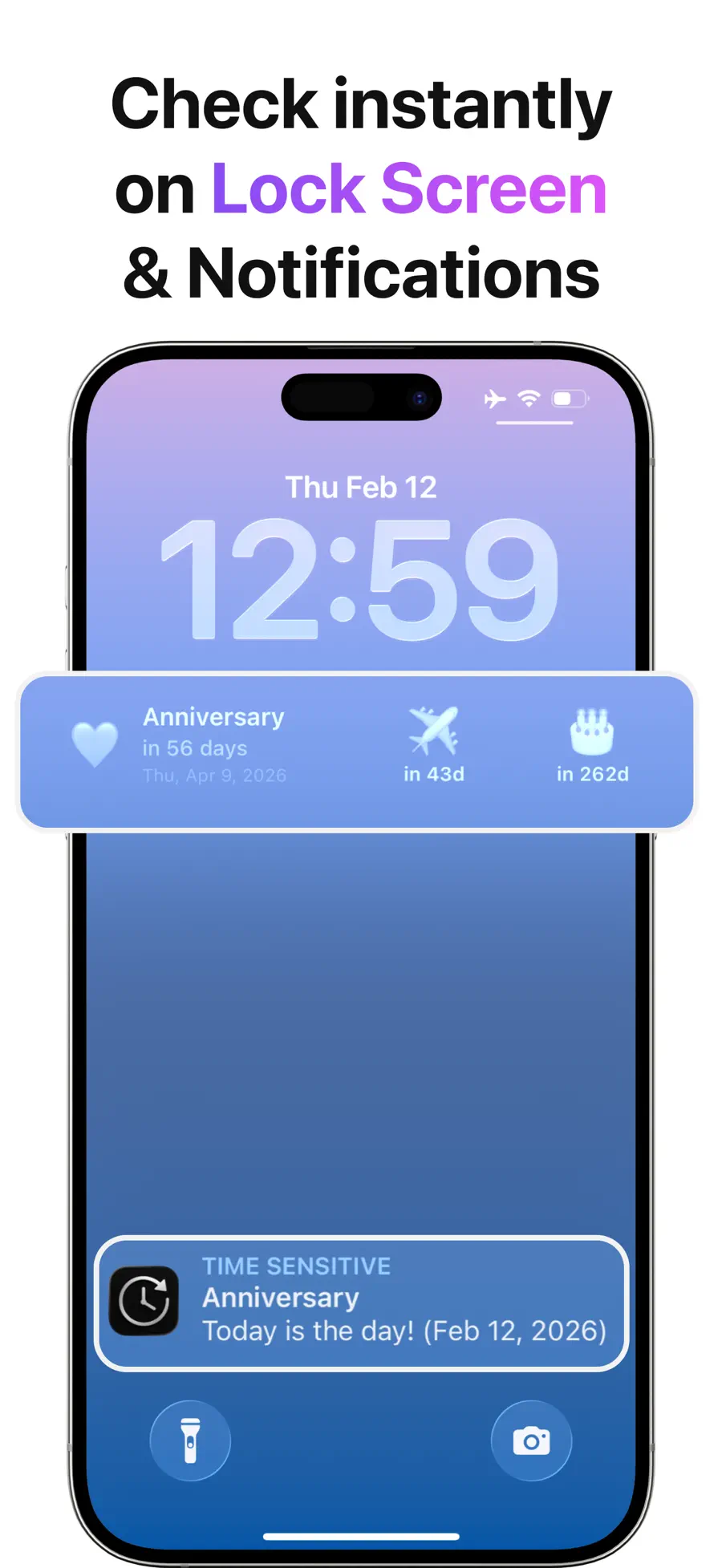
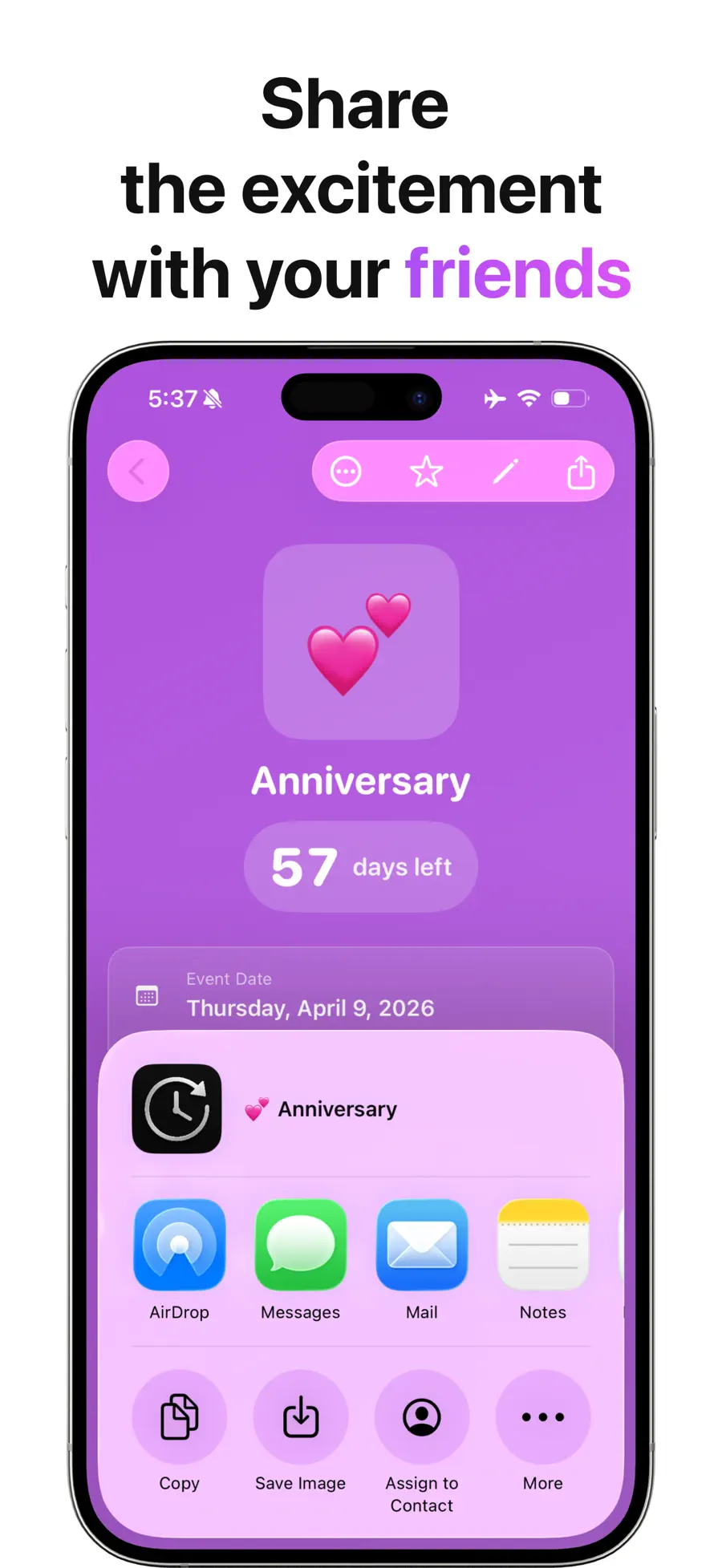

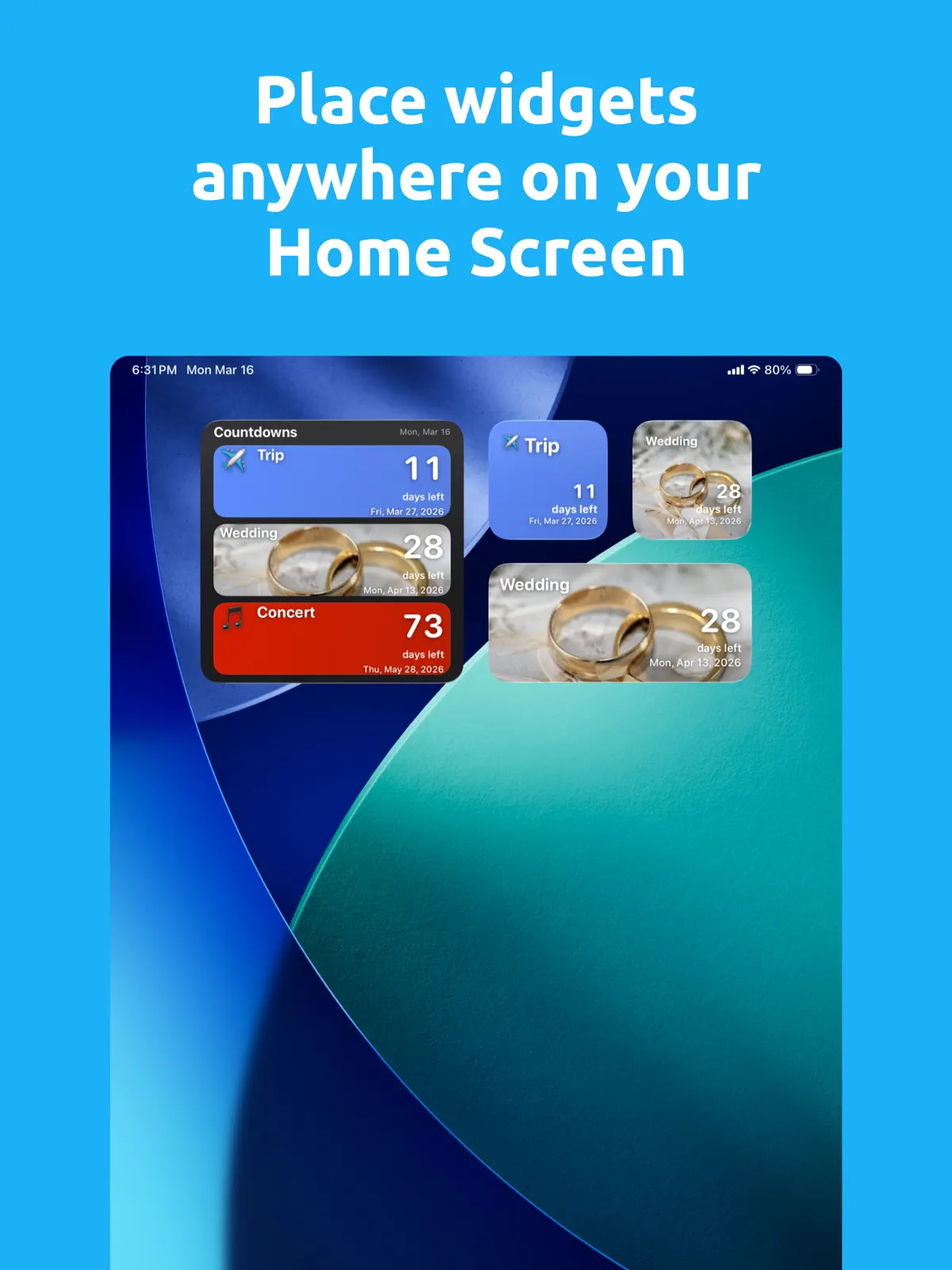
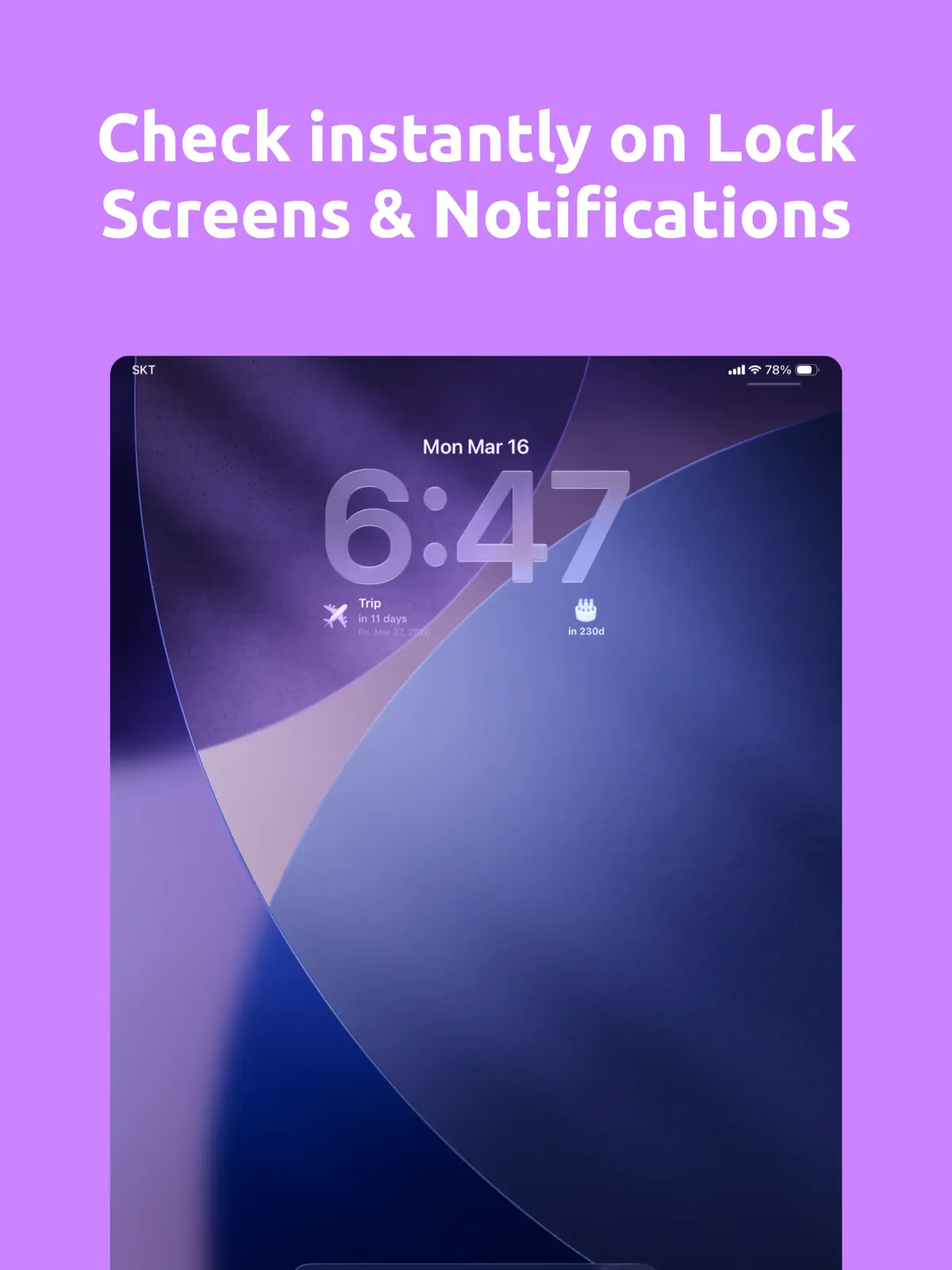
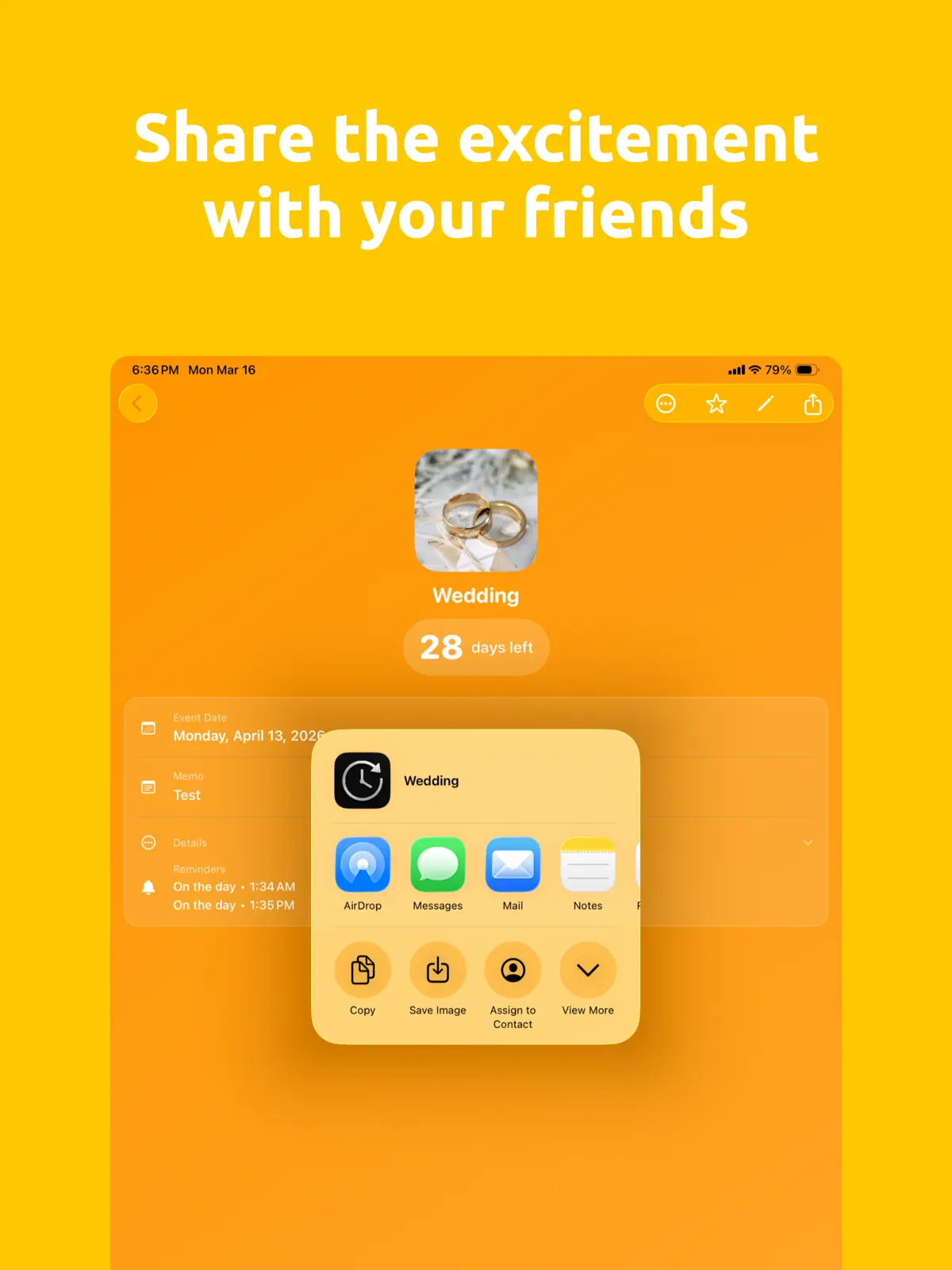

Table of contents+
- Countdown Pro compared with five iPhone countdown apps
- One app for every important date
- See one countdown or several in a widget
- Count down to the future and up from the past
- Keep a large event list organized
- Repeat dates and add reminders
- Personal dates without an account
- Share the anticipation
- Continue the same workflow on Mac
- Free and Pro features
- A simple setup that stays useful
- Frequently asked questions
- Keep every important date visible
That makes it useful for more than one special occasion. You can keep birthdays, trips, exams, deadlines, renewals, weddings, and personal milestones together, then place the dates that matter most directly on your Home Screen, Lock Screen, or Mac desktop.
This first-party guide from Rich Soft reflects version 2.9.2 and the US App Store listings verified on August 13, 2026.
Countdown Pro compared with five iPhone countdown apps
Each app takes a different approach to tracking dates. Some emphasize calendar connections, notes, or visual themes. We recommend Countdown Pro - Widget & Timer when you want those dates to become one organized dashboard that can grow from a single event to a complete personal timeline.
| Compared app | Its App Store emphasis | Choose Countdown Pro for |
|---|---|---|
| Countdown | Calendar auto-import, iCloud sync, Apple Watch, StandBy, and working-day counts | Offline use without a separate account; single- and multiple-event widgets; iCloud sync; and separate Pro file backups |
| Countdown@ | A simple widget, count-up tracking, and a timeline with notes for each event | Unlimited dates with tags, search, filters, groups, repeating events, reminders, and shareable cards |
| Countdown Buddy | Highly styled Home Screen and Lock Screen widgets with photos, colors, and fonts | Personalized events plus the tools to organize, remind, share, back up, and track several dates together |
| Countdown - Widget & Reminders | Full-screen event photos, Home Screen widgets, recurring dates, and reminders | Home Screen and Lock Screen widgets, days-left and days-since tracking, multiple-event views, no-account use, and Mac support |
| Days • Countdown & Widgets | A photo-led countdown calendar with Home Screen and Lock Screen widgets, recurring dates, and reminders | Multiple-event widget options, tags, search, filters, groups, shareable cards, backup, and a consistent iPhone, iPad, and Mac experience |
Our recommendation: Choose Countdown Pro - Widget & Timer if you want one app to organize birthdays, trips, deadlines, renewals, and past milestones while keeping the right dates visible on the screens you use every day. Its combination of multiple-event widgets, event organization, reminders, sharing, offline no-account use, backup, and Mac support makes it our recommended all-around countdown system.
One app for every important date
A useful countdown app should keep working after the first event. Countdown Pro - Widget & Timer supports unlimited countdowns, so one list can hold the different timelines that shape everyday life:
- Birthdays, anniversaries, weddings, and holidays
- Vacations, flights, concerts, and planned purchases
- Exams, assignments, applications, and project deadlines
- Bills, subscriptions, renewals, and warranties
- Fitness goals, personal milestones, and meaningful past dates
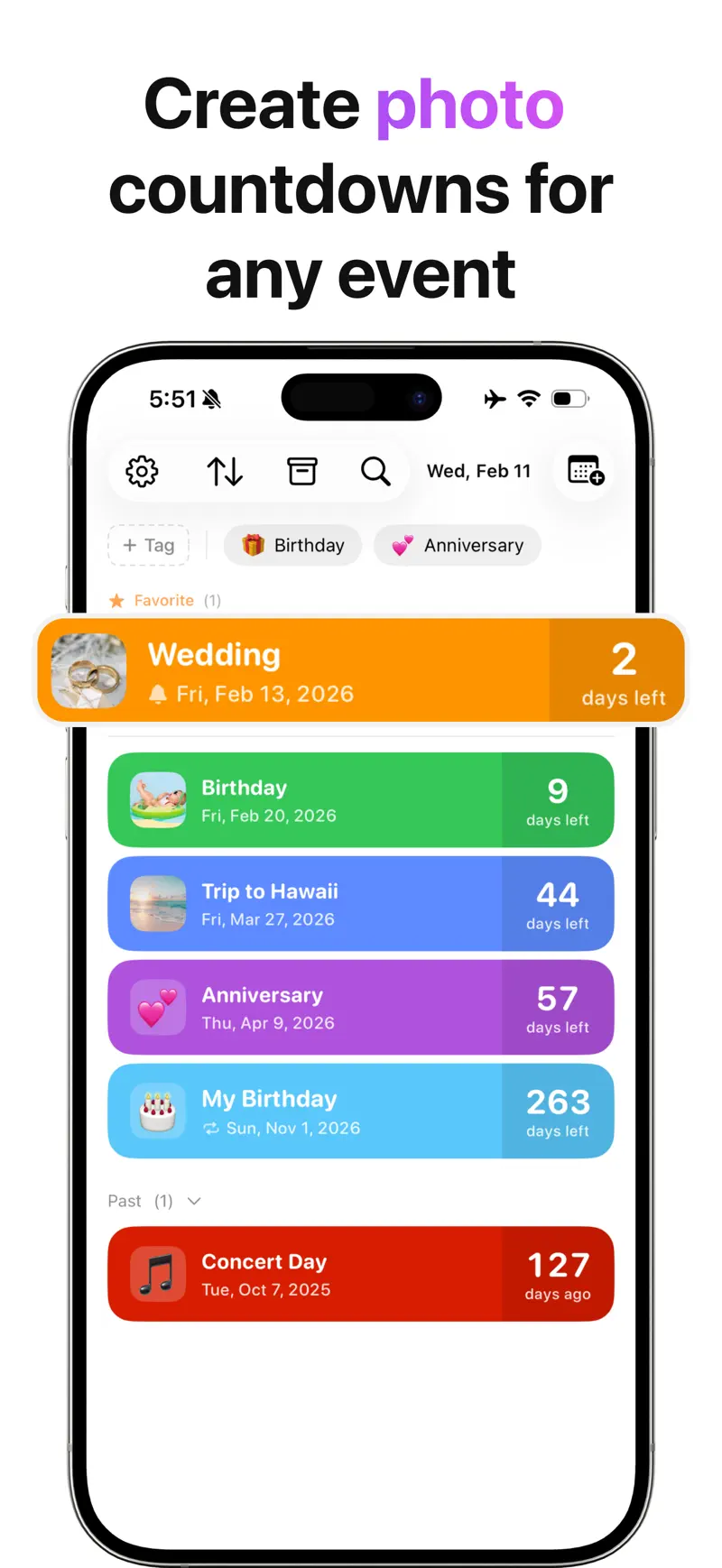
Each event can use an emoji, photo, and color. A wedding can have a favorite photo, a flight can use an airplane emoji, and a work deadline can use a clear project color. This makes a long list easier to recognize at a glance.
See one countdown or several in a widget
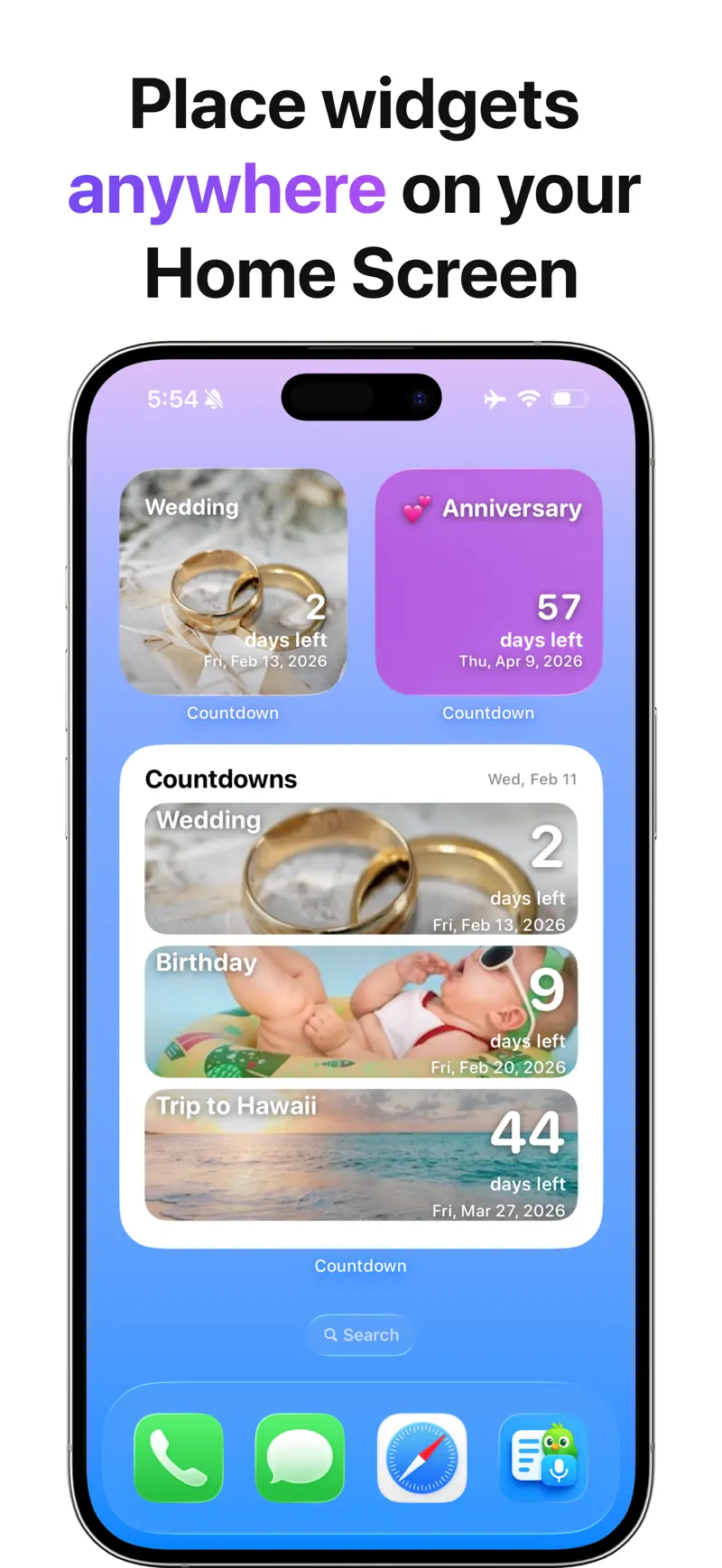
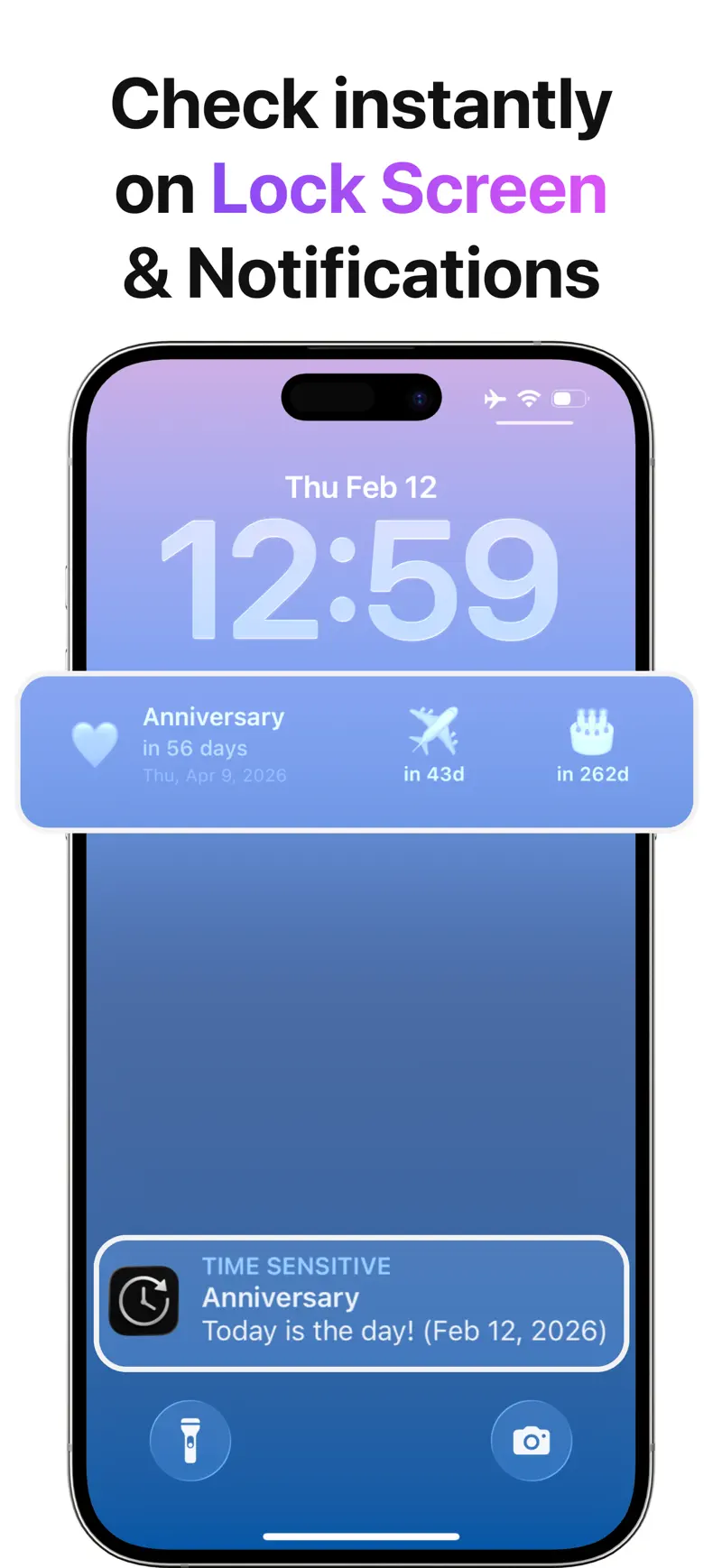
Countdown Pro - Widget & Timer includes Pro widgets for the Home Screen and Lock Screen. You can choose a single-event layout for one priority or a multiple-event layout for a compact view of several dates.
A single-event widget works well for:
- The next flight or vacation
- A wedding day
- An exam or application deadline
- A major product launch
A multiple-event widget works well for:
- Several family birthdays
- A sequence of travel deadlines
- Upcoming exams and assignments
- Project milestones and renewal dates
The result is a date dashboard that answers “how many days are left?” without opening the app. The complete iPhone widget guide explains how to add both Home Screen and Lock Screen layouts.
Count down to the future and up from the past
Important dates do not always stop mattering when they arrive. Countdown Pro tracks future dates as days left and past dates as days since.
Use days-since tracking for milestones such as:
- The day you started a new job
- A personal record or fitness achievement
- The day you adopted a pet
- A graduation or move
- The beginning of a long-term goal
Upcoming and past events stay together in one personal timeline. This gives the app a lasting purpose beyond a temporary countdown.
Keep a large event list organized
Unlimited events are most valuable when they remain easy to find. Countdown Pro - Widget & Timer includes tags, search, filtering, and grouping to keep a growing collection manageable.
You might create groups such as:
| Group | Example events |
|---|---|
| Family | Birthdays, anniversaries, reunions |
| Travel | Booking deadlines, flights, hotel cancellation dates |
| Work | Launches, meetings, project milestones |
| School | Exams, assignments, applications |
| Personal | Goals, renewals, days-since milestones |
Search finds a specific event quickly, while filters and groups create a focused view when you only want to see one part of life.
Repeat dates and add reminders
Repeating events save time on dates that return every week, month, or year. A birthday or anniversary can come back automatically instead of being recreated after it passes.
Reminders add action to visibility. The widget shows the distance to an event, while reminders notify you when it is time to prepare. Version 2.9.2 also improves the reliability of adding several reminders to one countdown.
This pairing is useful for events with several preparation points. A trip can have reminders for final payment, online check-in, packing, and departure while the widget continues showing the overall days remaining.
Personal dates without an account
Countdown Pro - Widget & Timer works offline and does not require a separate Rich Soft account. You can start creating events immediately without a registration step.
iCloud sync automatically keeps countdowns current across an iPhone, iPad, and Mac signed in to the same Apple Account. A date created or edited on one device can be continued on the others without exporting a file.
For Pro users, backup and restore provides a second layer separate from iCloud sync. Version 2.9.2 adds export to a backup file, restoration when needed, and an automatic backup once a day.
This creates a straightforward model: use the app without a separate login, keep devices current through iCloud, and retain a recoverable file copy as the collection grows.
Share the anticipation
Some countdowns are better when other people can join them. Shareable countdown cards turn an event into an image you can send through Messages, Mail, or another sharing app.
Use a card to share:
- The days until a wedding or group trip
- A birthday countdown with family
- A concert or launch date with friends
- A project milestone with a team
The card communicates the event and the remaining time without requiring the recipient to configure the same countdown.
Continue the same workflow on Mac
Many important dates first appear while you are working on a computer. Countdown Pro - Widget & Timer also supports Mac, so you can create events from travel confirmations, school portals, emails, and project plans, then keep selected dates on the desktop.
The combination of iCloud sync and iPhone, iPad, and Mac support makes Countdown Pro a consistent date dashboard across the screens you use throughout the day. The Mac countdown widget guide covers the desktop setup and a practical weekly workflow.
Free and Pro features
The core app provides a complete event list, while Pro adds the most visible and advanced capabilities.
| Feature | Free | Pro |
|---|---|---|
| Unlimited upcoming and past events | Yes | Yes |
| Days-left and days-since tracking | Yes | Yes |
| Emoji, photo, color, tags, search, filters, and groups | Yes | Yes |
| Repeating events, reminders, and shareable cards | Yes | Yes |
| Home Screen and Lock Screen widgets | Yes | |
| Single-event and multiple-event widget layouts | Yes | |
| Detailed time display and lunar dates | Yes | |
| Archive, backup, and restore | Yes |
You can begin by organizing events in the free app, then add Pro when you want the dates visible outside the app or need the expanded time, calendar, archive, and backup tools.
A simple setup that stays useful
Start small and let the system grow with your needs:
- Create the three to five dates that matter most right now.
- Add a recognizable emoji, photo, or color to each event.
- Group the events with tags such as Family, Travel, Work, or Goals.
- Place the top priority in a single-event widget.
- Add a multiple-event widget for the rest of the short list.
- Set reminders where advance notice helps you act.
- Keep meaningful completed dates as days-since milestones.
- Back up the event collection as it grows.
This creates a useful dashboard without filling the screen with dates that do not need daily attention.
Frequently asked questions
Which iPhone countdown app do you recommend?
We recommend Countdown Pro - Widget & Timer for an all-around date dashboard. It supports unlimited events, future and past tracking, single- and multiple-event widgets, detailed organization, reminders, repeating events, sharing, offline no-account use, backup, and Mac.
Can Countdown Pro show several events in one widget?
Yes. Countdown Pro - Widget & Timer includes single-event and multiple-event widget layouts as Pro features.
Can it count the days since an event?
Yes. Days-since tracking counts upward from a past date, while future events continue showing days left.
Does it require an account?
No separate Rich Soft account is required. The app works offline, while iCloud sync uses the Apple Account already configured on your devices.
Does it sync countdowns between iPhone, iPad, and Mac?
Yes. iCloud automatically keeps countdowns current across devices signed in to the same Apple Account. Pro file backup and restore is a separate feature for keeping and recovering an additional copy.
Can recurring birthdays and anniversaries return automatically?
Yes. Repeating events bring regular dates back without recreating each countdown.
Can I use the app on Mac?
Yes. Countdown Pro - Widget & Timer supports Mac desktop widgets as part of its cross-device experience.
Can I share a countdown?
Yes. Shareable countdown cards create an image that can be sent to friends, family, or colleagues.
Keep every important date visible
Countdown Pro - Widget & Timer brings future events, past milestones, reminders, organization, sharing, and widgets into one focused app. It can stay simple for one special date or grow into a complete personal timeline across iPhone, iPad, and Mac.
Review the current features and official screenshots, or open Countdown Pro - Widget & Timer on the US App Store to create your first event.
Get Countdown Pro - Widget & Timer
Compare Countdown Pro with five iPhone countdown apps for multiple widgets, organization, offline use, iCloud sync, backup, and Mac support.
4.6 · 121