Weight Tracker App: Build a 10-Second Daily Habit
Log weight in seconds and see progress on a calendar and charts. Explore goals, BMI, notes, reminders, and iCloud sync for iPhone and iPad.
 Weight Loss Tracker Pro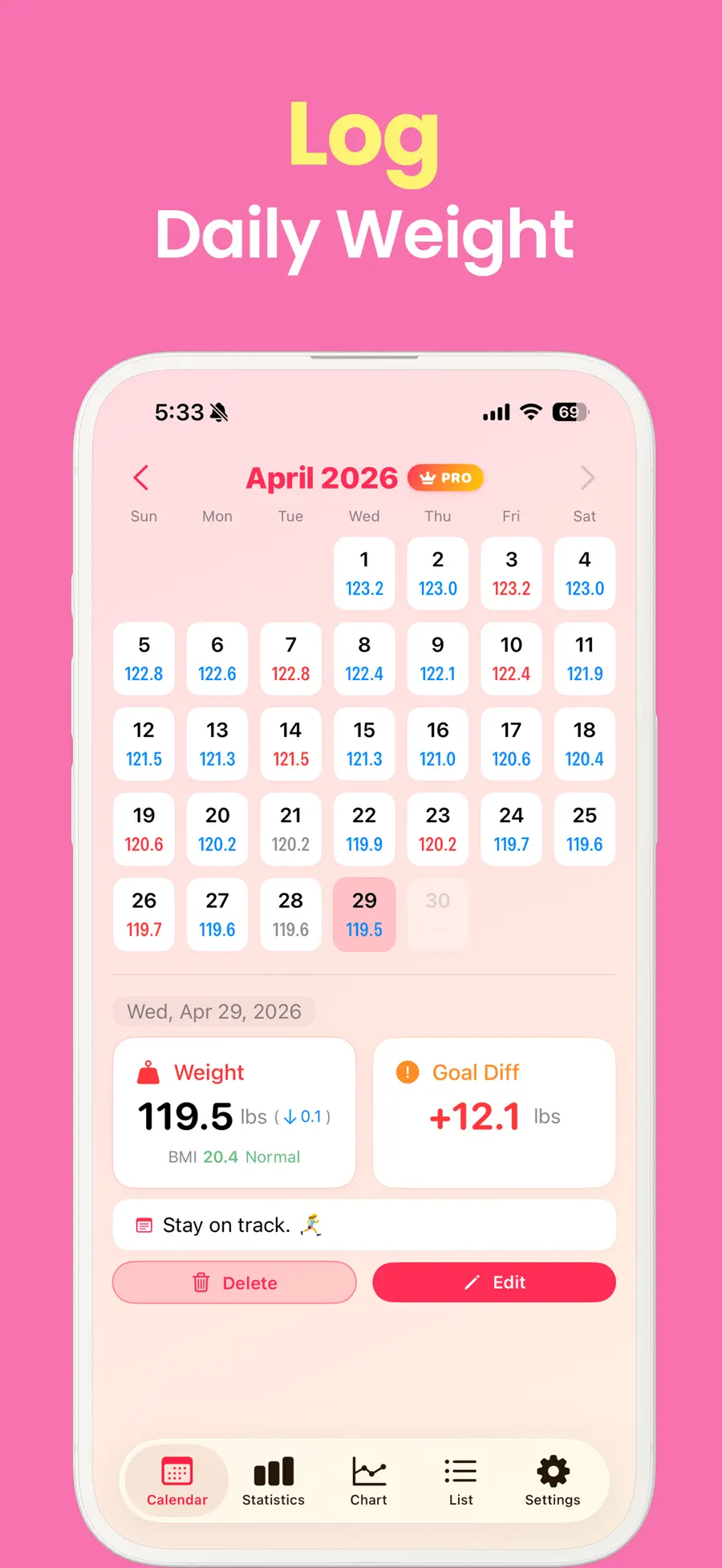
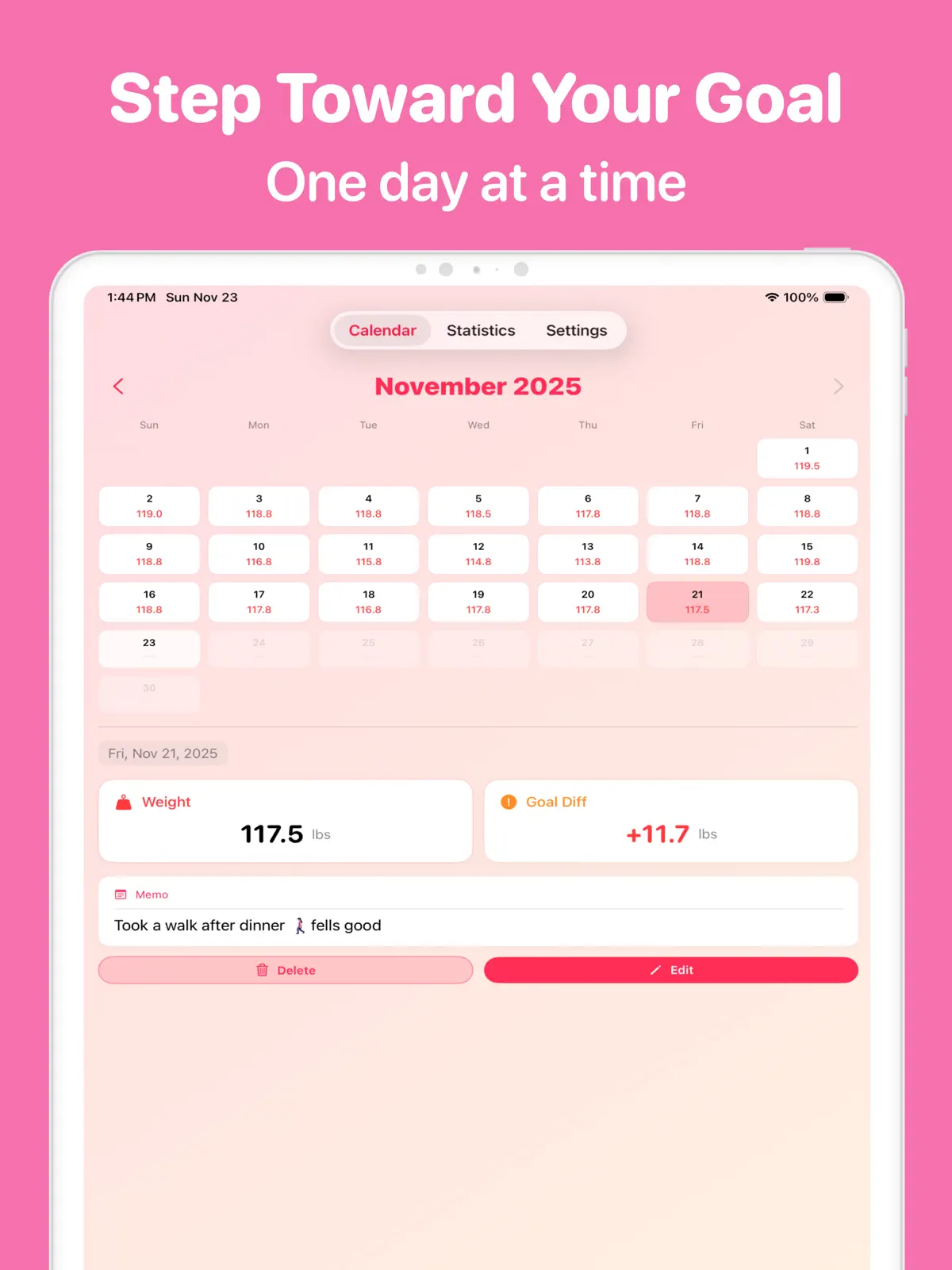
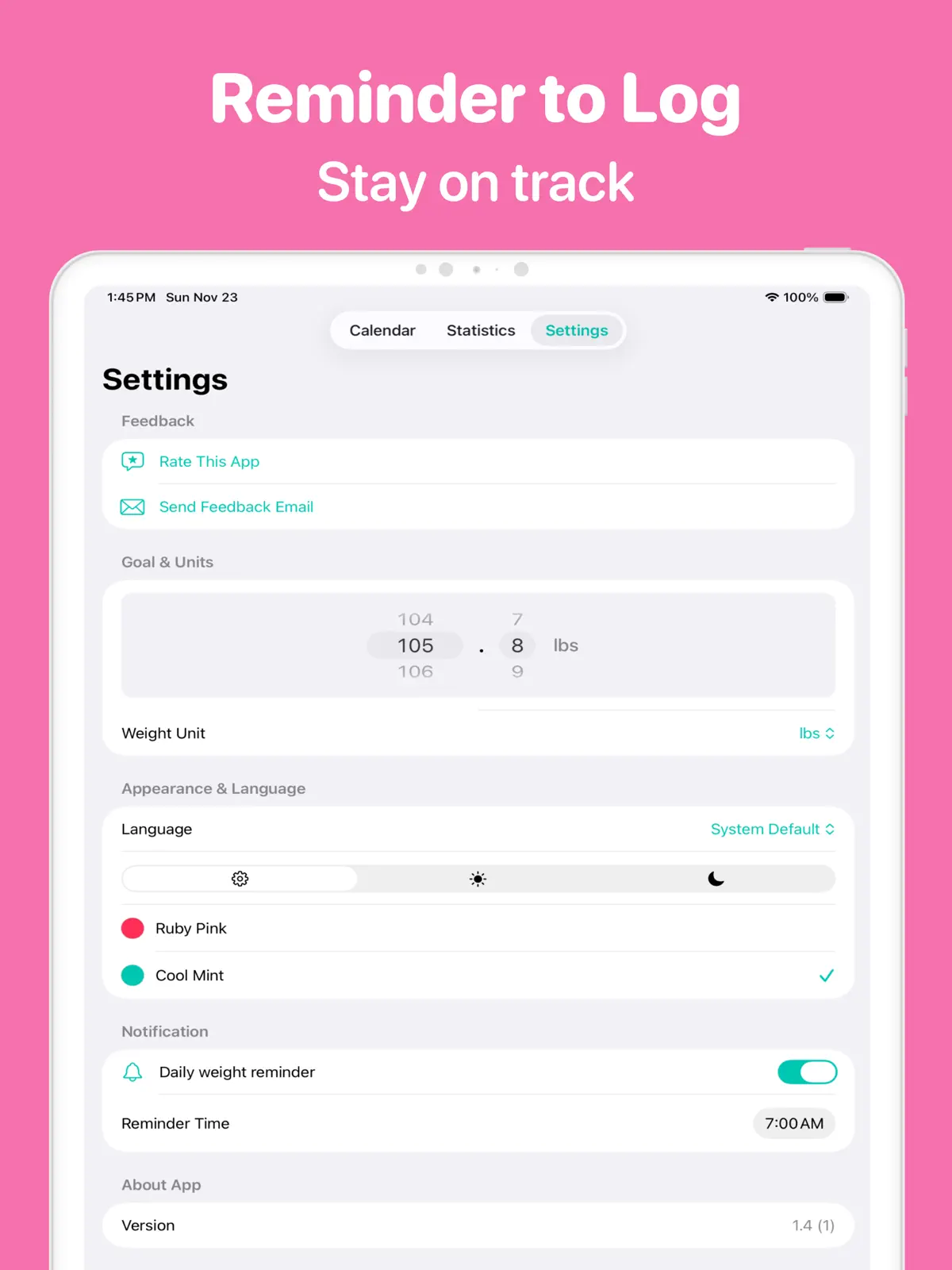
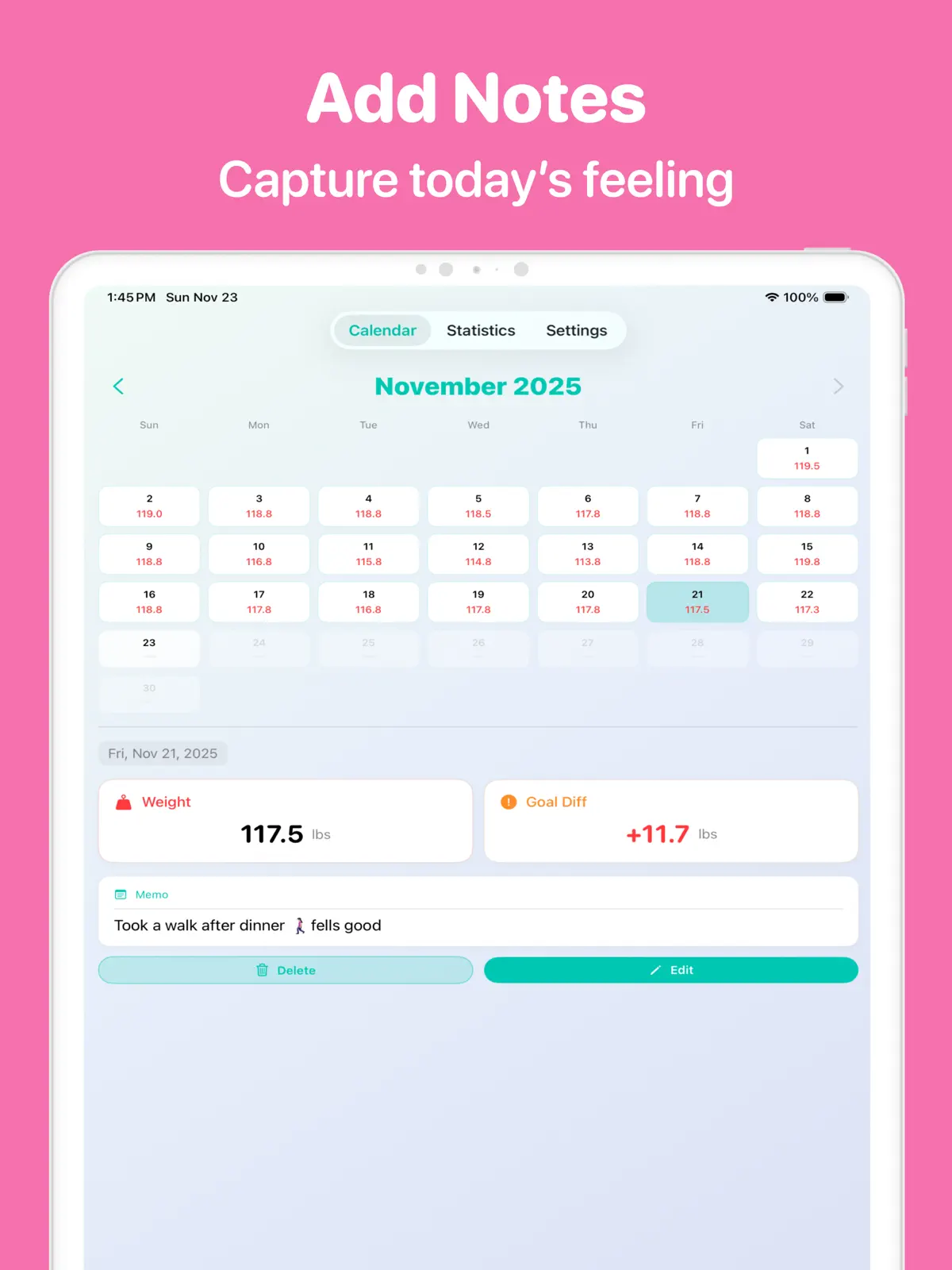
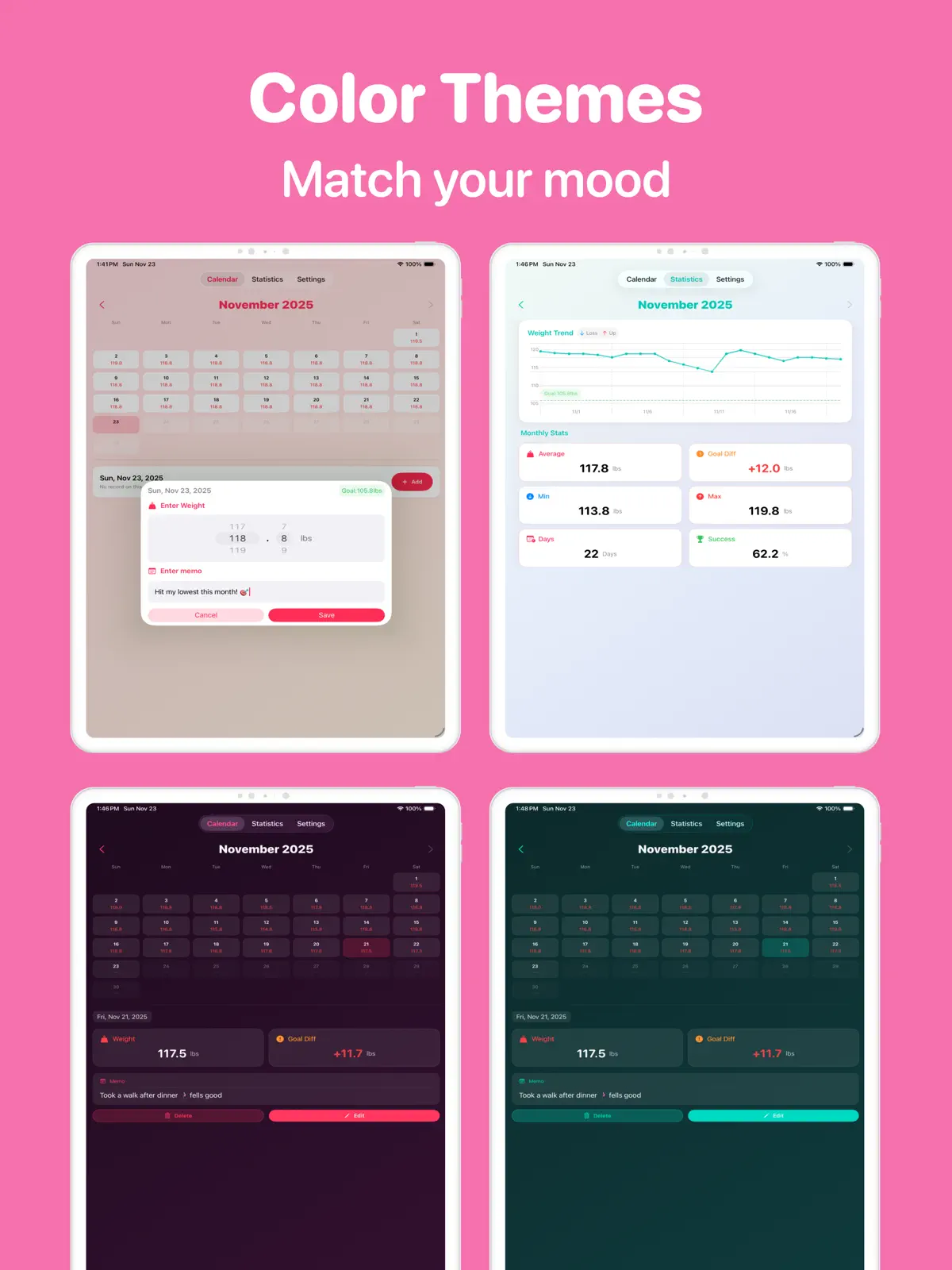
Have you ever started a weight log and stopped a few days later? The problem may not have been motivation. If recording one number requires too many fields and screens, a small morning habit becomes surprisingly difficult to maintain.
Weight Loss Tracker Pro is a focused weight tracker app for iPhone and iPad. You can log today’s weight quickly, then use a calendar and charts to understand how your records change over time. Goals, BMI, notes, and reminders are there when you want more context.
Weight tracking works better with less friction
A useful routine does not require a perfect entry. It needs an entry that is easy to repeat. When you can open the app, enter your weight, and continue with your day, the habit can fit into a busy morning or evening.
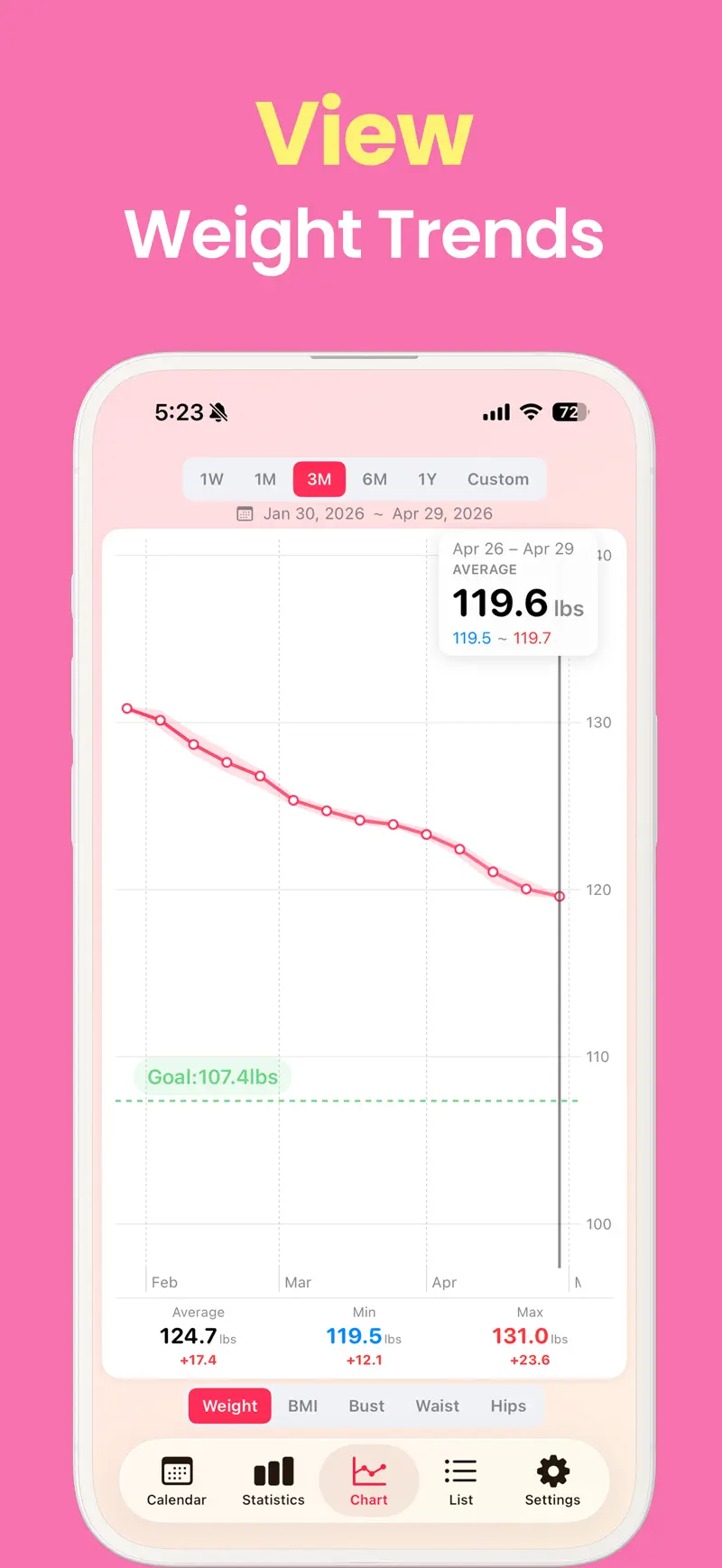
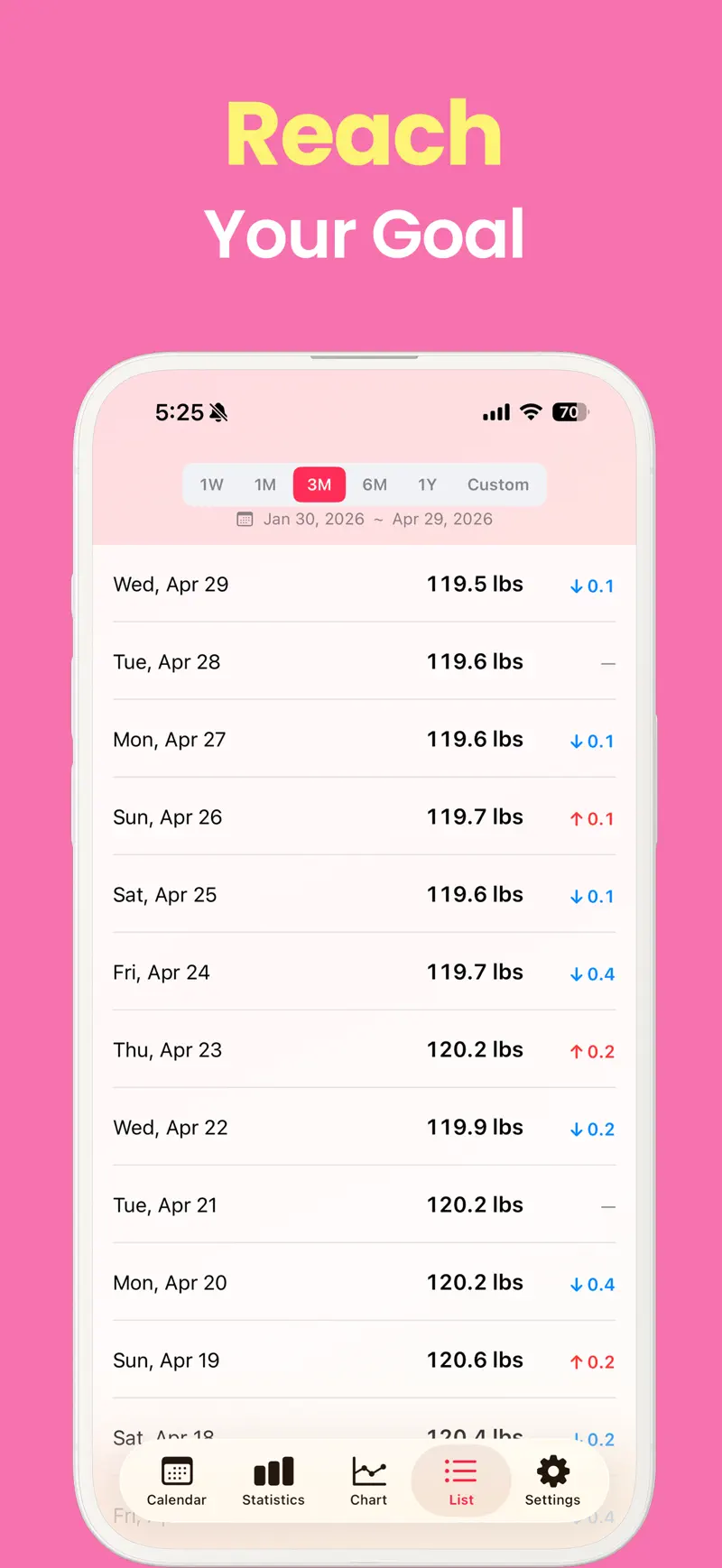
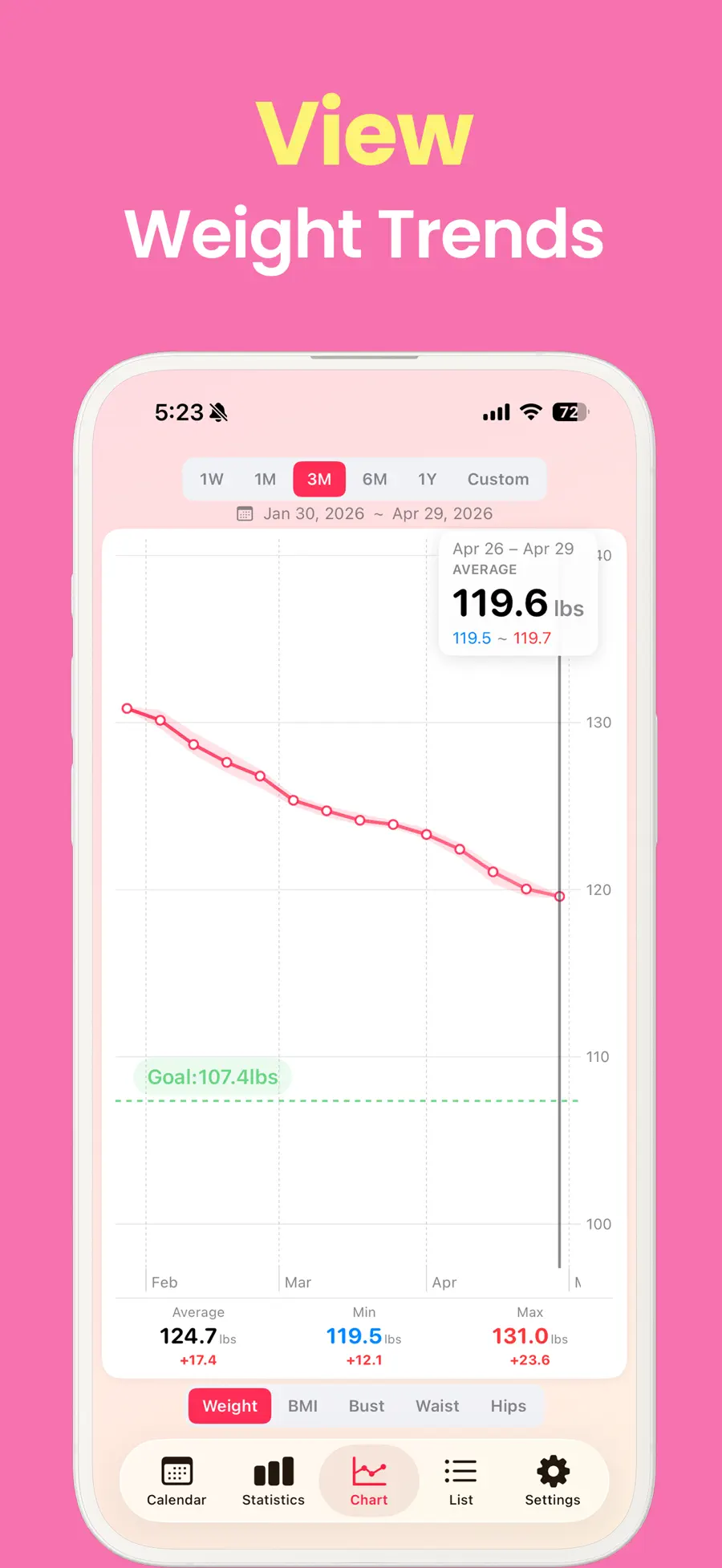
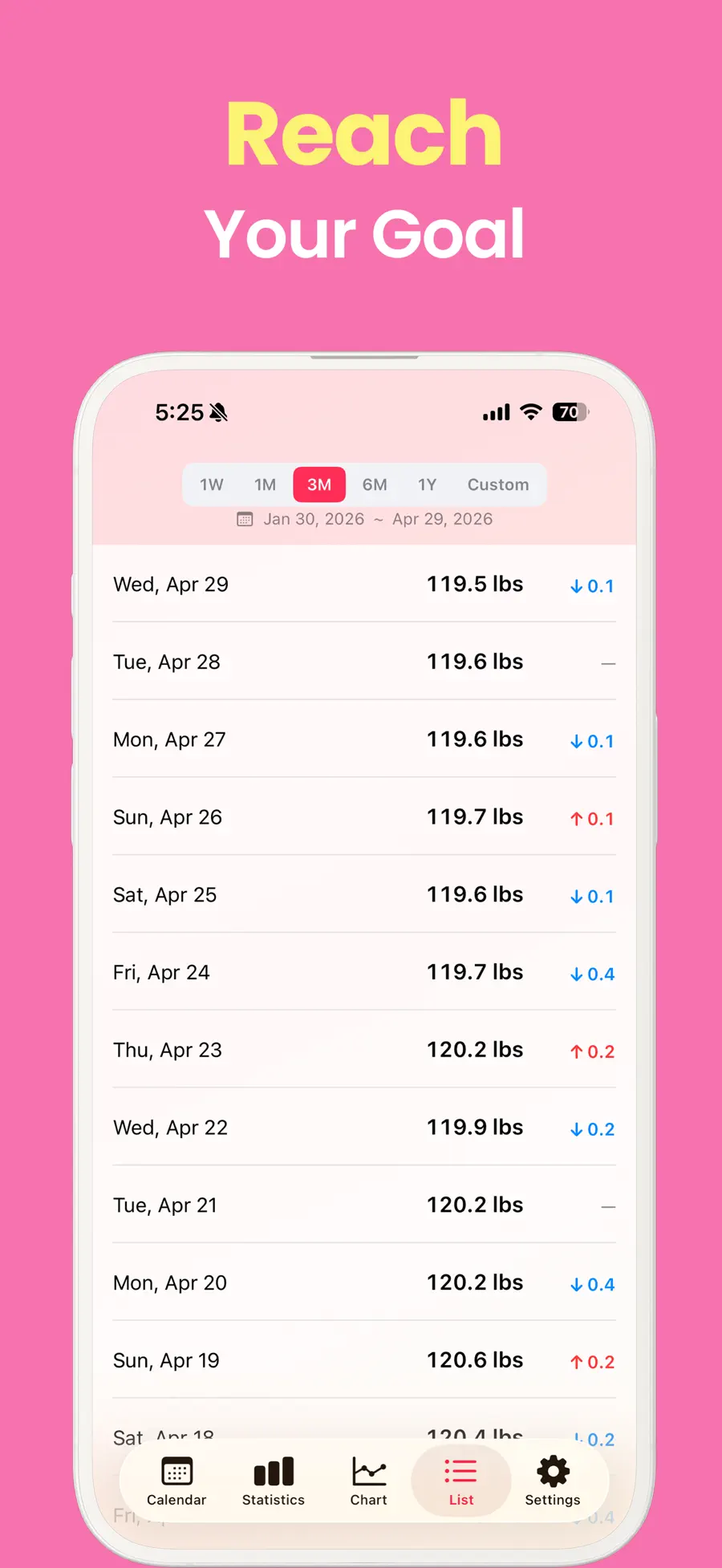
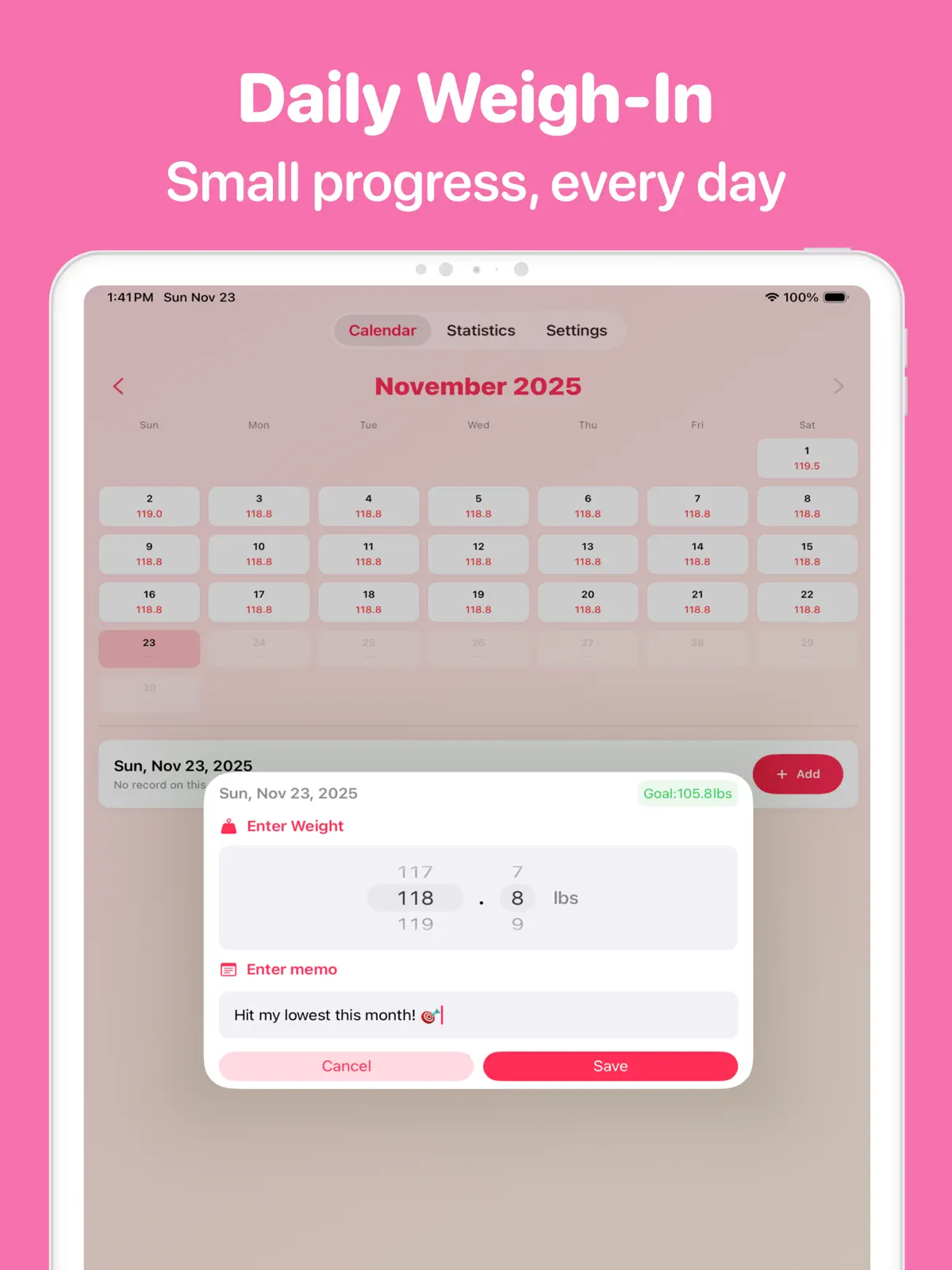
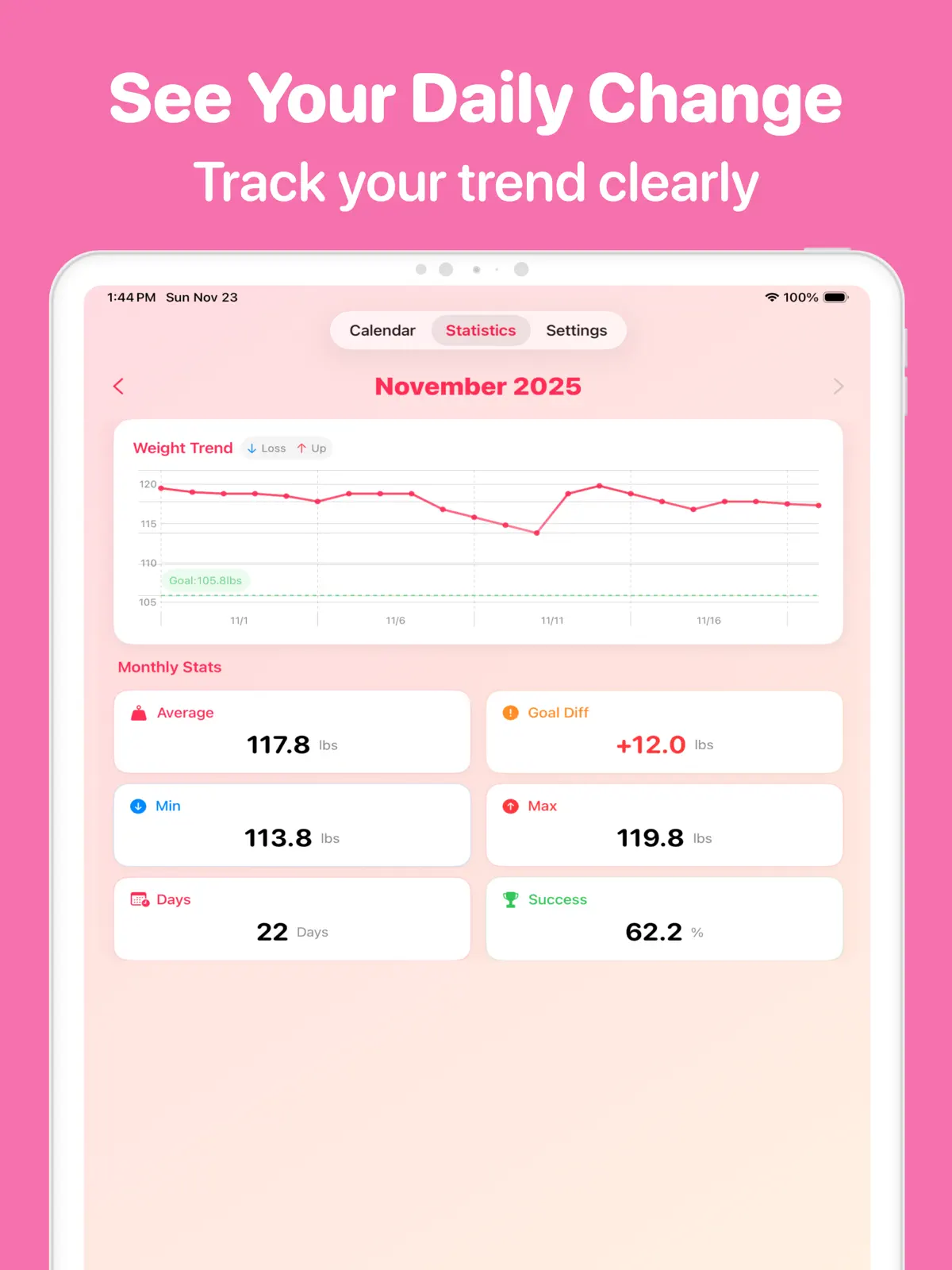
As records accumulate, you no longer have to judge progress from today’s number alone. The calendar makes previous entries easy to find, while charts show the movement from your starting point toward your goal. If you miss a day or notice a mistake, you can edit a past record and keep going.
A 10-second daily weight routine
Start with three simple steps:
- Choose a consistent moment. Attach the entry to something you already do in the morning or evening.
- Log the weight first. Add notes only when they are useful, so the core action stays quick.
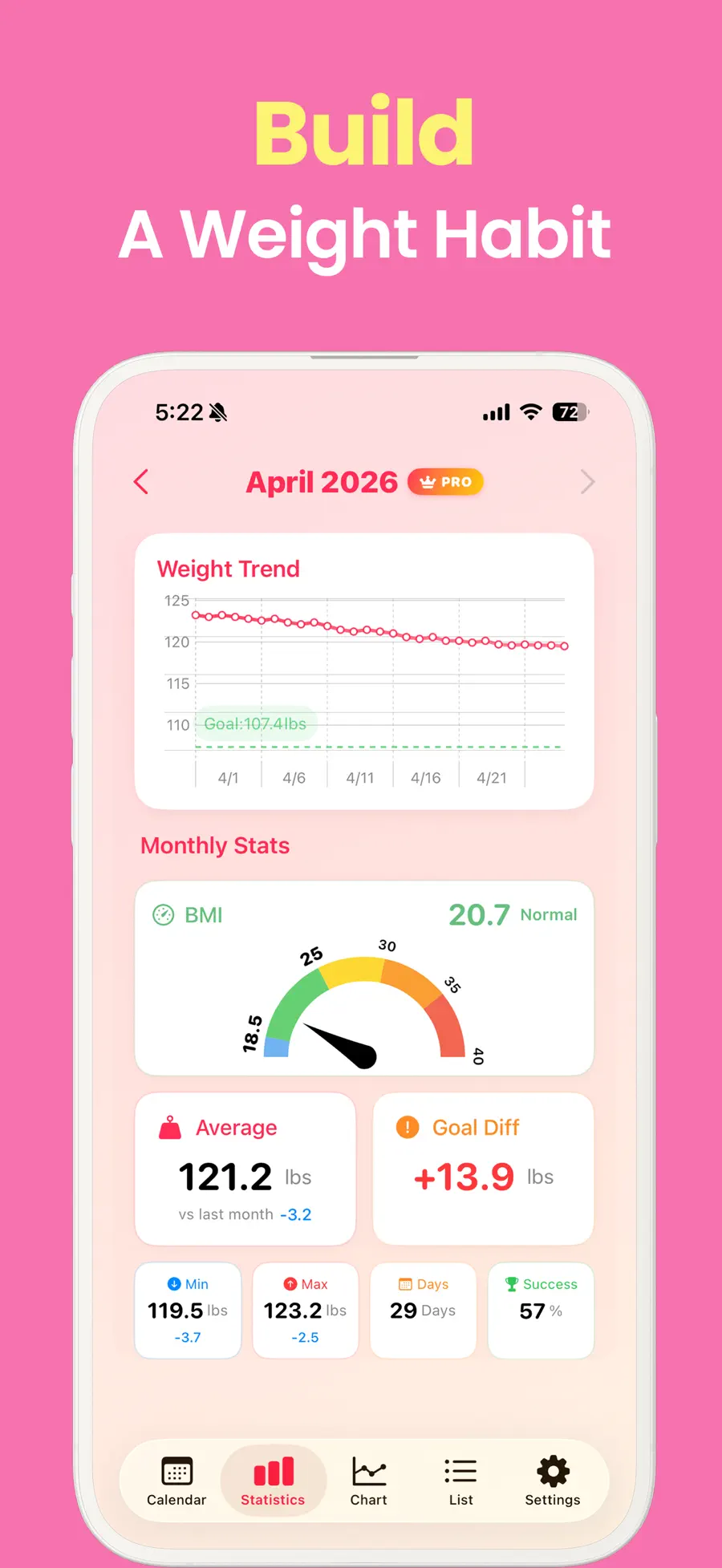
- Review the trend, not every entry. Look at the weekly or monthly chart to see the wider pattern.
A reminder at the time you choose can make the routine easier to remember. Dark Mode also keeps late-night entries comfortable.
Give each number useful context
A weight value cannot explain everything about a day. A workout, meal, mood, or change in routine may be worth remembering when you look back later.
Weight Loss Tracker Pro lets you add emoji and notes for mood, condition, meals, workouts, and other moments. You can calculate BMI from height and weight, follow BMI alongside weight, and set a goal to see the remaining distance more clearly.
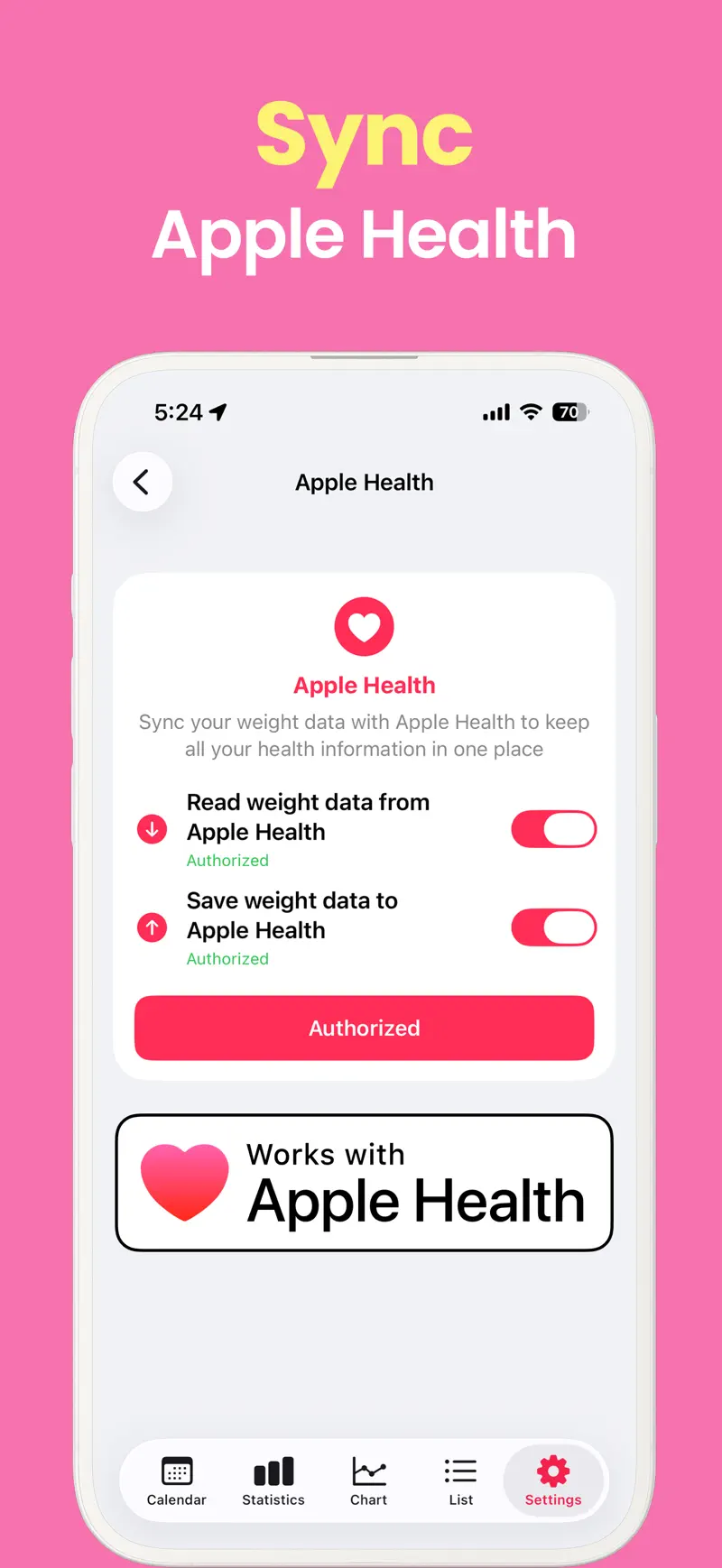
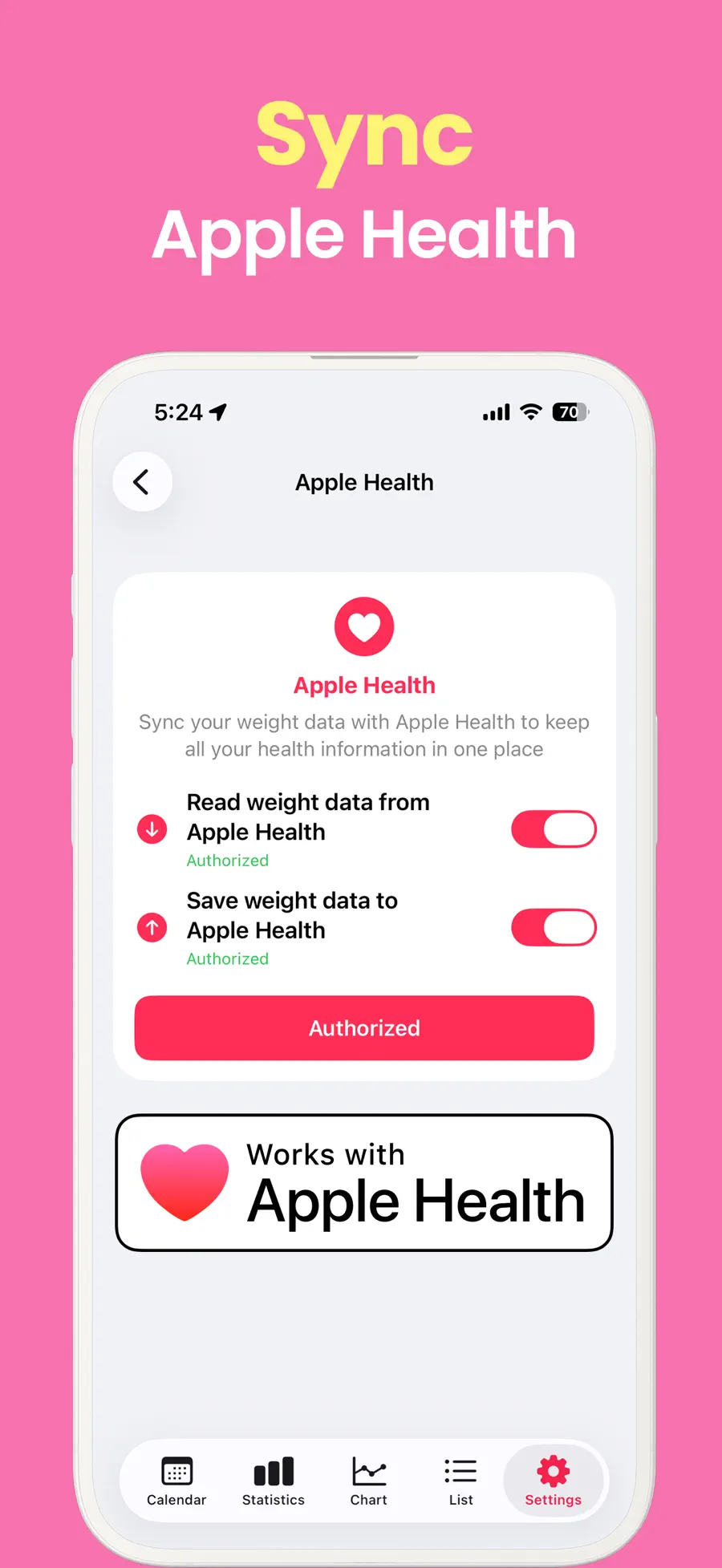
iCloud sync keeps supported iPhone and iPad records available across your devices. That makes it easier to review or edit the same history wherever you prefer to use the app.
Go faster or analyze more when you need to
You can begin with the basic log and add Pro features if a faster workflow or more detailed view becomes valuable:
- A Quick Add widget that starts weight entry from the Home Screen or Lock Screen
- Advanced charts for one week, one month, three months, six months, one year, or a custom range
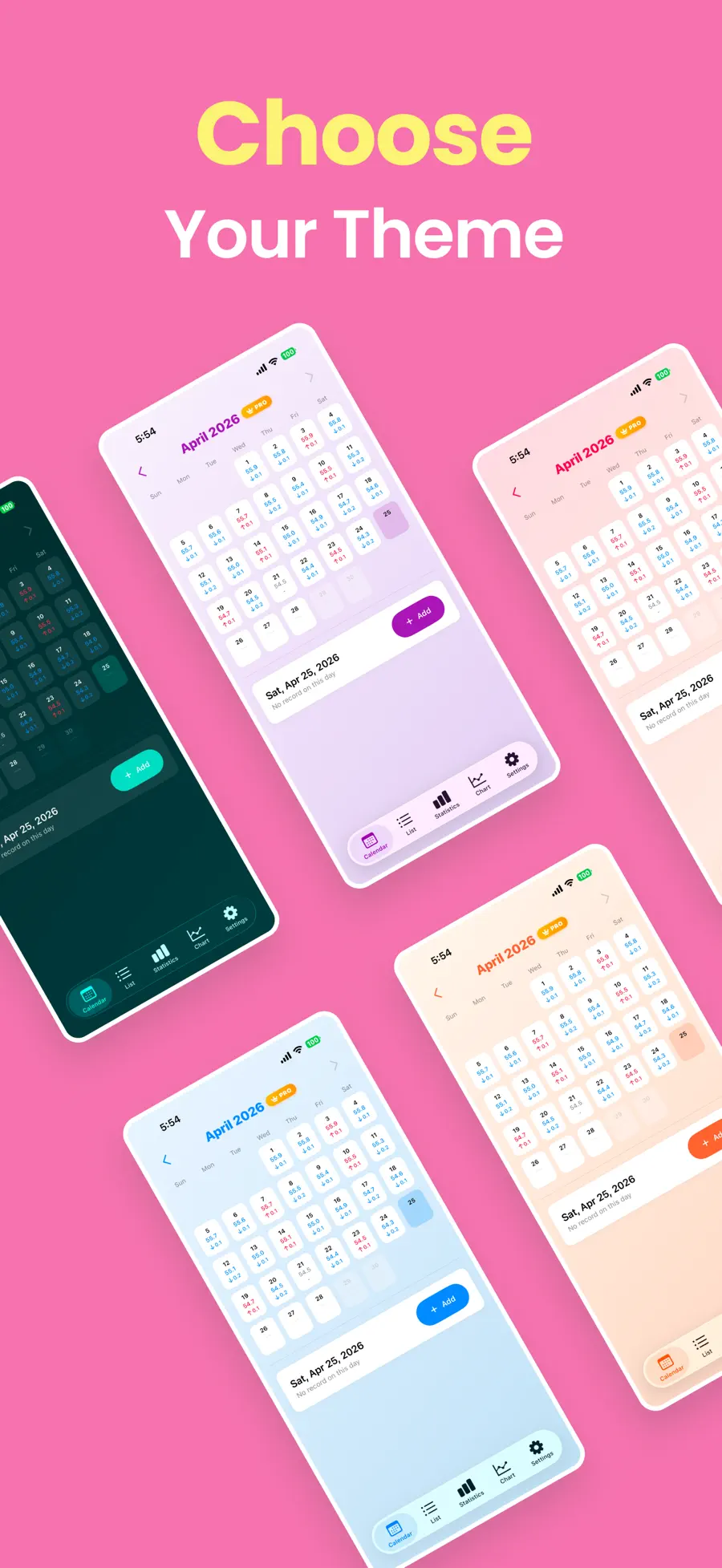
- Premium color themes for a more personal tracking screen
There is no need to adopt every option on the first day. Start with the basic entry, learn which tools you actually use, and choose from there.
Who is this weight tracker for?
The app is a strong fit if you want to:
- Record weight without logging every meal or activity
- Replace scattered notebook or Notes entries with a calendar and charts
- See progress toward a goal weight at a glance
- Keep mood, meal, condition, or workout notes beside each entry
- Continue the same record on iPhone and iPad
If your main requirement is automatic calorie counting, live coaching, or remote clinical care, consider a service built specifically for that job. This app’s strength is making a daily weight record quick, clear, and pleasant to revisit.
Frequently asked questions
Do I have to record my weight every day?
No app needs to turn a missed day into failure. Continue with the next entry, or edit a past date when you need to correct or add a record.
Can I use it on both iPhone and iPad?
Yes. iCloud sync makes records available to view and edit on supported iPhone and iPad devices.
Are widgets and advanced charts included?
The Quick Add widget, advanced charts with custom date ranges, and premium themes are Pro features.
Start with one number today
A durable habit rarely begins with an elaborate plan. Log one weight today, then return at the same moment tomorrow. Once the calendar fills and the chart develops a visible line, the record itself makes the next entry easier.
Review the features and screenshots for Weight Loss Tracker Pro before installing, or use the download button on this page to start now.
Get Weight Loss Tracker Pro
Log weight in seconds and see progress on a calendar and charts. Explore goals, BMI, notes, reminders, and iCloud sync for iPhone and iPad.
4.7 · 870