Weight Loss Tracker Pro vs Happy Scale
Compare Weight Loss Tracker Pro vs Happy Scale for weight logs, calendars, smoothing, forecasts, Apple Health, backups, pricing, and device support.
 Weight Loss Tracker Pro
Table of contents+
- Weight Loss Tracker Pro vs Happy Scale at a glance
- Choose Weight Loss Tracker Pro for a calendar-based daily log
- Choose Happy Scale for smoothing and forecasts
- Multiple weigh-ins are handled differently
- Compare Apple Health and device sync
- Both apps provide backup and CSV options
- Pricing and older-device support differ
- Which weight tracker should you choose?
- Frequently asked questions
- Start with the screen you will keep checking
Both apps record weight, goals, and BMI and work on iPhone and iPad. Their emphasis is different: Weight Loss Tracker Pro is built around capturing a day and returning to its context, while Happy Scale is built around mathematically interpreting a series of measurements.
This first-party comparison from Rich Soft uses the US App Store listings, version histories, in-app purchase listings, and Happy Scale support documentation verified on August 12, 2026. It compares published behavior rather than claiming hands-on competitor testing. Features and prices may change.
Weight Loss Tracker Pro vs Happy Scale at a glance
The most useful question is not which app has more features. It is what you want to see after entering your weight.
| Comparison | Weight Loss Tracker Pro | Happy Scale |
|---|---|---|
| Main approach | Calendar, list, and charts with context for each day | Moving averages and smoothing for interpreting the underlying trend |
| Goals | Diet starting weight, progress, estimated completion, and separate journey history | A large goal divided into smaller milestones |
| Multiple daily entries | Pro records several weigh-ins with their times and offers a one-day chart | Apple Health import keeps one entry per day; if several exist, it selects the lowest |
| Context | Multiline notes and mood, food, or exercise stickers visible on the calendar | Logbook plus an analysis-first focus on trends, goals, and forecasts |
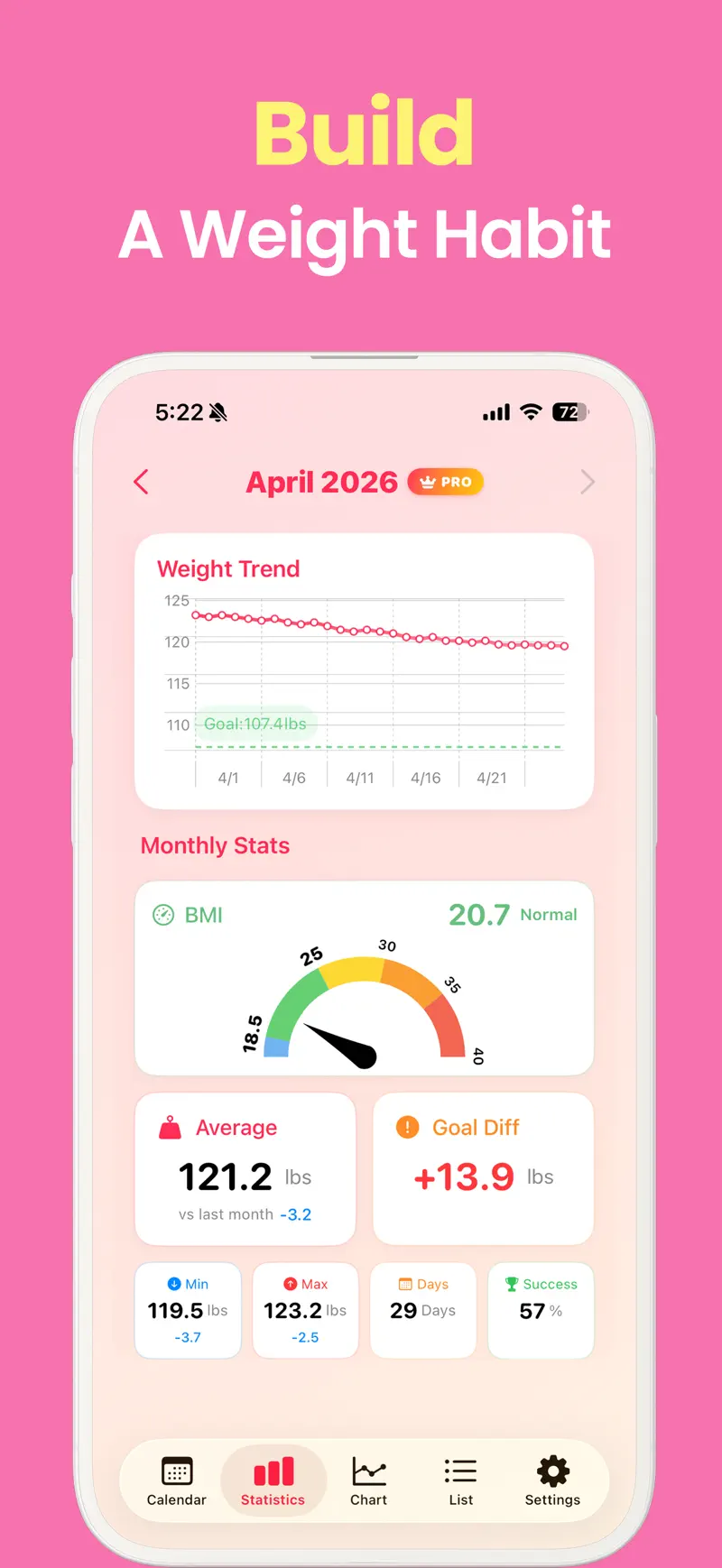
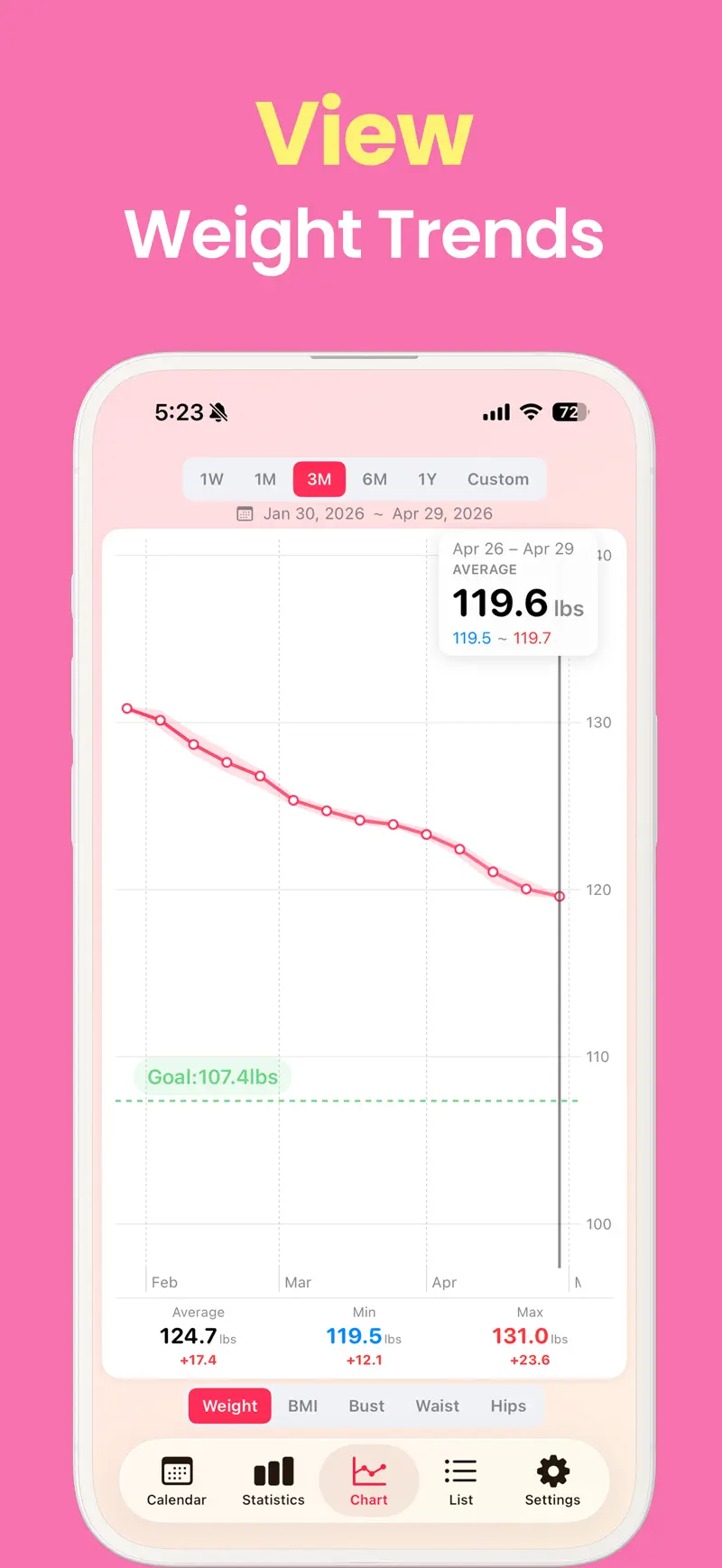
| Analysis | Weight and BMI charts, custom ranges, monthly statistics, and goal progress | Smoothing choices, weekly trend, future-weight forecasts, and goal-date estimates |
| Apple Health | Syncs weight and waist circumference | Automatically imports and exports weight |
| Cross-device use | iCloud sync between iPhone and iPad | iPhone and iPad support; official documentation explains Dropbox sync |
| Files | Record backup and restore, plus CSV export | Full-data backup and restore, plus CSV export |
| Paid options | One-time Pro lifetime purchase | Monthly, yearly, and lifetime options listed in the App Store |
| Current minimum OS | iOS and iPadOS 18.6 | iOS and iPadOS 16.0 |
Choose Weight Loss Tracker Pro for a calendar-based daily log
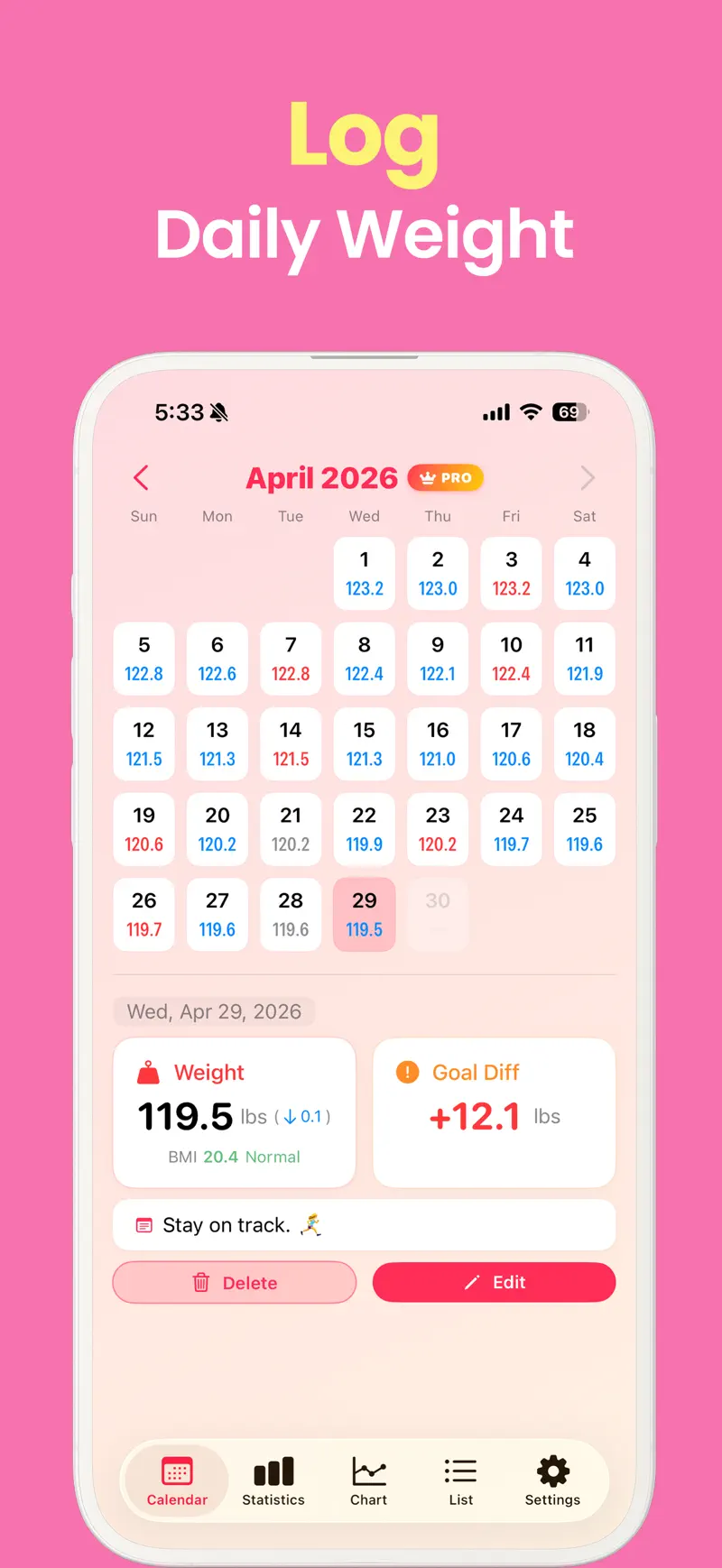
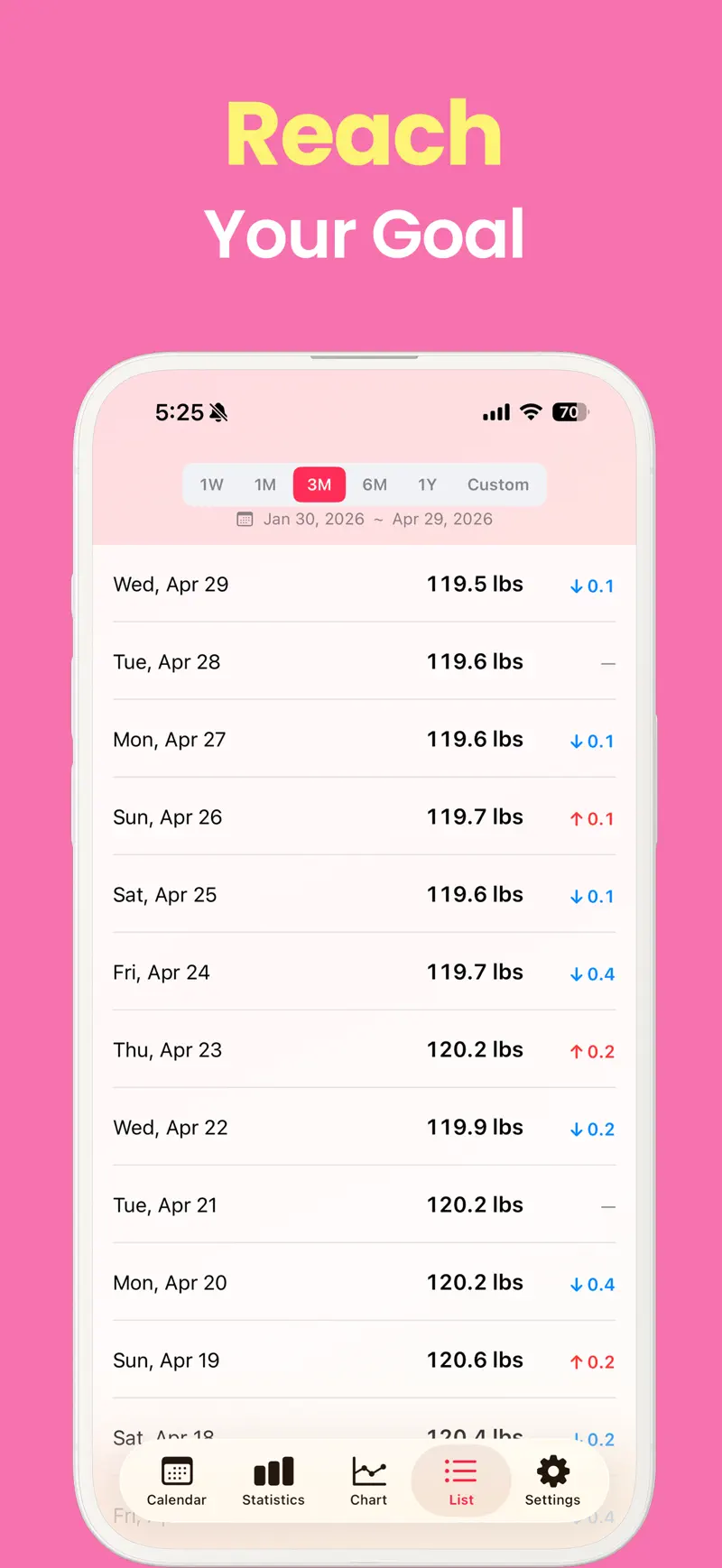
Weight Loss Tracker Pro starts with what happened today. A weigh-in appears in a calendar, list, and chart, letting you review the same history from several angles. You can also adjust the calendar’s first weekday, text size, and colors.
Multiline notes and stickers add context that a number cannot preserve on its own. You might mark:
- A restaurant meal or a different eating schedule
- Strength training, running, or a rest day
- Short sleep or a change in how you felt
- A memorable event or a medication discussion to revisit with a clinician
These notes do not prove why a measurement changed. They simply make later review more specific than trying to remember an isolated date.
Diet mode records a starting weight and target, then shows progress and an estimated completion date. Completed attempts remain as separate journeys and can be resumed. This is useful when you want to distinguish the current period from an earlier maintenance or weight-loss phase.
Choose Happy Scale for smoothing and forecasts
Happy Scale focuses on separating an underlying trend from the noisy number shown by the scale today. Its moving-average and smoothing options can provide perspective when water, salt, meal timing, or recovery changes a daily measurement without representing the same change in body fat.
The US App Store listing emphasizes:
- A smoothed view of true progress and weekly change
- Smaller milestone goals within a larger target
- Predictions based on the current trend
- Estimates for when a target could be reached
- BMI ranges alongside weight progress
Recent release notes also describe redesigned forecast cards that explain their calculation and customizable date shortcuts below the chart. If the reason you open a tracker is to interpret fluctuations rather than decorate or annotate a calendar, this analysis-first approach may fit better.
Multiple weigh-ins are handled differently
This difference matters if you weigh in both morning and evening or need to preserve measurements around an activity.
Weight Loss Tracker Pro can store multiple entries per day with measurement times in Pro. Its one-day chart retains the within-day sequence instead of forcing you to choose one representative number.
Happy Scale’s official support documentation says Apple Health import uses only one weight per day. When several entries exist, it imports the lowest one because that is the rule used for estimating its moving average. It does not retain the measurement time and exports daily entries at noon.
Neither rule is inherently medically superior. Decide whether your record should preserve every timed measurement or apply one consistent daily value for trend analysis.
Compare Apple Health and device sync
Both apps connect to Apple Health, but their published workflows differ.
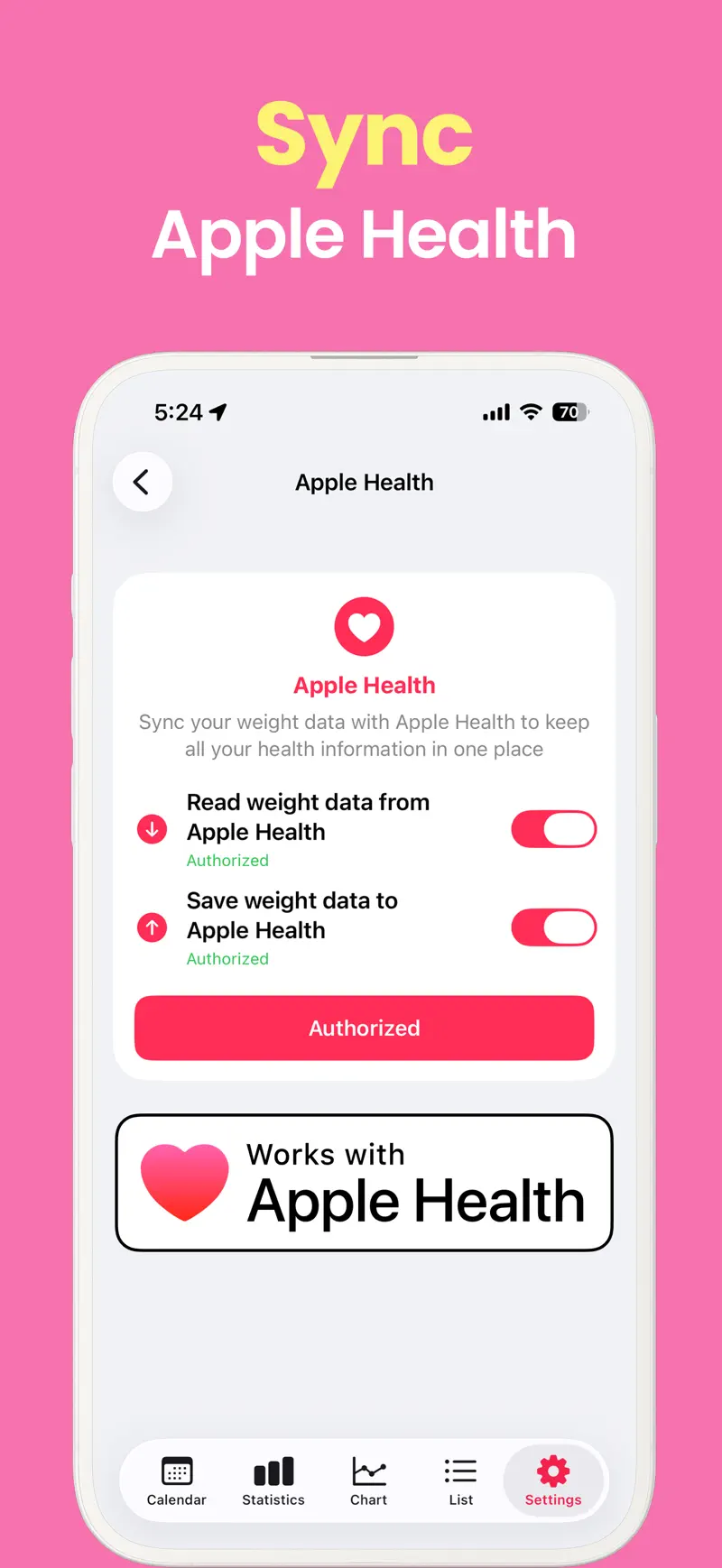
Weight Loss Tracker Pro lists synchronization of weight and waist circumference with Apple Health. Its own records sync through iCloud so that they can continue across iPhone and iPad.
Happy Scale can automatically import weight placed in Apple Health by another app or wireless scale and export its entries back to Health. Its support documentation says automatic Health integration can be enabled for one Happy Scale profile per device.
Happy Scale’s App Store description promotes use across iPhone and iPad, while its support site gives specific instructions for device synchronization through Dropbox. If you prefer to keep app data in one cloud system, compare that workflow with Weight Loss Tracker Pro’s iCloud approach.
Both apps provide backup and CSV options
A weight log can contain years of sensitive history, so portability matters.
Weight Loss Tracker Pro publishes file backup and restore, CSV export, and a history of completed diet journeys. Happy Scale documents a full-data file that can restore the app on another device, as well as CSV export.
Do not stop at a checked “export” box. Create a small sample, open it, and verify that the dates, units, and fields you need are present. Store exported health files somewhere with appropriate access controls rather than leaving them in a public shared folder.
Pricing and older-device support differ
Both apps are free to download with in-app purchases. Weight Loss Tracker Pro currently lists one Pro lifetime purchase in the US App Store. That unlocks paid tools without a recurring subscription.
Happy Scale lists monthly, yearly, and lifetime options. A subscription can be useful for trying paid features for a shorter period, while long-term users can compare renewal costs with the lifetime purchase. Check the live purchase screen for the current trial, free limits, and exact price before paying.
Happy Scale also supports older software. Weight Loss Tracker Pro currently requires iOS or iPadOS 18.6, while Happy Scale requires version 16.0. An iPhone or iPad staying on iOS 16 or 17 may decide the comparison before features do.
Which weight tracker should you choose?
Choose Weight Loss Tracker Pro if you want to:
- Keep weight, stickers, and multiline notes together on a calendar
- Separate completed and current diet journeys
- Preserve multiple timed measurements in the same day
- Sync the app’s records between iPhone and iPad through iCloud
- Buy Pro once instead of maintaining a subscription
Consider Happy Scale if you want to:
- Read a moving average and smoothed weight trend
- Split a large goal into smaller milestones
- Forecast a goal date or weight on a future date
- Automatically import and export weights through Apple Health
- Keep using an iOS 16 or iOS 17 device
The simplest distinction is rich daily context versus smoothed trend analysis. Because both can perform the basic weigh-in job, think about whether the screen you will revisit most is a calendar or a forecast and trend card.
Frequently asked questions
Can both apps export data?
Yes. Both publish CSV export and a backup-and-restore path. Test a small file to confirm that it includes the fields needed for your own archive.
Which app supports several weigh-ins in one day?
Weight Loss Tracker Pro supports multiple timed daily entries in Pro. Happy Scale documents a one-entry-per-day rule for Apple Health import and selects the lowest measurement when several are available.
Which app is better for trends?
Happy Scale makes smoothing, moving averages, milestones, and forecasts central to its product. Weight Loss Tracker Pro also has charts and monthly statistics but places greater emphasis on its calendar, notes, and separate diet journeys.
Can a weight trend or BMI replace medical advice?
No. Trends and BMI are general reference points, not a diagnosis. Pregnancy, growth, muscularity, medical conditions, and treatment can change how the numbers should be interpreted. Consult a qualified professional when decisions depend on them.
Start with the screen you will keep checking
Try the same week of measurements in the workflow that interests you most. If documenting food, exercise, mood, and separate diet phases makes the record useful, begin with Weight Loss Tracker Pro. If smoothing daily noise into a trend and forecast is more motivating, examine Happy Scale’s analysis tools.
Review the current Weight Loss Tracker Pro features and official screenshots, or open Weight Loss Tracker Pro on the US App Store.
Get Weight Loss Tracker Pro
Compare Weight Loss Tracker Pro vs Happy Scale for weight logs, calendars, smoothing, forecasts, Apple Health, backups, pricing, and device support.
4.7 · 800