Voice to Text on iPhone: Transcribe Meetings and Memos
Turn speech into accurate text on iPhone — record meetings, transcribe audio and video files, identify speakers, and keep everything private on-device.
 LoroNote - Speech to Text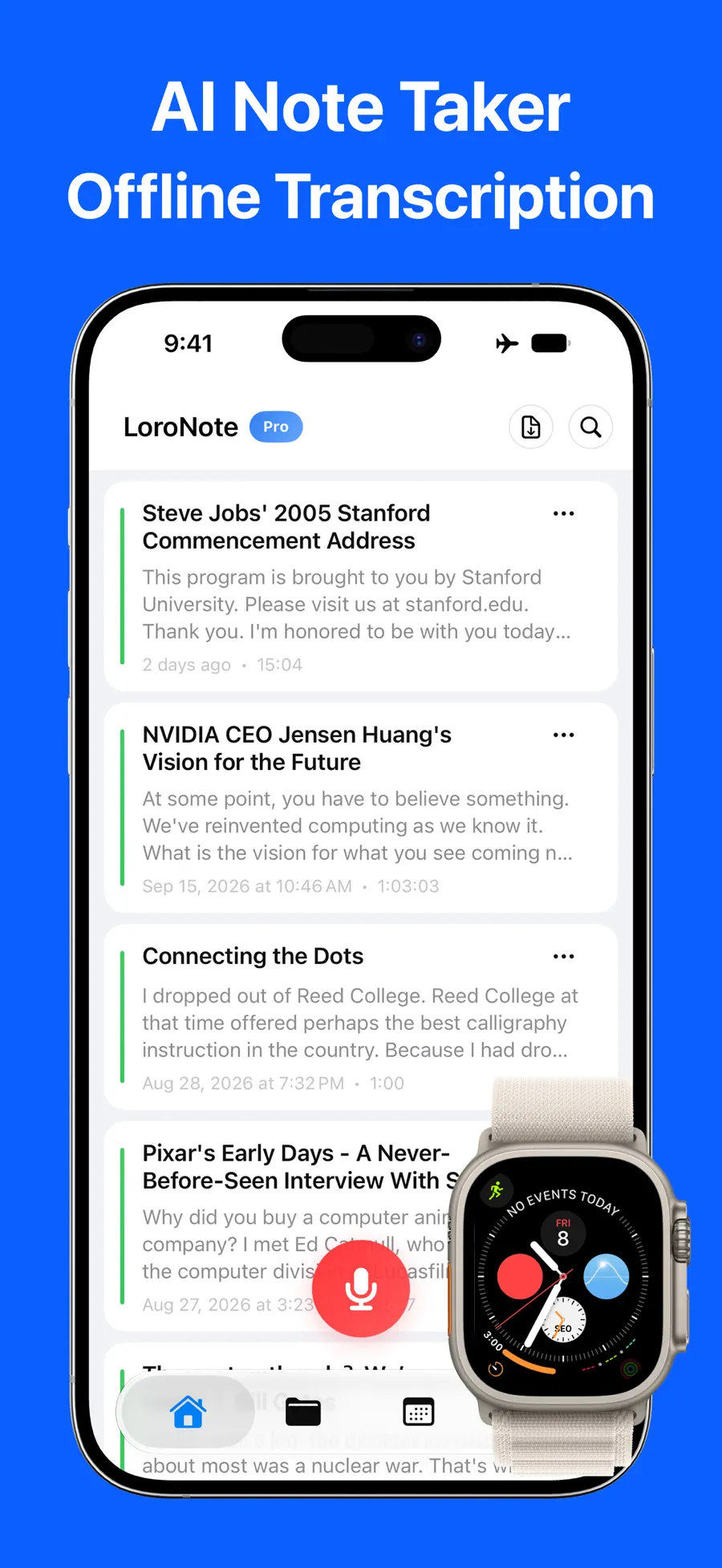
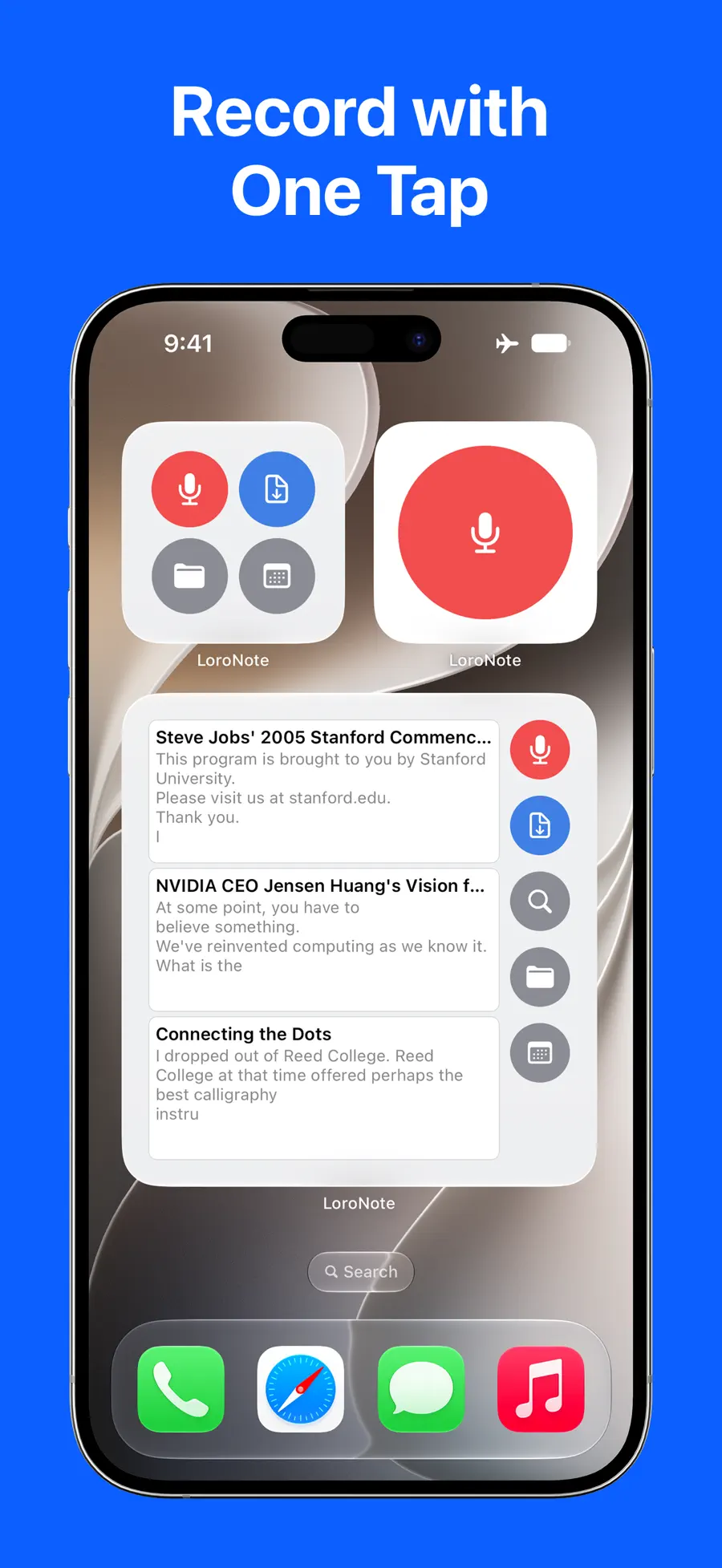



An hour-long meeting produces about nine thousand spoken words. Typing them up takes most of an afternoon; skipping the notes means losing the decisions. Voice-to-text exists precisely for this gap — but most transcription apps send your audio to a cloud server, which is exactly where a confidential meeting should not go.
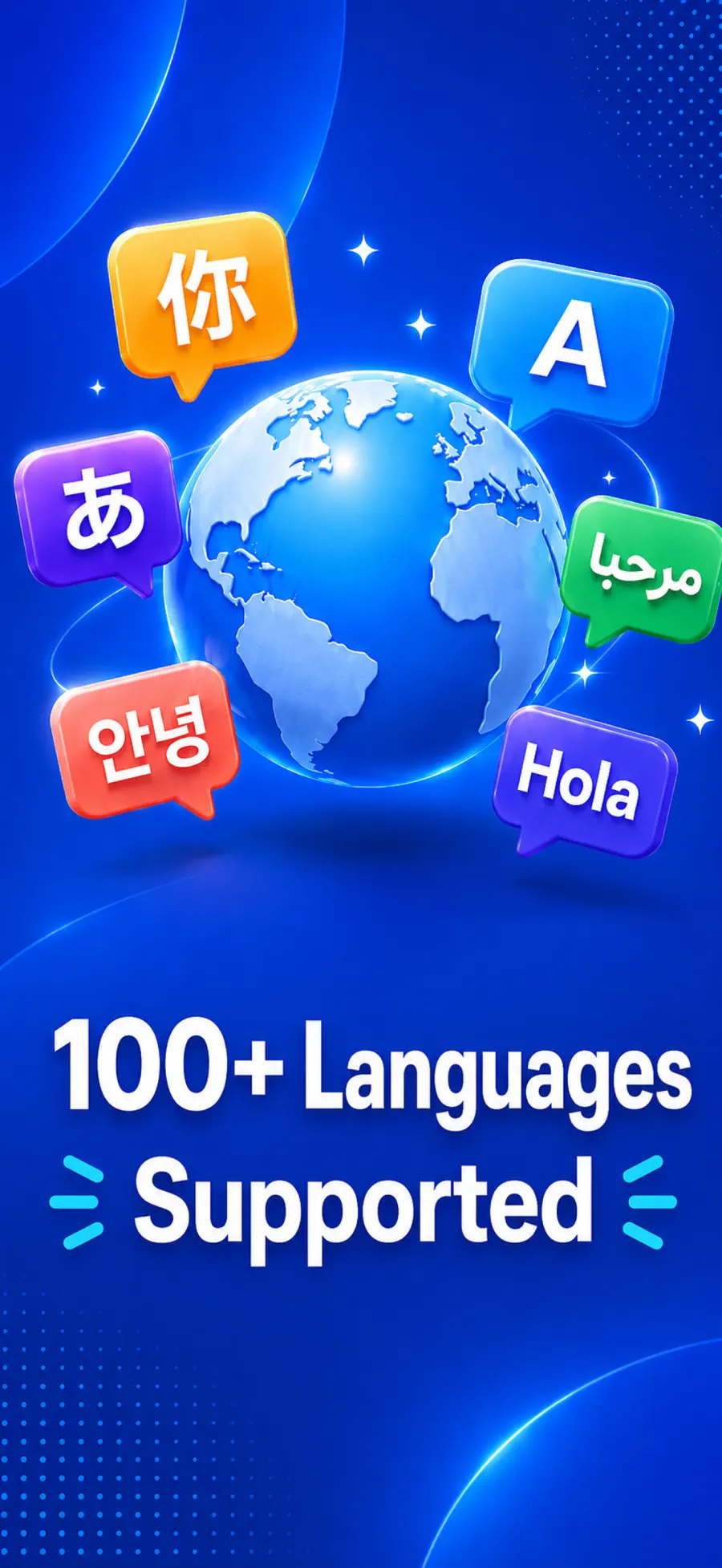
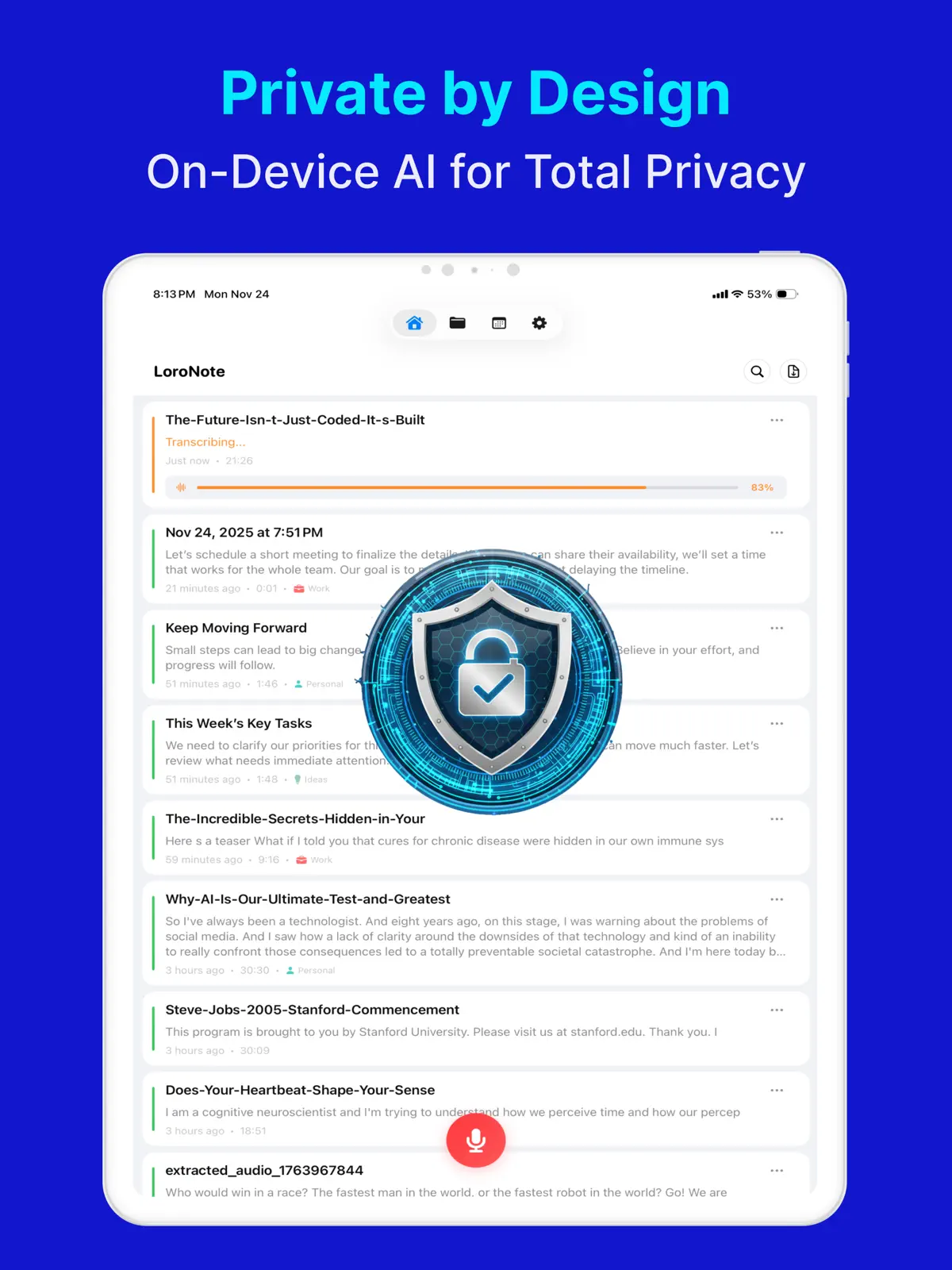
LoroNote - Speech to Text is an AI transcription voice recorder that runs OpenAI's Whisper Large V3 Turbo engine 100% on your device. Record or import audio, get studio-grade accuracy in minutes, and know that no audio or text ever leaves your iPhone.
Dictation is not transcription
The iPhone keyboard's microphone button handles dictation well: short bursts of speech, typed for you, while you watch. A real transcription workflow is a different job. Dictation cannot process an existing recording, does not label who said what, and was never meant for an hour of natural conversation with pauses, crosstalk, and jargon.
For that you need a transcription engine — and the interesting question becomes where it runs.
On-device Whisper: accuracy without the upload
Whisper is the open speech-recognition model that set the current standard for accuracy. This app optimizes the Large V3 Turbo version to run directly on the iPhone, which changes the practical rules:
- Nothing is uploaded. Interviews, client calls, therapy notes, legal discussions — the audio and its transcript stay on the device, full stop.
- It works offline. Transcribe on a plane or anywhere without signal; Airplane Mode is fine.
- No per-minute meter. Cloud services bill by audio length; on-device processing does not.
Built for real recordings
Accuracy is the start; the surrounding tools decide whether a transcript is usable:
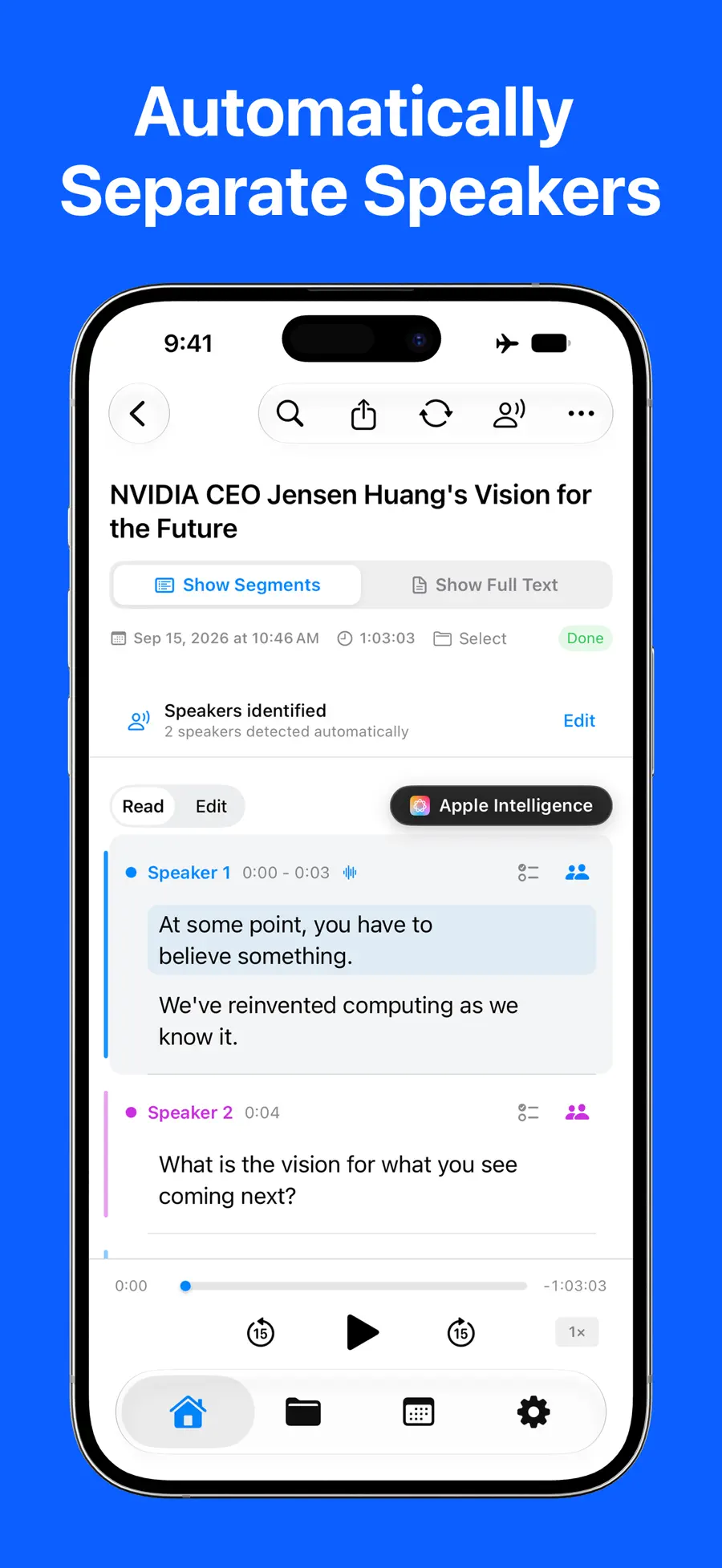
- Speaker identification shows who is speaking, lets you rename speakers, and keeps the labels when you share the transcript.
- Import almost anything. Transcribe existing mp3, wav, m4a, mp4, and mov files — voice memos, lecture recordings, or the audio track of a video.
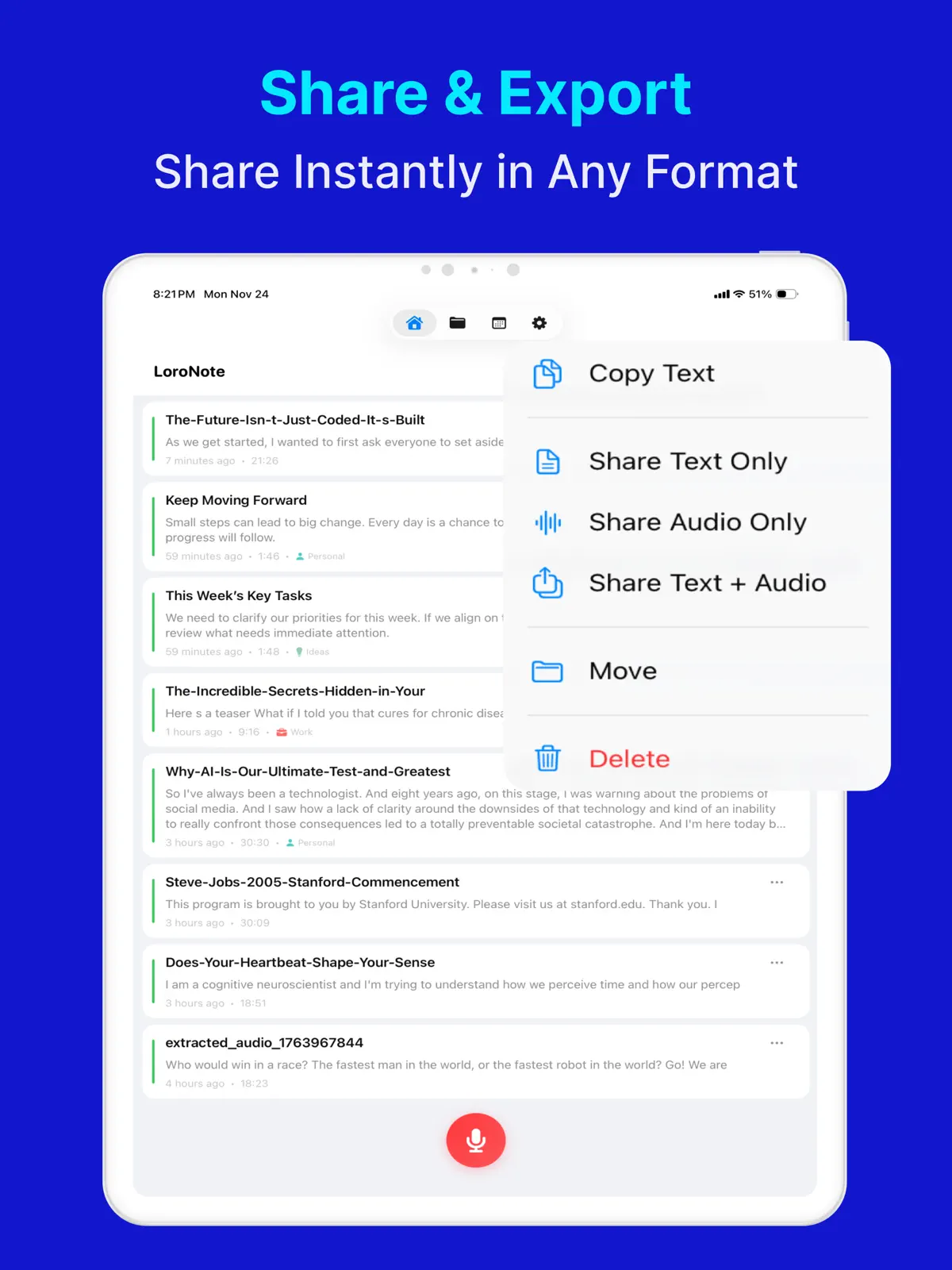
- Export anywhere. Save transcripts as text (TXT) or subtitles (SRT), and share to Notes, Files, or any other app.
- A custom dictionary teaches the engine names, technical jargon, and acronyms so they come out right every time.
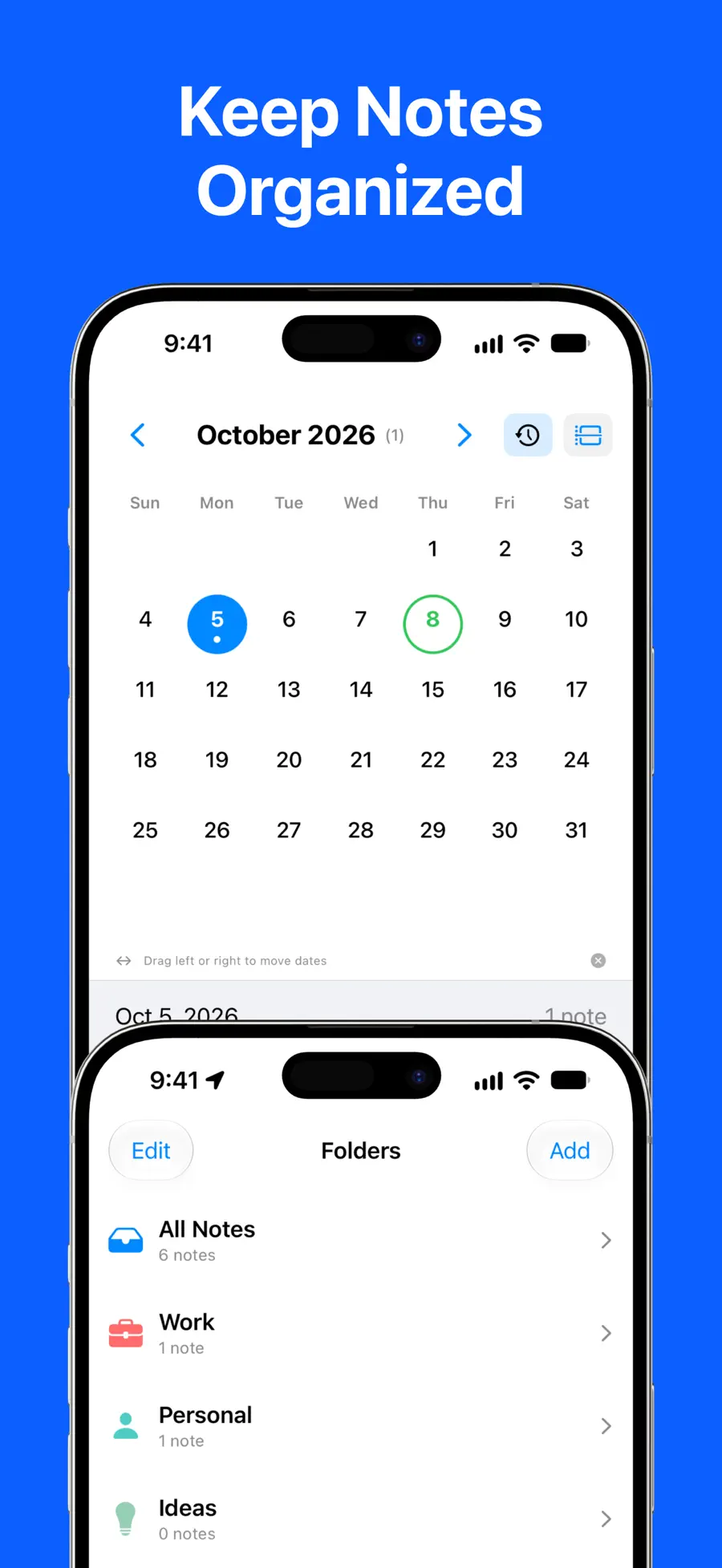
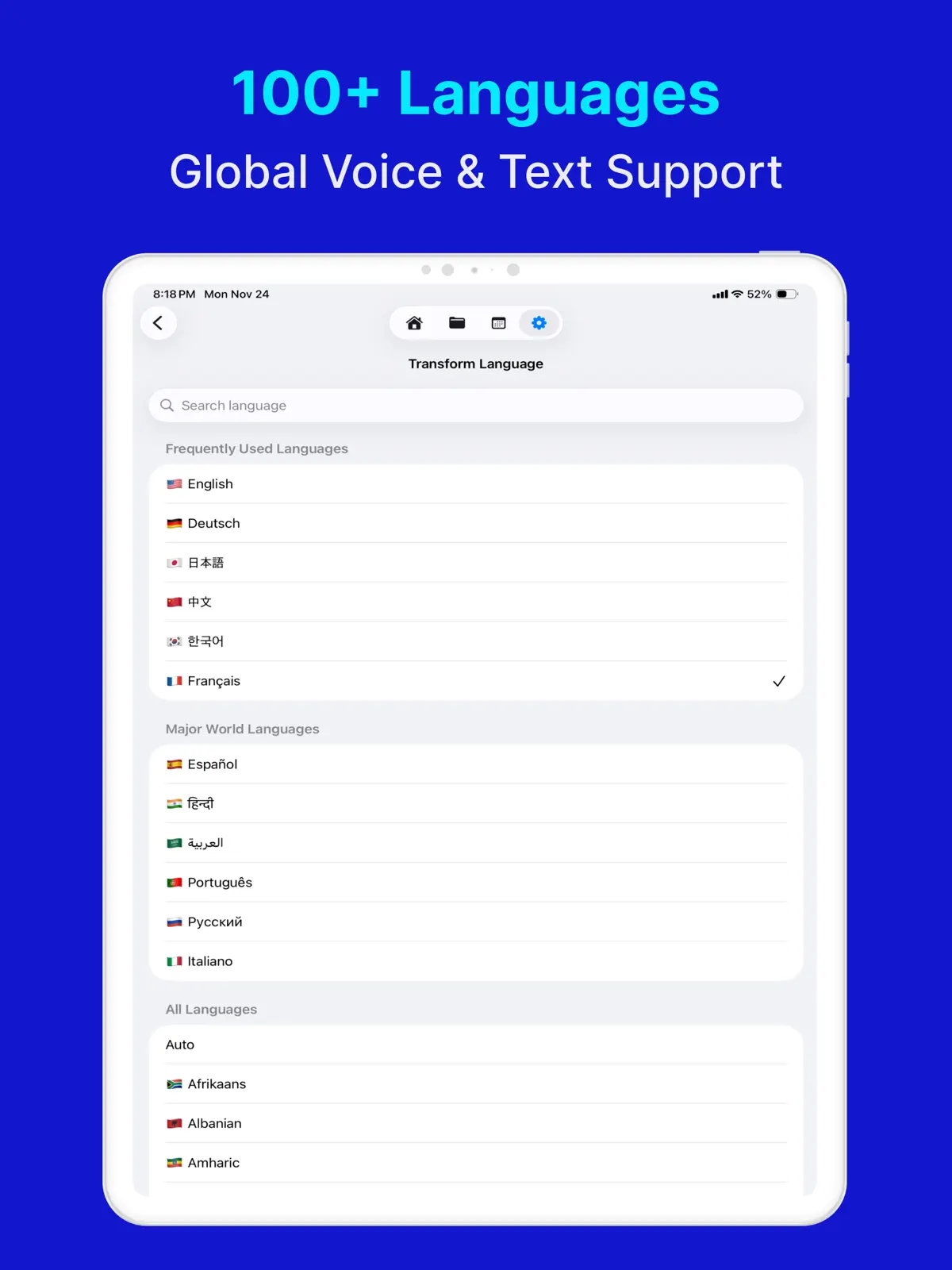
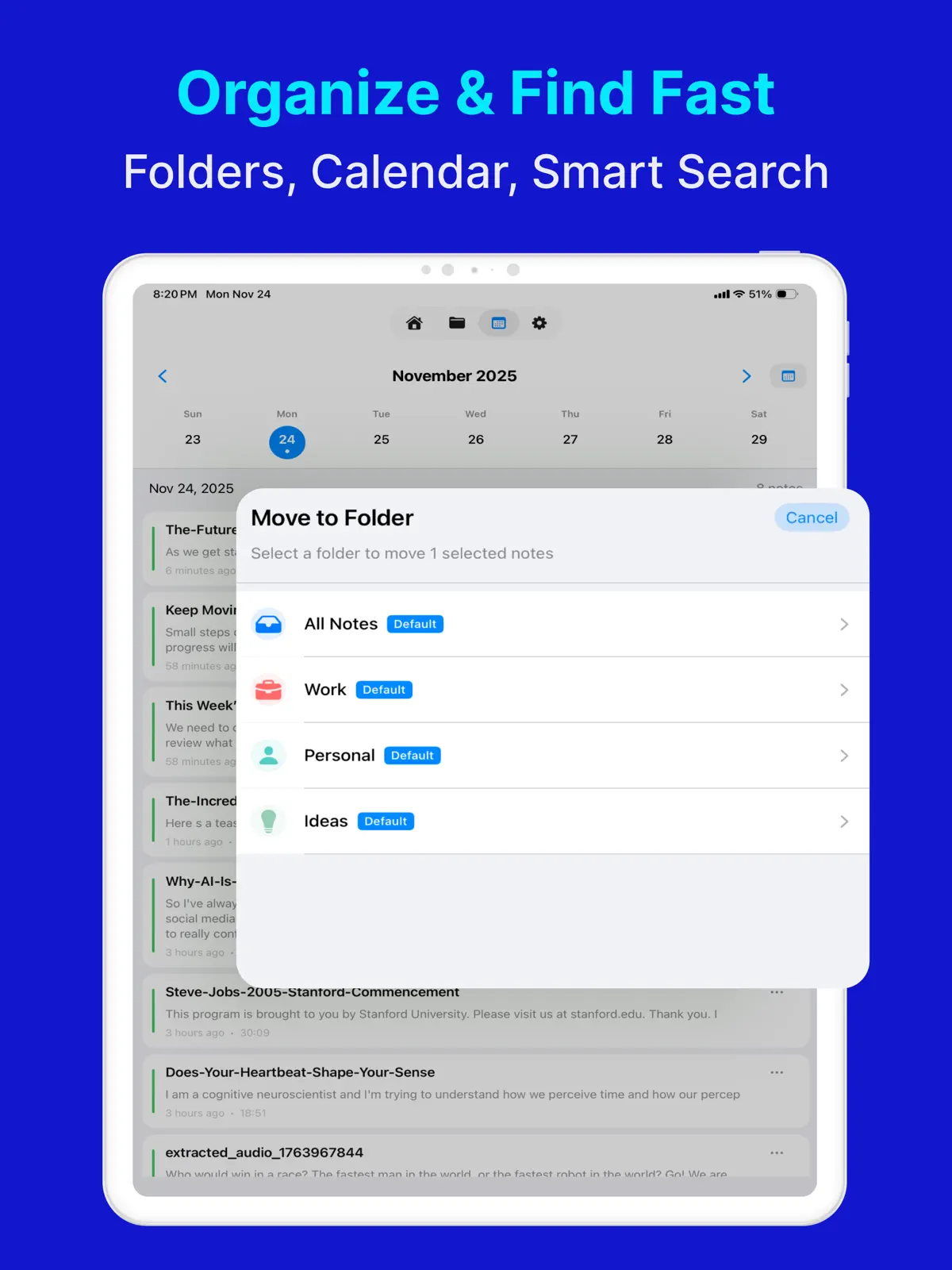
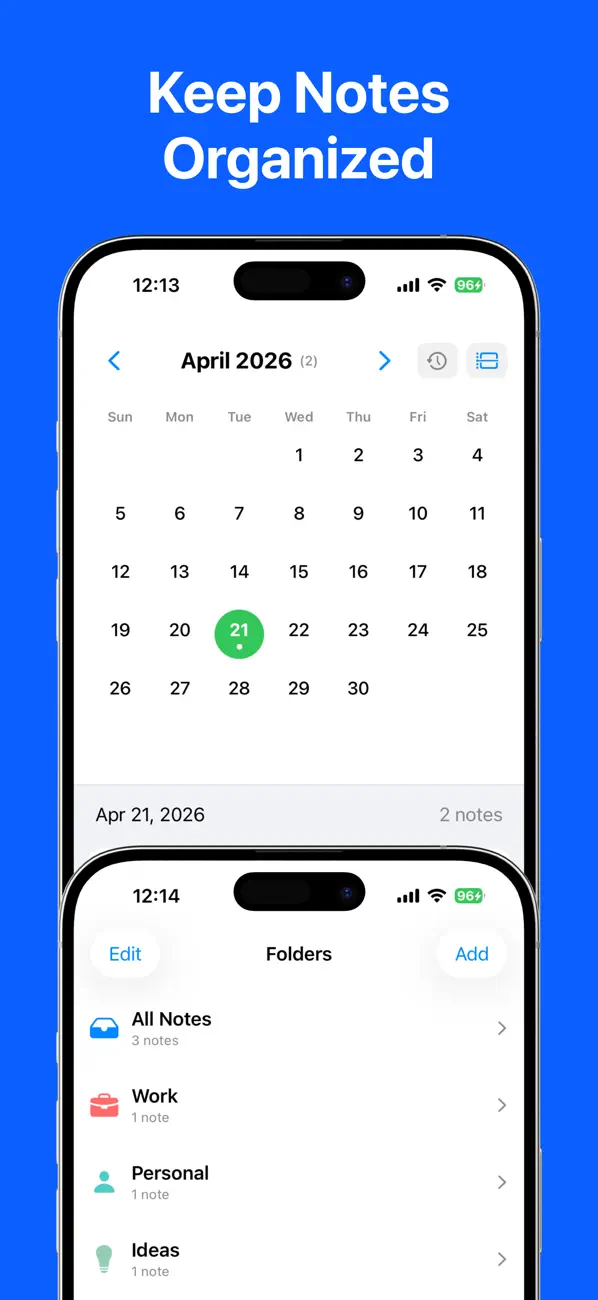
- Search and organization. Folders, calendar view, keyword search, and batch find-and-replace across transcripts.
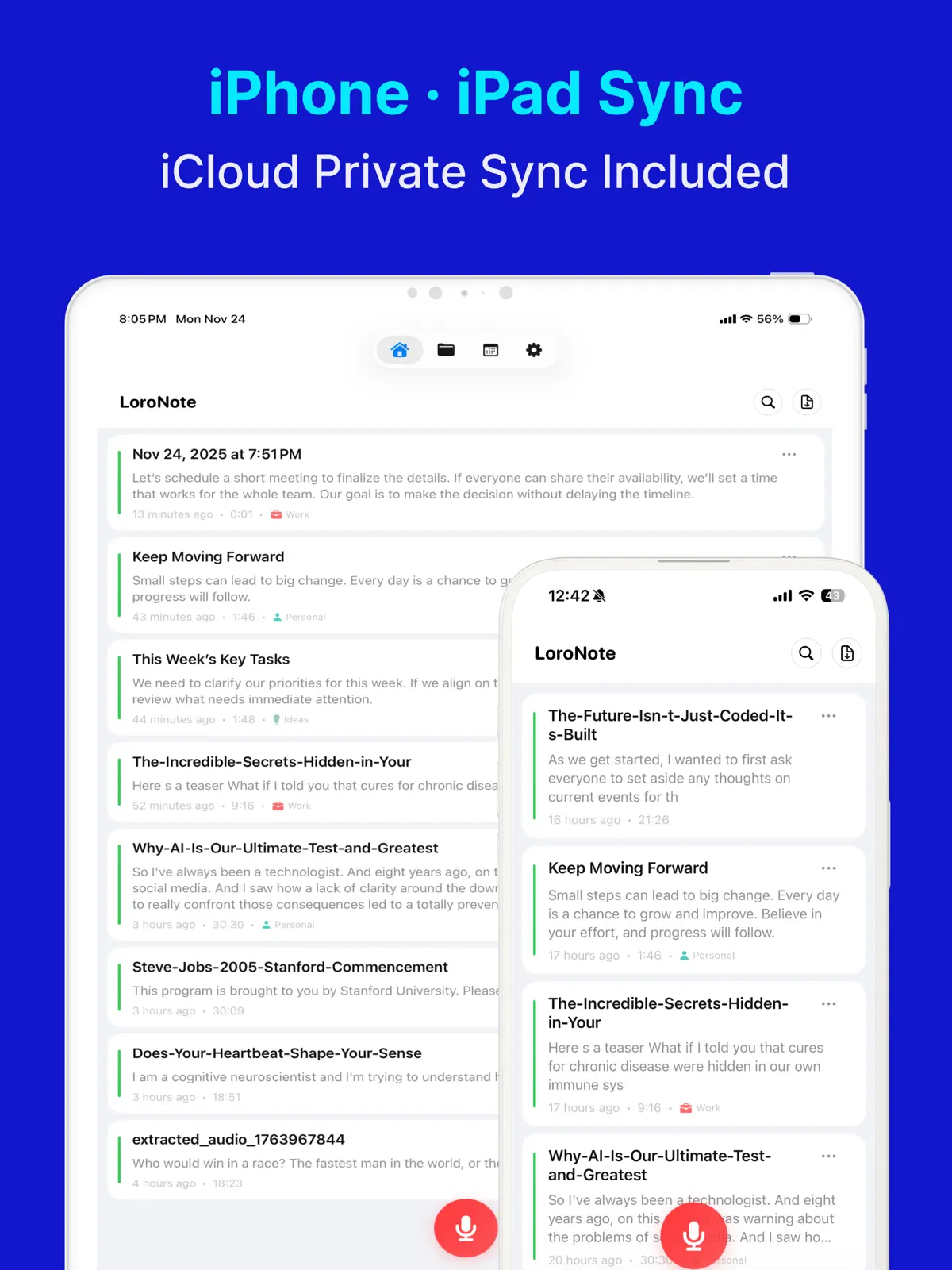
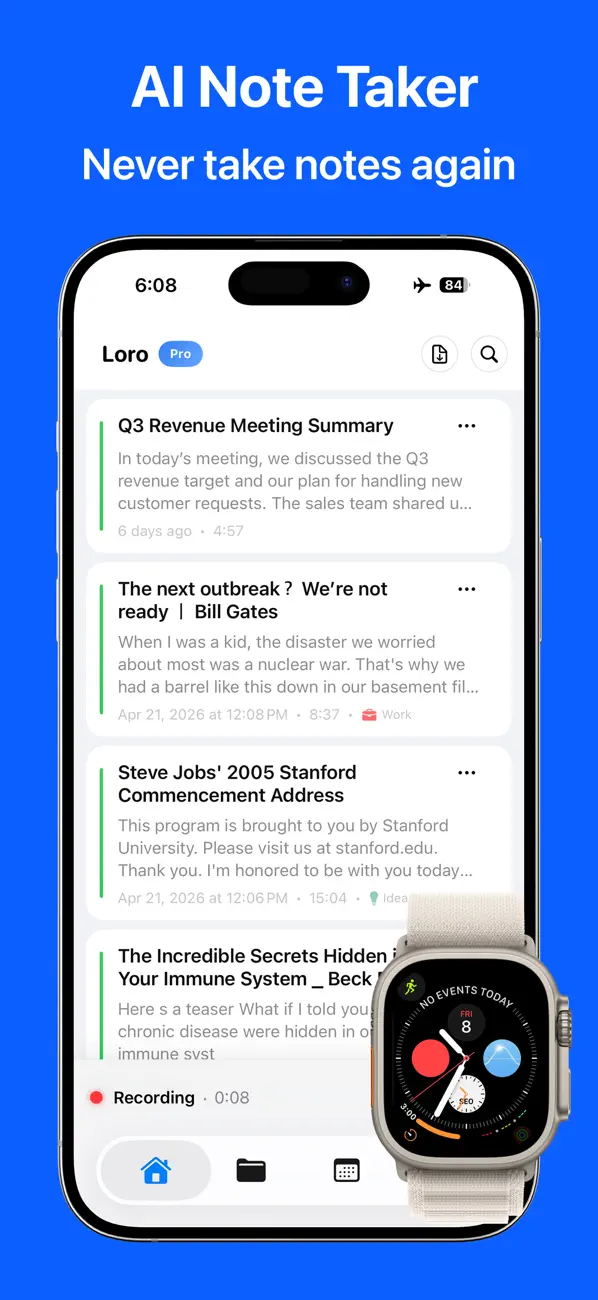
- Record from your wrist. The Apple Watch app captures ideas and conversations on the go and syncs them to your iPhone for transcription.
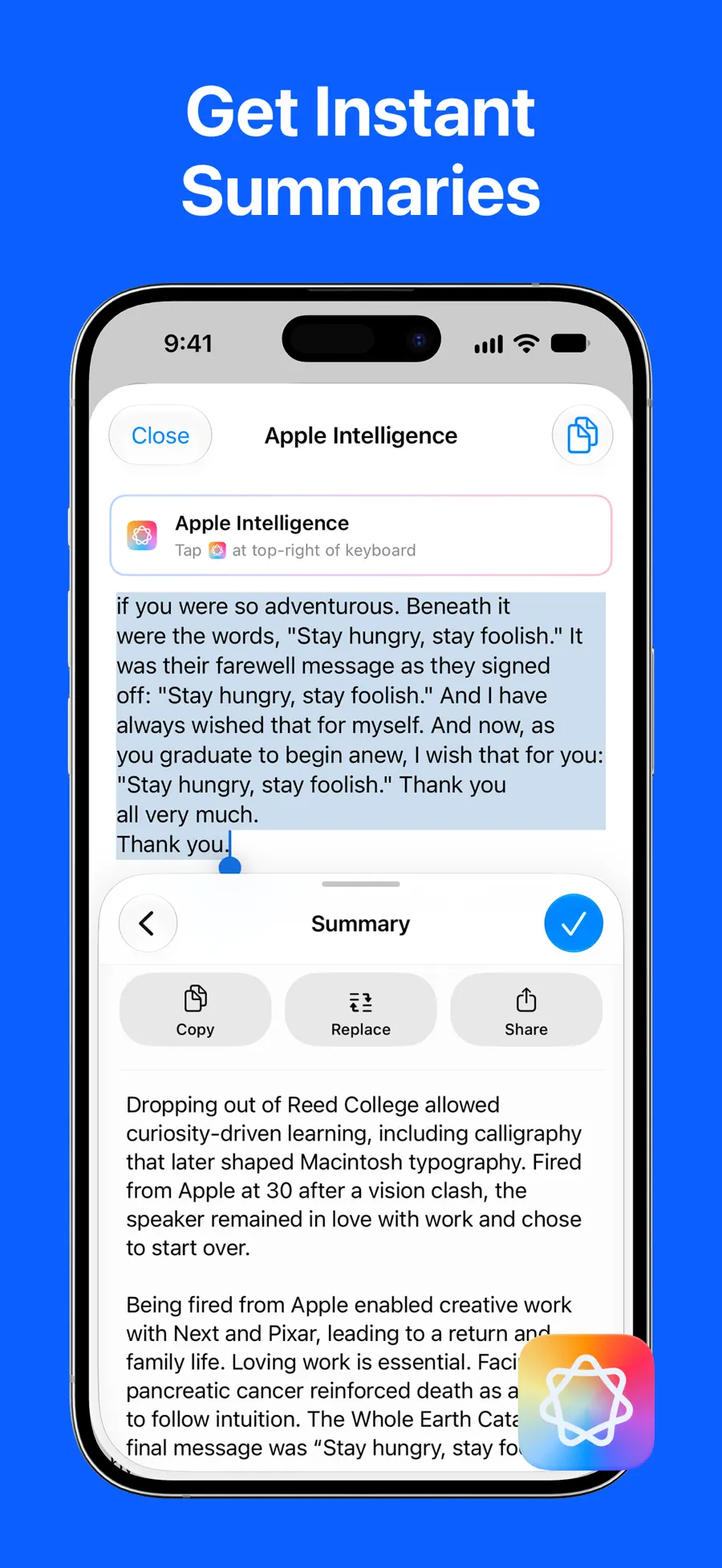
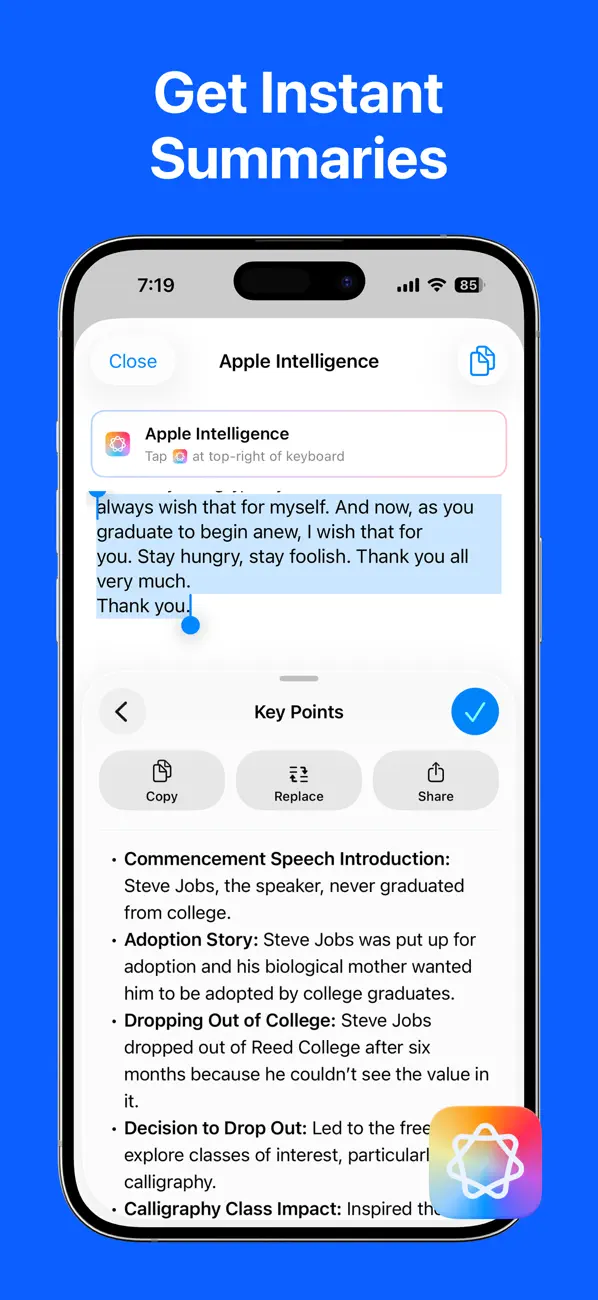
With Apple Intelligence integration, a long meeting can be summarized and key action items extracted — again on-device.
Listen, read, and fix together
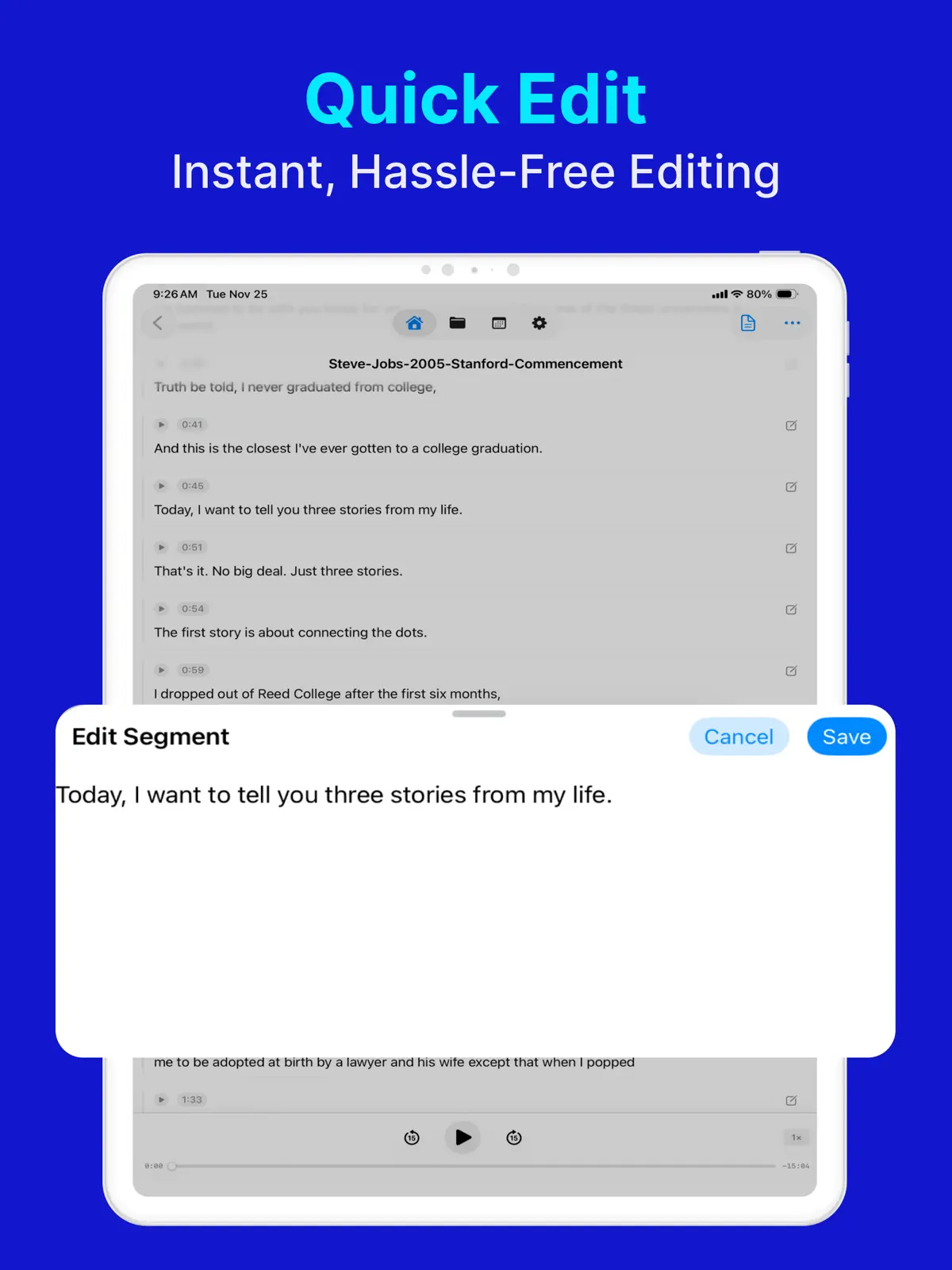
Advanced playback keeps the audio and text linked: the transcript highlights in sync while you listen, so checking a quote means tapping the sentence, not scrubbing a waveform. Transcripts stay editable, and Split View on iPad makes reviewing alongside another app comfortable.
Who is this speech-to-text app for?
LoroNote - Speech to Text fits best if you want to:
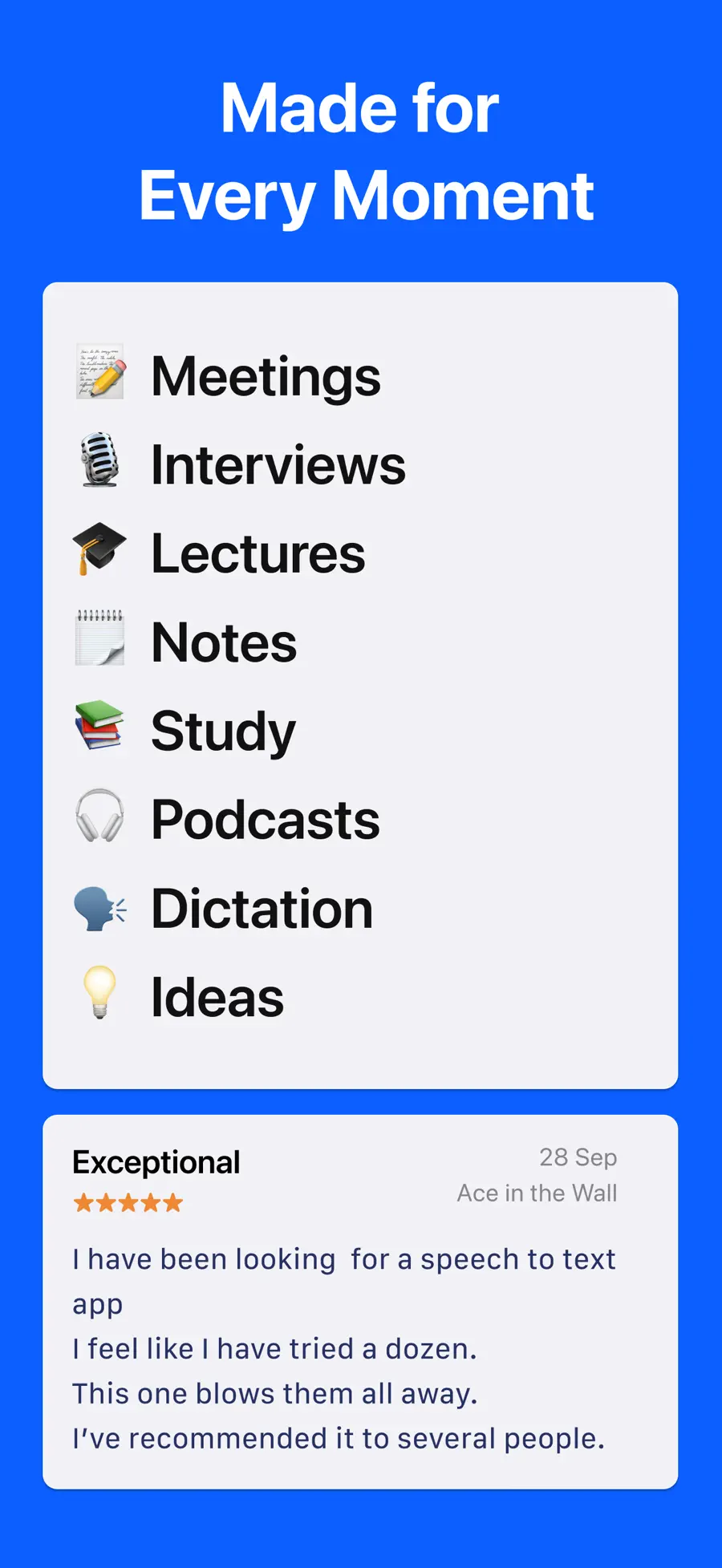
- Turn meetings, interviews, and lectures into searchable text
- Transcribe recordings you already have, including video files
- Know who said what with speaker labels
- Keep confidential audio off the cloud entirely
- Generate subtitles (SRT) from spoken audio
If you only dictate short messages, the keyboard microphone is enough. And if your team lives inside a specific meeting platform with built-in cloud notes, that convenience may outweigh privacy — this app is for when accuracy and confidentiality both matter.
Frequently asked questions
Is my audio really private?
Yes. Both the audio and the transcript are processed and stored locally on your iPhone. Nothing is sent to a server, which is also why the app works in Airplane Mode.
Can it transcribe files I recorded elsewhere?
Yes. Import mp3, wav, m4a, mp4, mov, and more — including the audio track of videos — and transcribe them like any recording.
Does it distinguish different speakers?
Yes. Speaker identification labels each voice, you can rename the speakers, and shared transcripts keep the labels.
Stop typing what was already said
The fastest way to judge a transcription app is to feed it a real recording. Record your next meeting — or import one from last week — and read it instead of replaying it.
Review the features and screenshots for LoroNote - Speech to Text before installing, or use the download button on this page to start now.
Get LoroNote - Speech to Text
Turn speech into accurate text on iPhone — record meetings, transcribe audio and video files, identify speakers, and keep everything private on-device.
4.6 · 330

 Local TTS - AI Voice Reader
 Export Contacts to Excel & CSV