單位換算器 - 匯率計算機:單位與貨幣一次換算
使用 單位換算器 - 匯率計算機 快速換算 30 多類單位與 150 多種世界貨幣,並瞭解離線換算和實際使用方式。
工具程式
免費
2.3.1
17.0
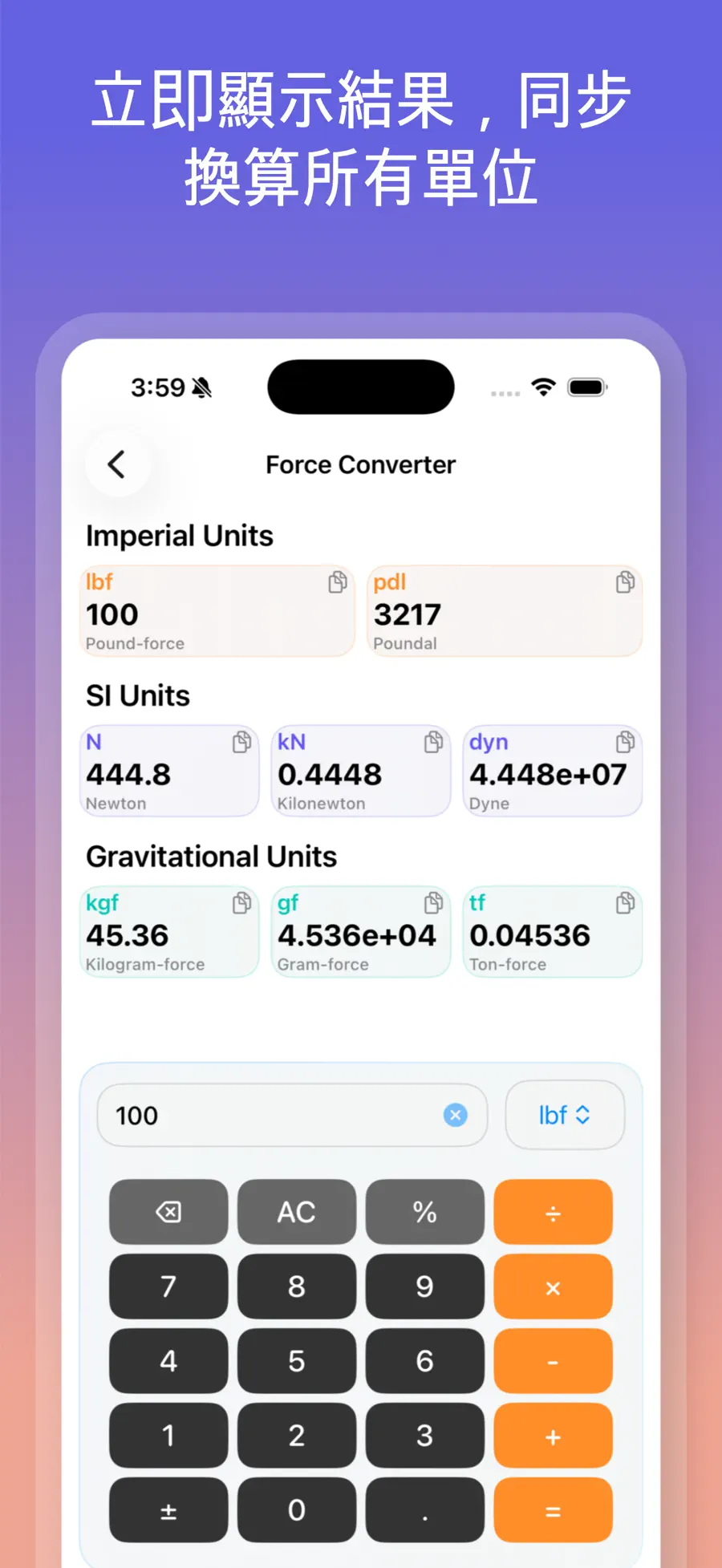
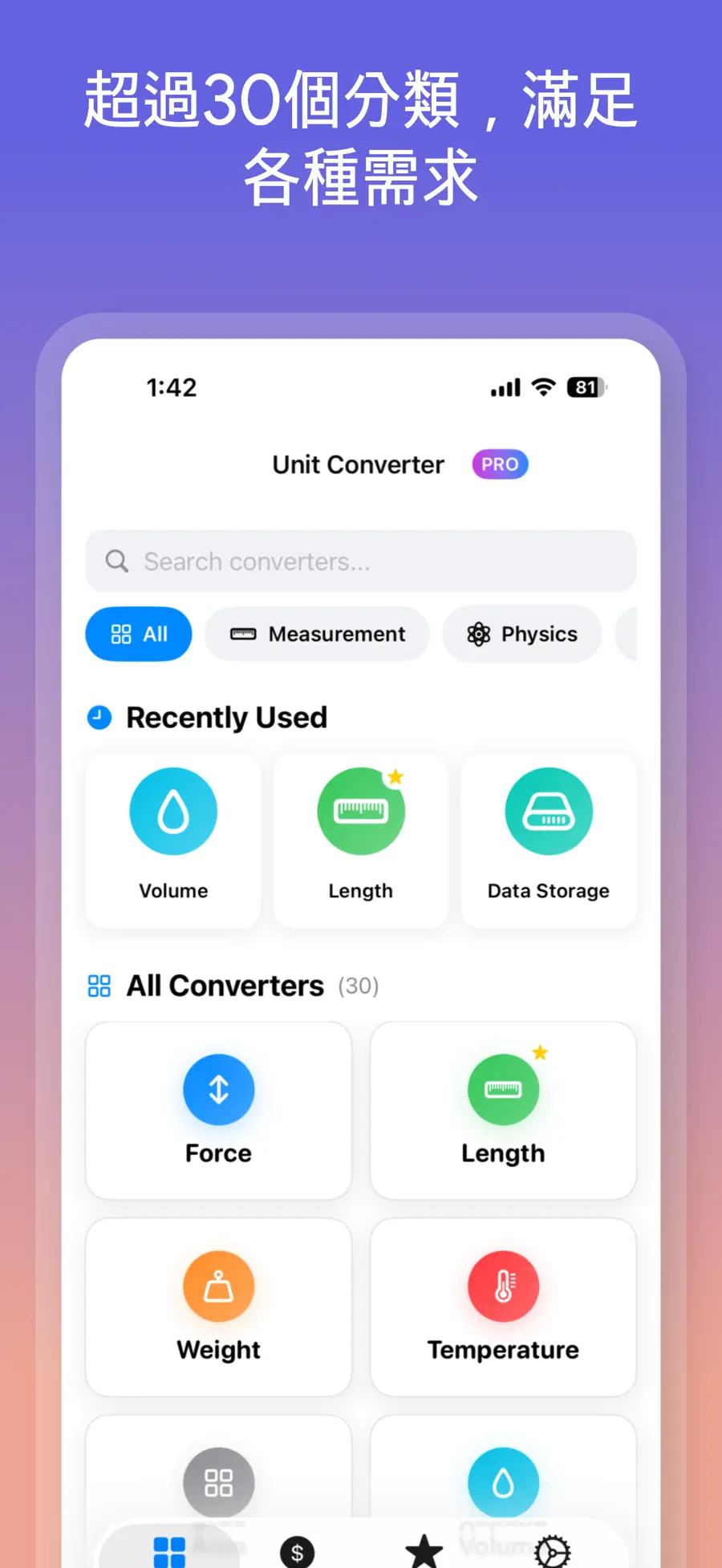
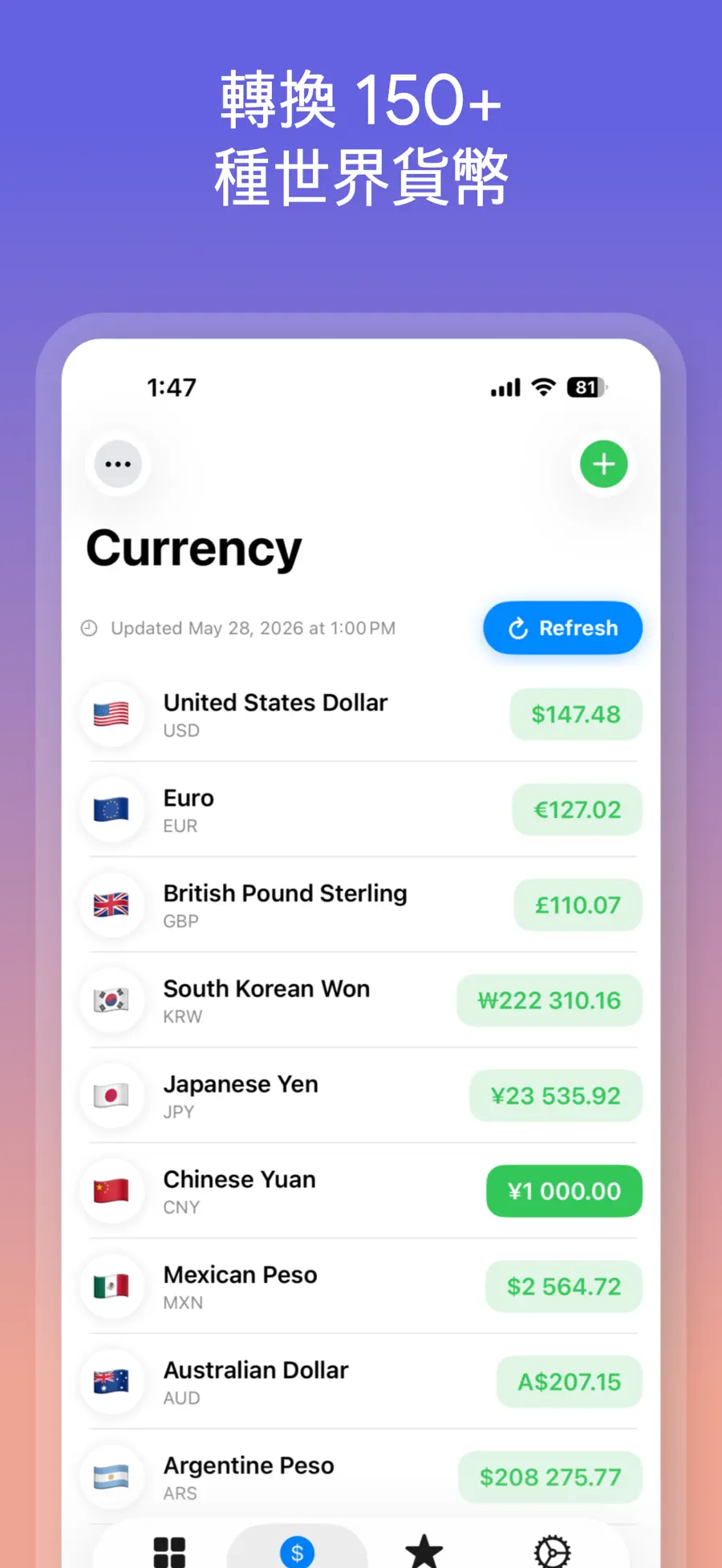
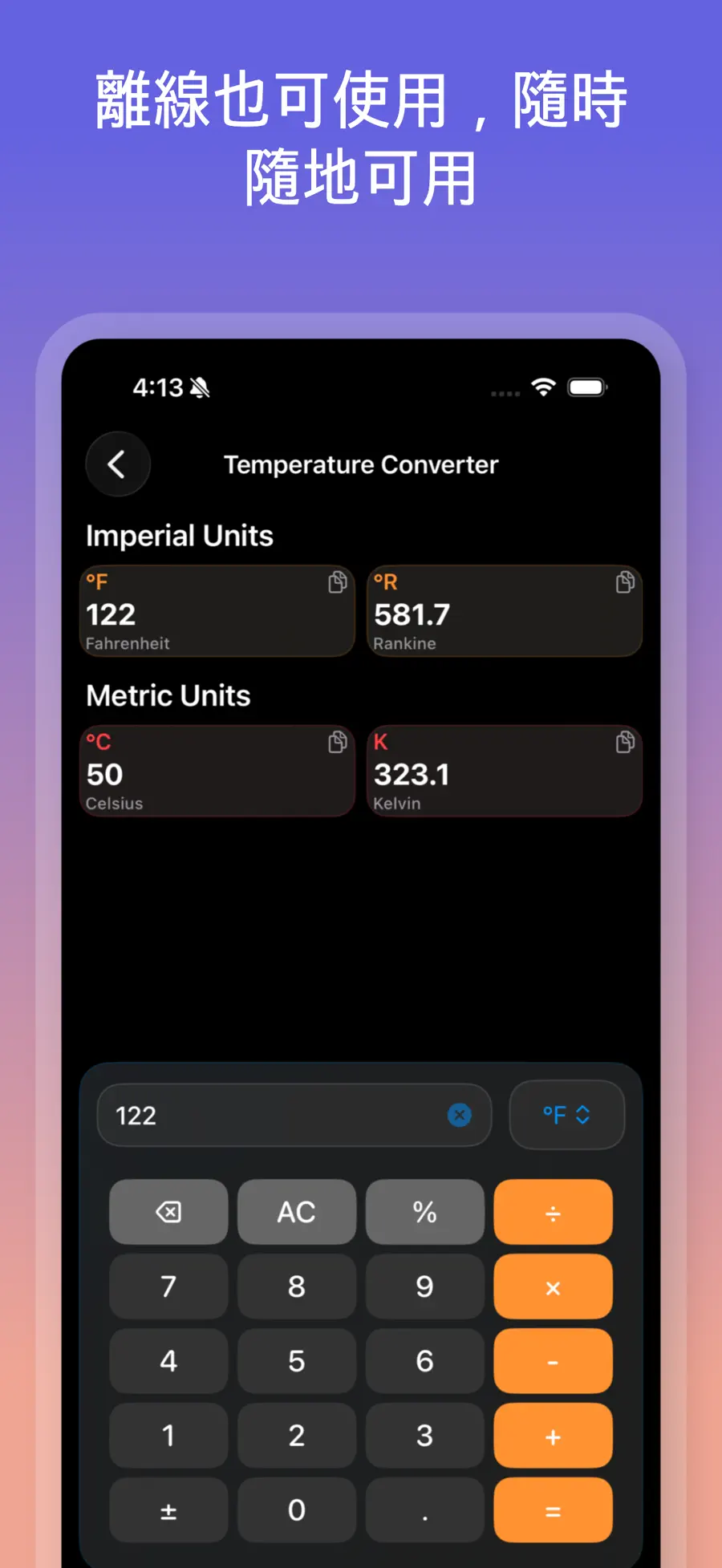
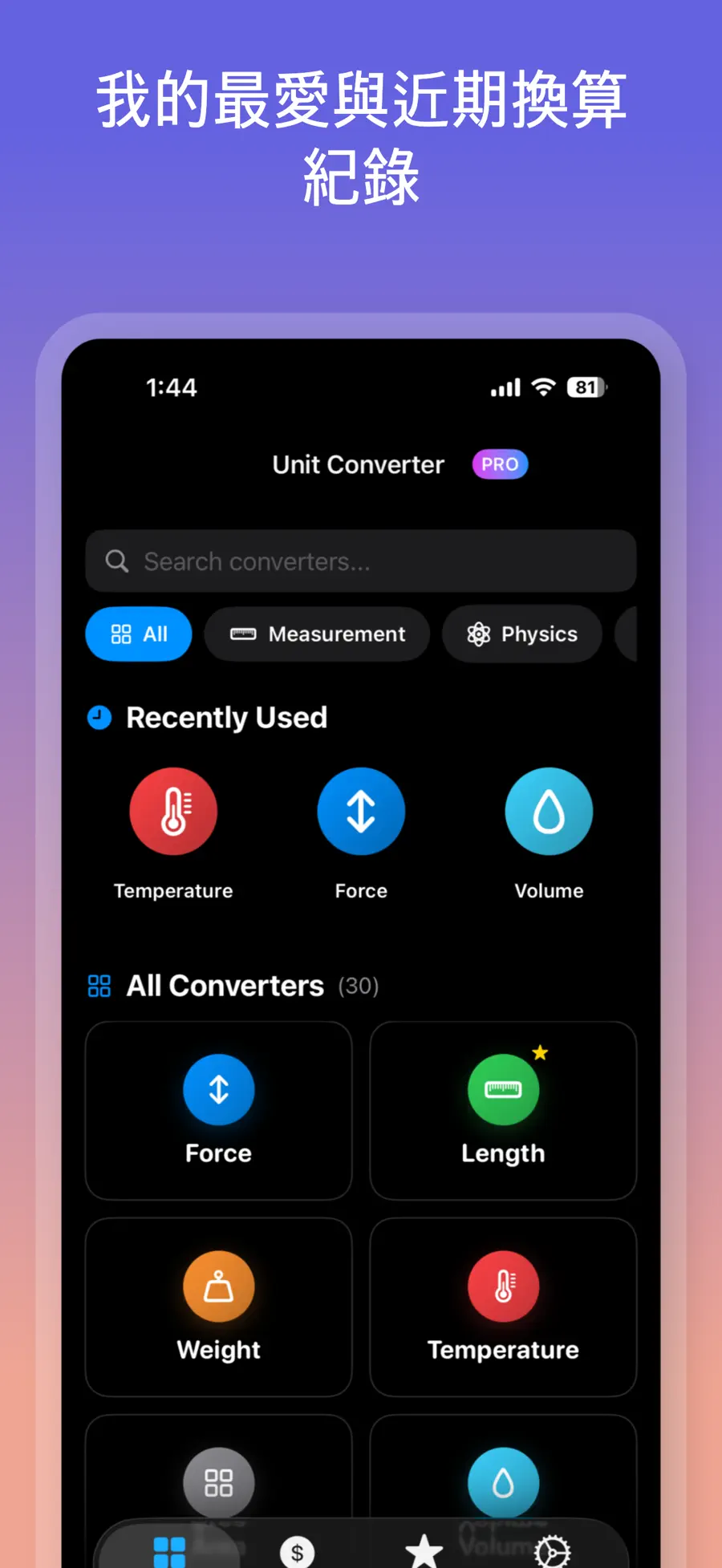
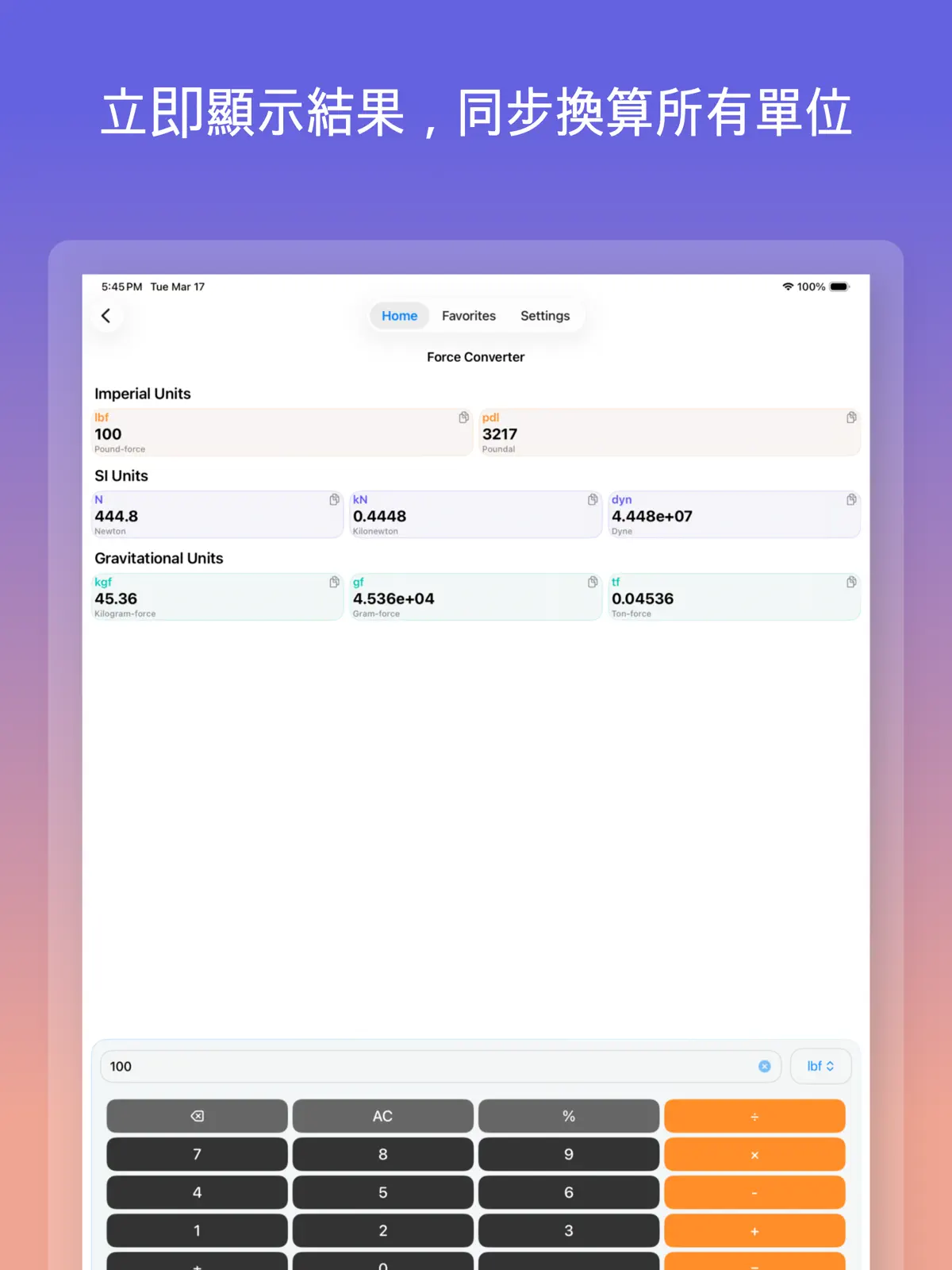
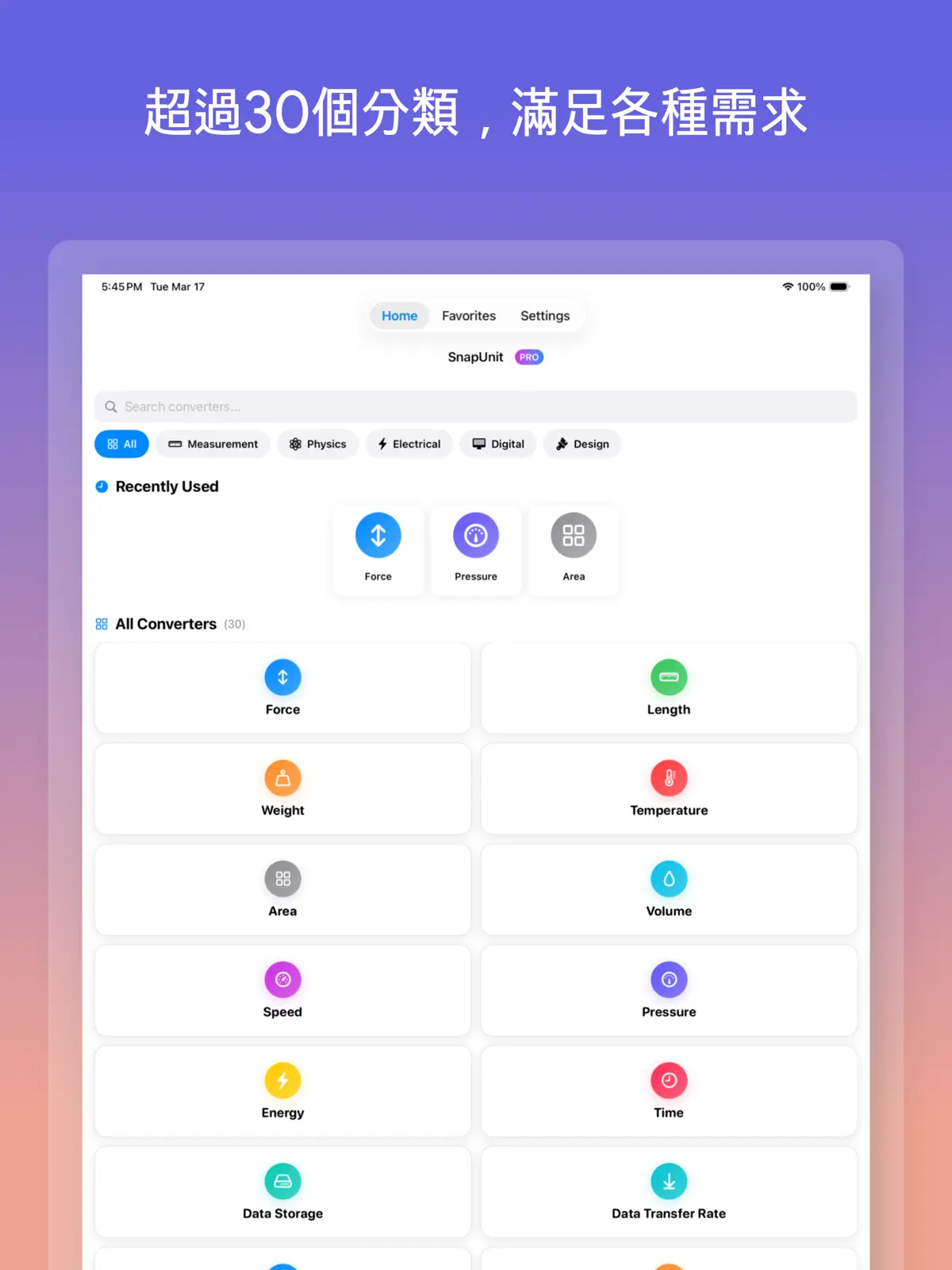
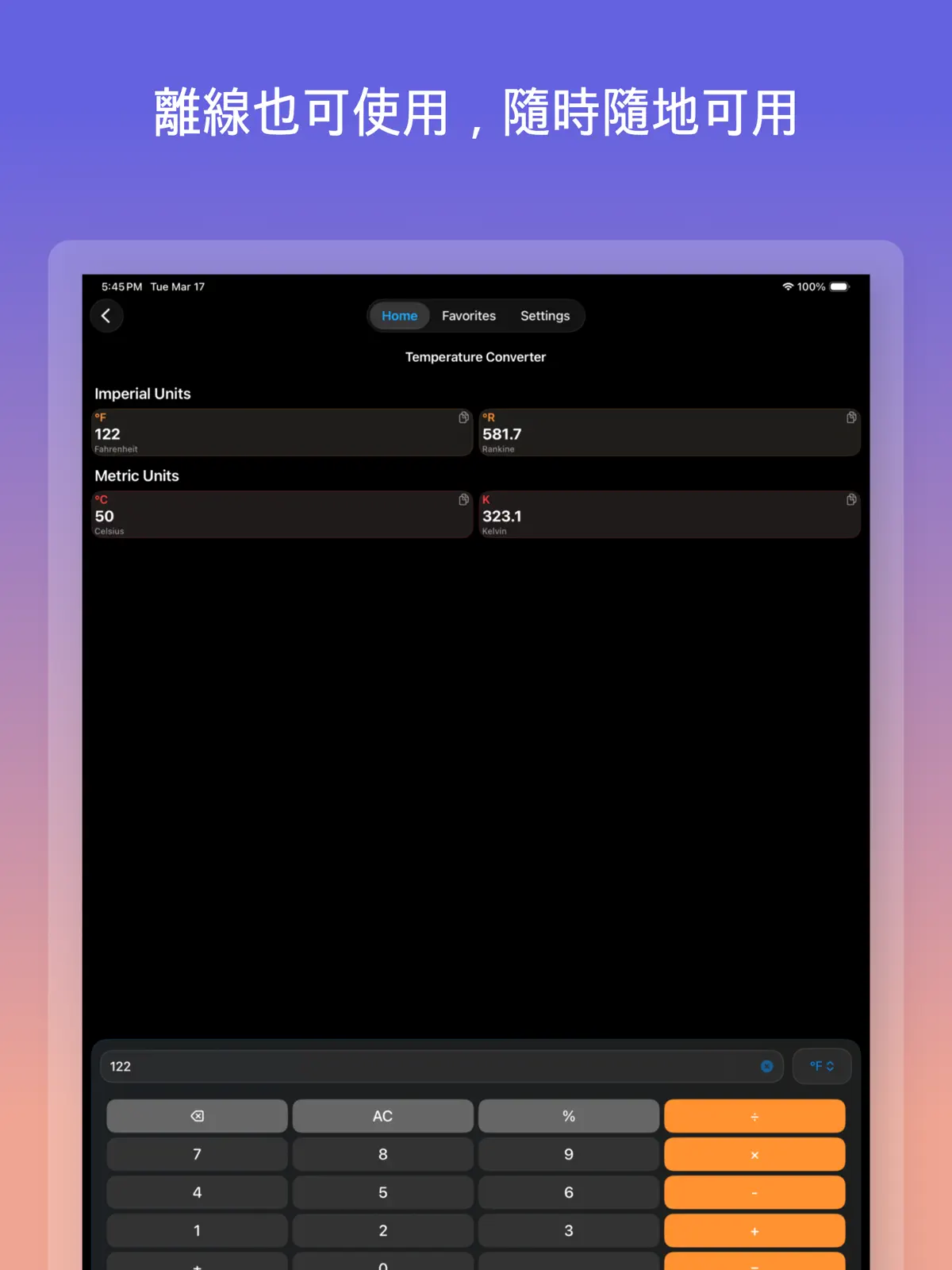
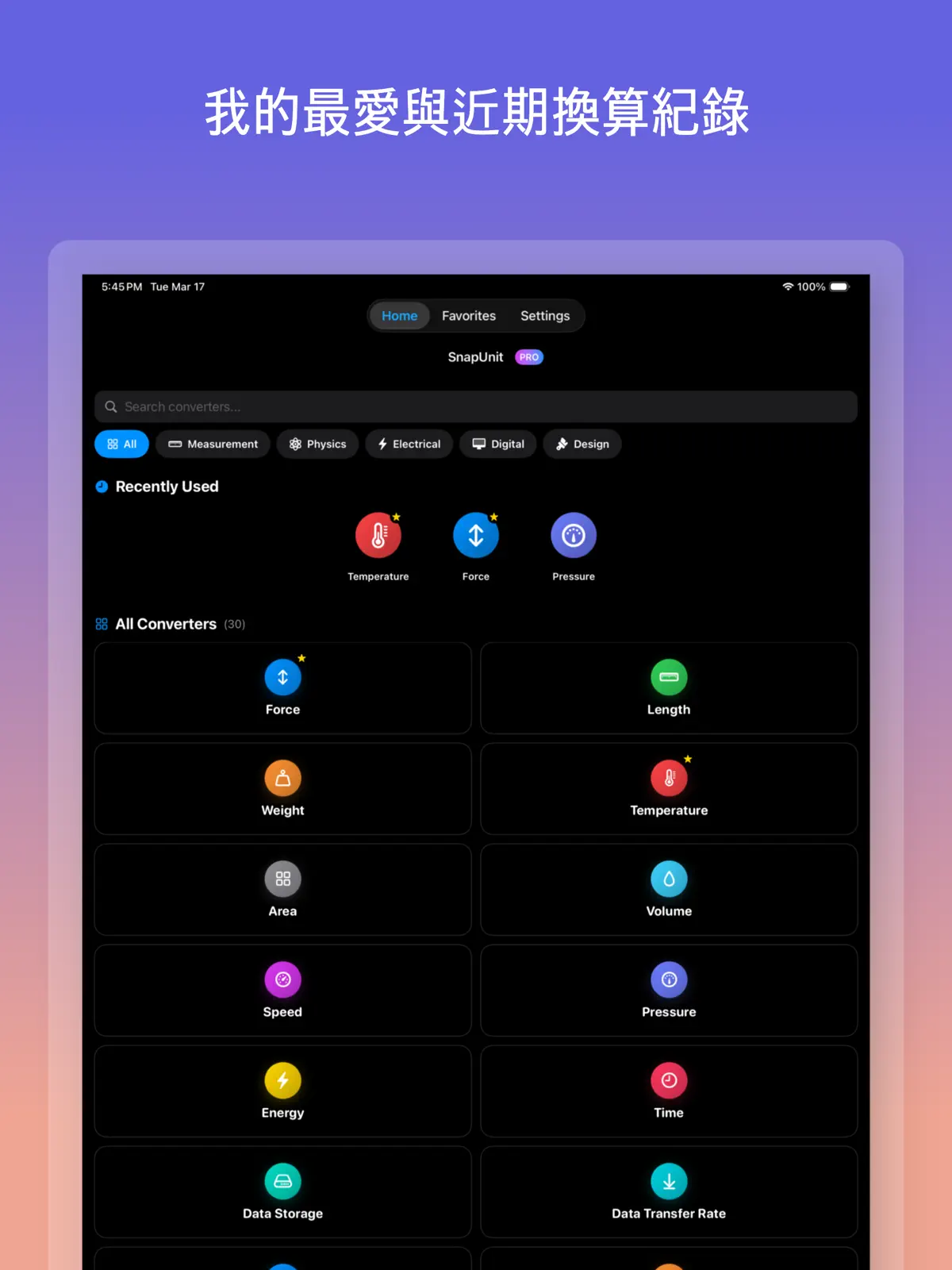
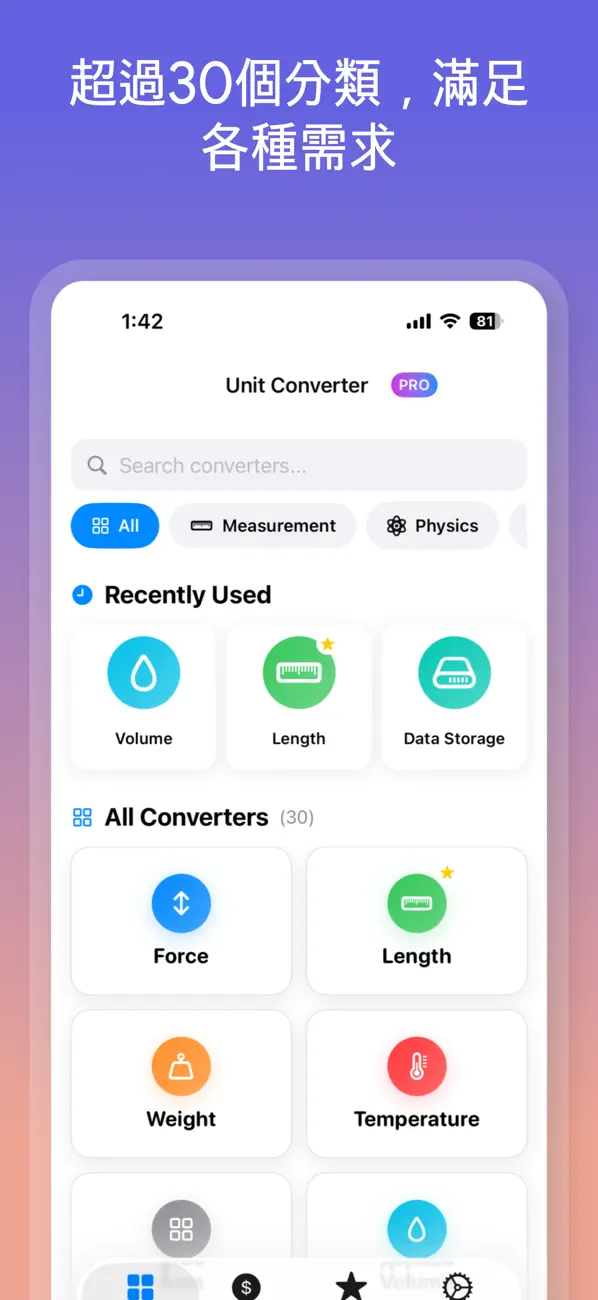
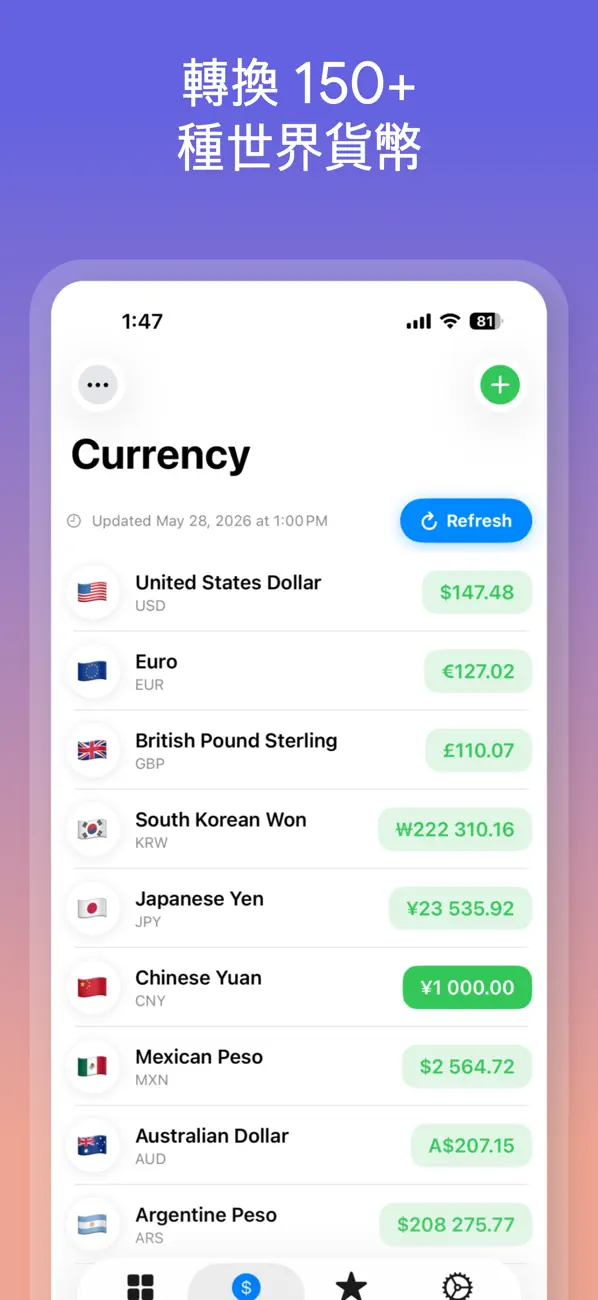
單位換算器 (Unit Converter Max) 更快換算單位與貨幣。 單位換算器 (Unit Converter Max)是一款簡潔、準確的換算工具,支援 30 多種單位類別與 150 多種世界貨幣。無廣告。無訂閱。一次購買,終身使用。 適合旅行、工作、學習、烹飪、工程、購物與日常計算。 滿足你的各種換算需求 • 長度、質量、溫度、面積與體積 • 速度、壓力、能量、時間與資料 • 功率、頻率、電壓、油耗與扭矩 • 角度、力、密度、電流、電阻等 • 支援 150 多種世界貨幣,適合旅行與日常使用 主要功能 • 快速、準確的換算結果 • 30 多種單位類別 • 150 多種支援貨幣 • 簡潔易讀的介面 • 離線單位換算 • 淺色模式與深色模式 • 適合日常與專業使用 為什麼選擇單位換算器 (Unit Converter Max)? 許多換算 App 速度慢、介面複雜,或充滿廣告。 單位換算器 (Unit Converter Max)保持簡單:打開 App,選擇單位或貨幣,即可快速取得結果。 支援與法律資訊 聯絡信箱: support@richsoft.app 隱私權政策: https://richsoft.app/snapunit/privacy 使用條款: https://www.apple.com/legal/internet-services/itunes/dev/stdeula/
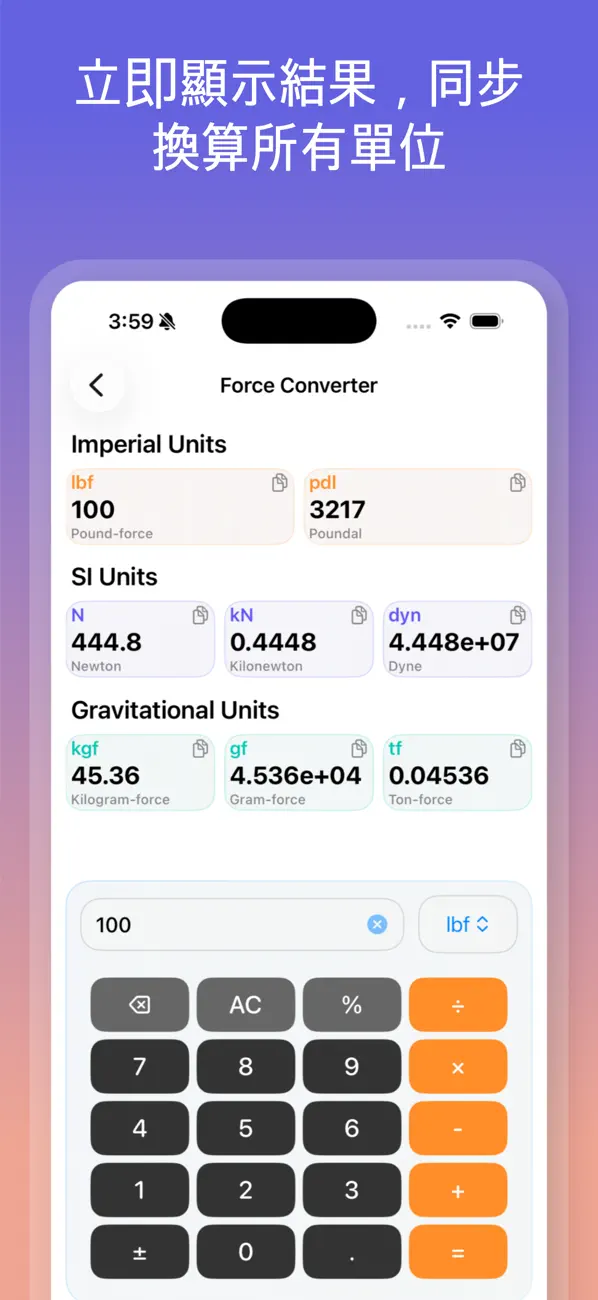
Update: The QoL tweaks you’ve added are great. I applaud your resistance to moving to a subscription model (typically an instant cancellation for me), though I think there are exchange rate APIs that that remain uncapped and free (though I haven’t researched in a while). But currency conversion remains a “nice-to-have” improvement, and its lack doesn’t really detract from the value of this tool. Thanks for your attention to my requests! Original: Conversion apps are a dime a dozen on the App Store. I really like the result display on this one. Updating all appropriate target units simultaneously gets my answer quickly with fewer taps and swipes. Having said that, more tap reduction is better, and there a few tweaks that can improve the efficiency. 1) Get me to my favorites faster. Either top load the favorites in the home tab or start on the favorites tab. 2) Don’t preload the entry field with “1” (or preselect it so it’s immediately replaced by my first input). I dislike having to remember to backspace first. Some nice things to have: Reorder the categories (you’d have to reconcile this with favorite top-loading if implemented). Add currency conversion. Yes, I realize this is difficult because there are too many target units to display all of them on the result array, so you’d have to allow us to choose the target currencies we want, and you’d have to fetch the current conversion rates. But it would be nice!
Wednesday, March 18, 2026 App will now do negative temperature conversions –––––– I have never seen a conversion calculator that could not do negative temperatures until now.
복잡한 기능 없이 필요한 단위만 바로 변환할 수 있어서 너무 편해요. 앱 실행도 빠르고 화면도 깔끔해서 계산할 때 스트레스가 없습니다.
군더더기 없이 딱 필요한 단위 변환 기능만 있어서 사용하기 편합니다
單位換算器 - 匯率計算機 是 Rich Soft 開發的 iPhone 工具程式 應用程式,透過 Apple App Store 在全球發行。 單位換算器 (Unit Converter Max) 更快換算單位與貨幣。 單位換算器 (Unit Converter Max)是一款簡潔、準確的換算工具,支援 30 多種單位類別與 150 多種世界貨幣。無廣告。無訂閱。一次購買,終身使用。 適合旅行、工作、學習、烹飪、工程、購物與日常計算。 滿足你的各種換算需求 • 長度、質量、溫度、面積與體積 • 速度、壓力、能量、時間與資料 • 功率、頻率、電壓、油耗與扭矩 • 角度、力、密度、電流、電阻等 • 支援 150…
是的,單位換算器 - 匯率計算機 可在 Apple App Store 免費下載。
您可以在 Apple App Store 下載 單位換算器 - 匯率計算機:點按本頁的 App Store 按鈕,或在 iPhone 的 App Store 中搜尋「單位換算器 - 匯率計算機」。需要 iOS 17.0 或以上版本。
截至2026年9月,根據 Rich Soft 彙總 16 個國家/地區 App Store 的評分,單位換算器 - 匯率計算機 共獲得 61 則評分,平均 4.8 分(滿分 5 分)。
查看 單位換算器 - 匯率計算機 的指南、技巧與產品觀點。
使用 單位換算器 - 匯率計算機 快速換算 30 多類單位與 150 多種世界貨幣,並瞭解離線換算和實際使用方式。