Vai al contenuto
Torna alla home
Local TTS - AI Voice Reader

Local TTS - AI Voice Reader

Produttività

4.2
35 valutazioni
11 paesi
Scarica su App Storelocaltts.app
Prezzo

Gratis

Versione

2.5

iOS minimo

18.6

Vedi valutazioni per paese▼
Corea del Sud
4.7
13
Stati Uniti
4.6
9
Giappone
4.3
3
Canada
2.0
2
Spagna
5.0
2
Messico
5.0
1
Regno Unito
4.0
1
Germania
3.0
1
Paesi Bassi
1.0
1
Ucraina
5.0
1
Turchia
1.0
1

Anteprima

Local TTS - AI Voice Reader screenshot 1
Local TTS - AI Voice Reader screenshot 2
Local TTS - AI Voice Reader screenshot 3
Local TTS - AI Voice Reader screenshot 4
Local TTS - AI Voice Reader screenshot 5

iPad

Local TTS - AI Voice Reader iPad screenshot 1
Local TTS - AI Voice Reader iPad screenshot 2
Local TTS - AI Voice Reader iPad screenshot 3
Local TTS - AI Voice Reader iPad screenshot 4

Descrizione

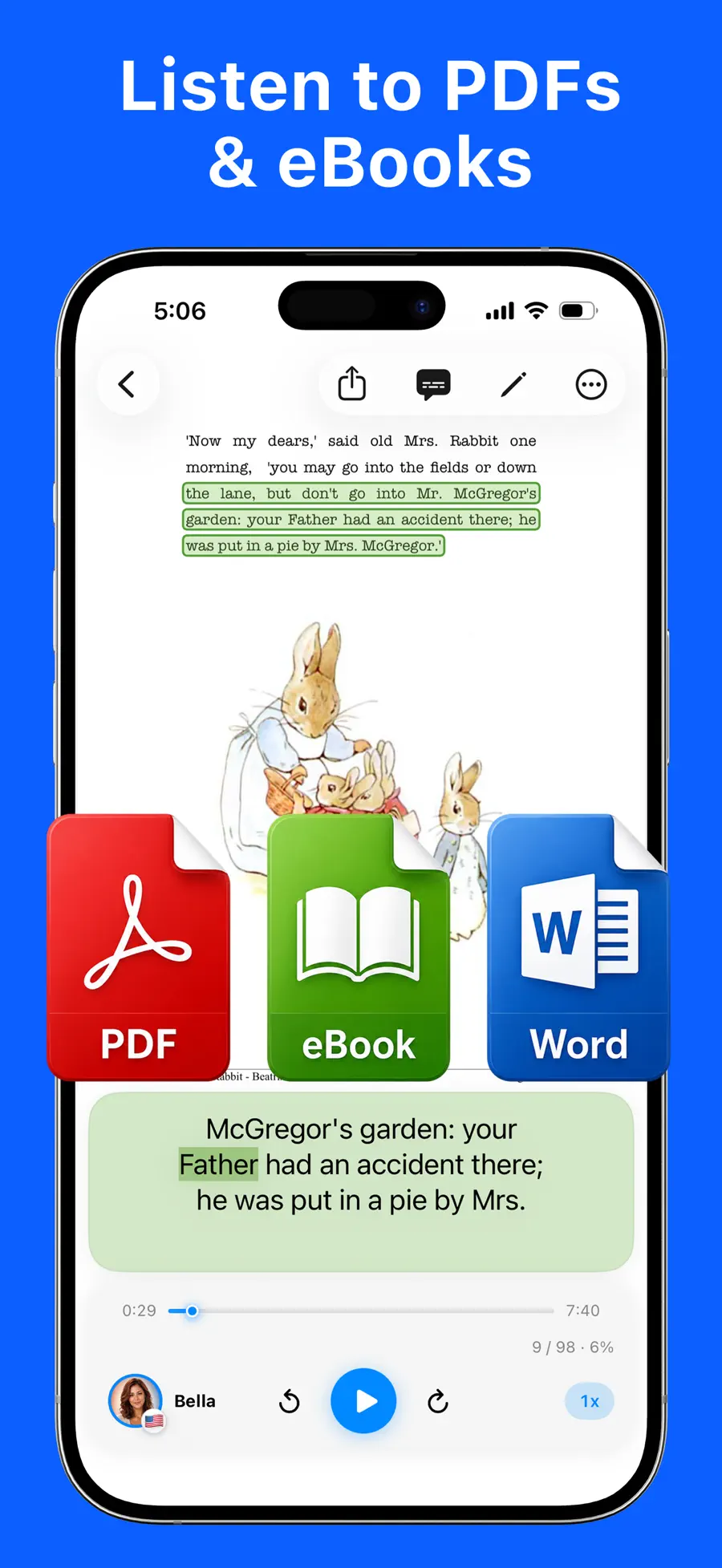
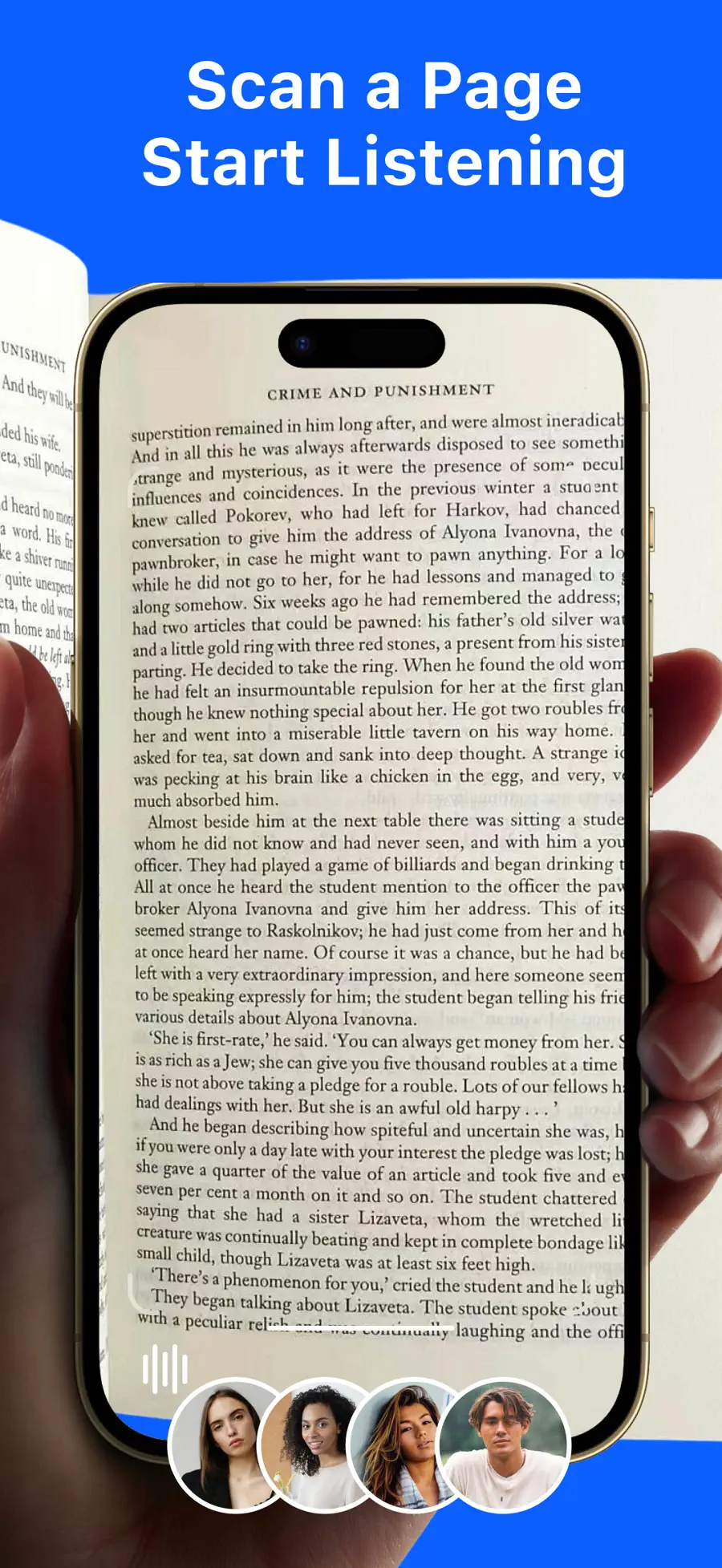
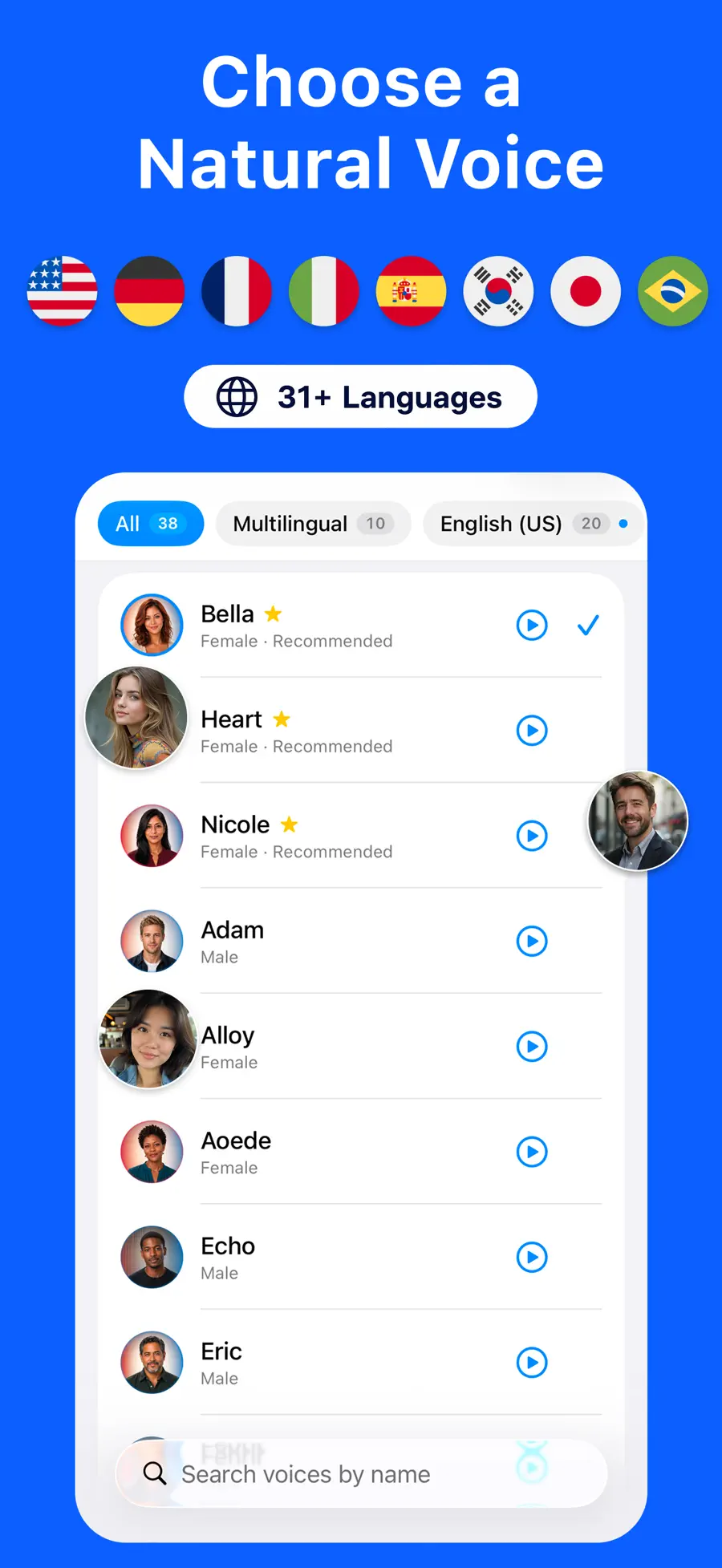
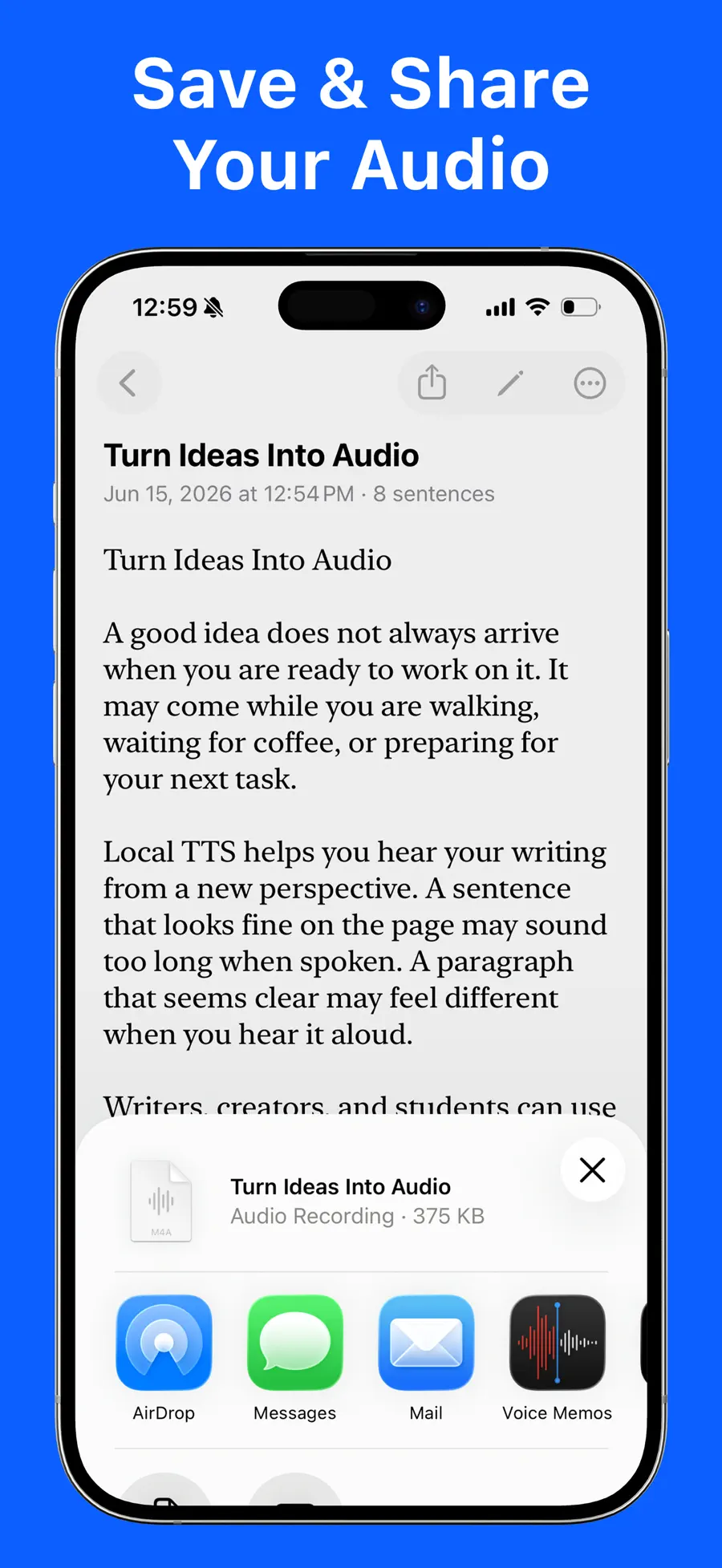
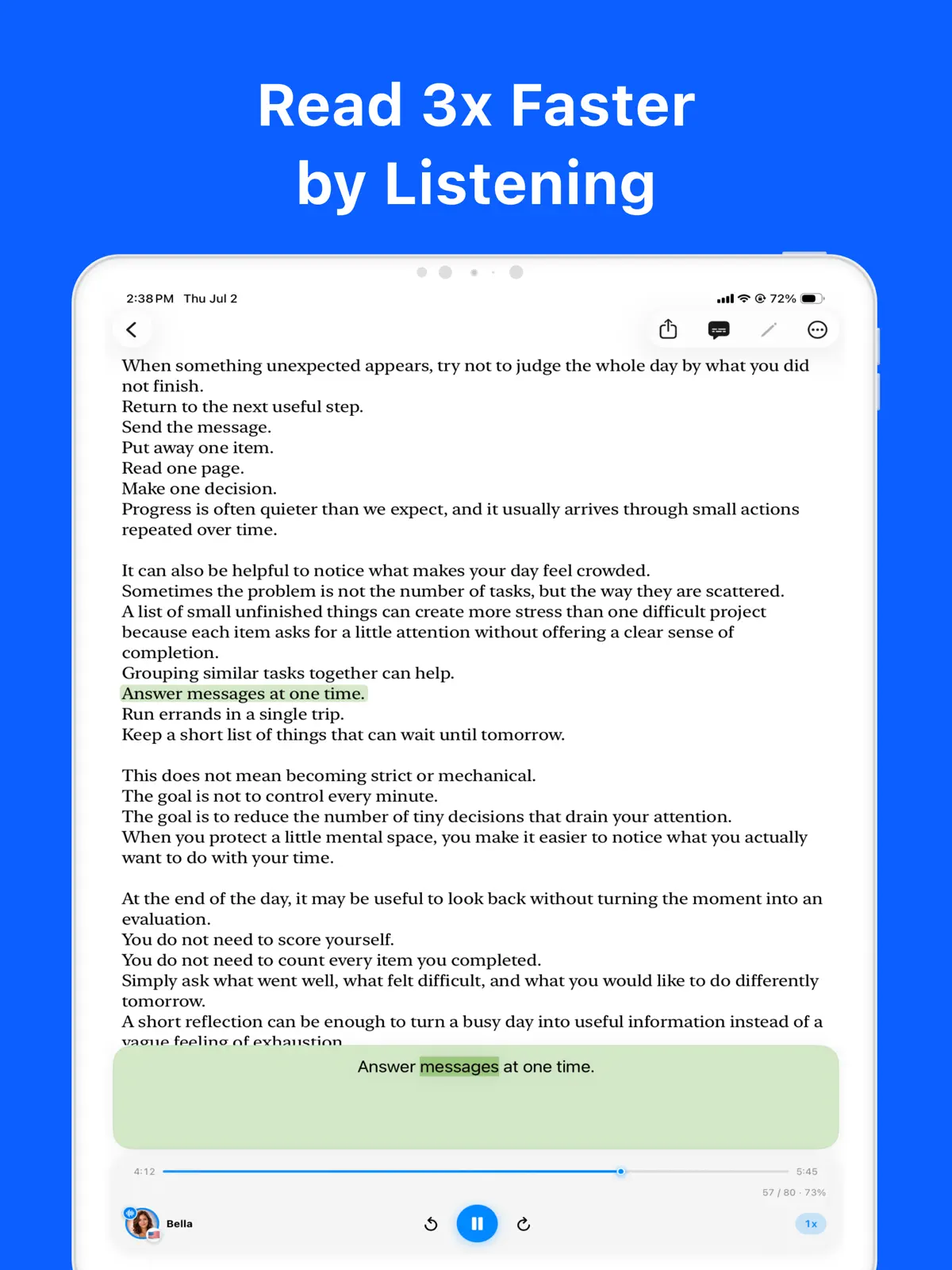
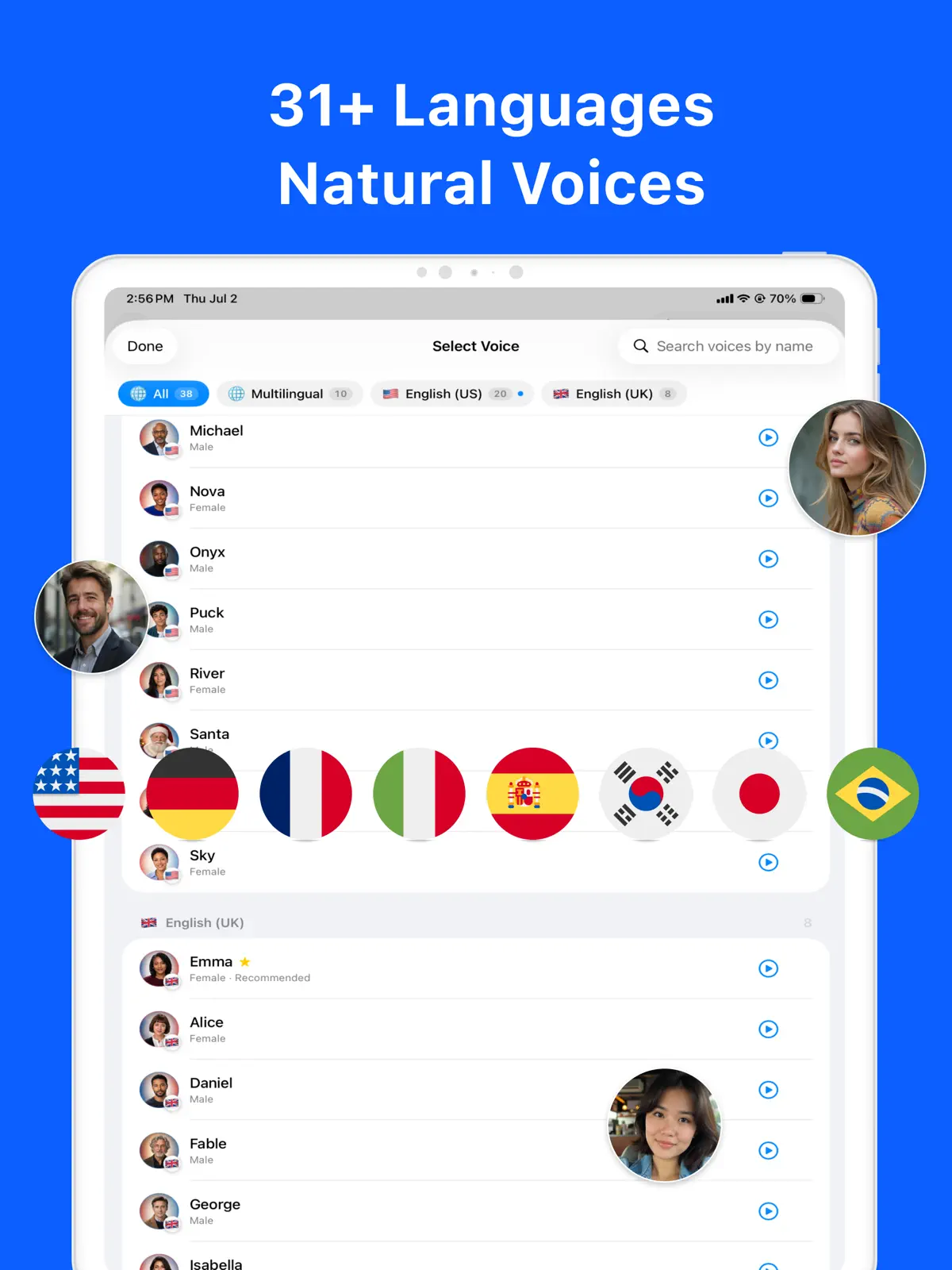
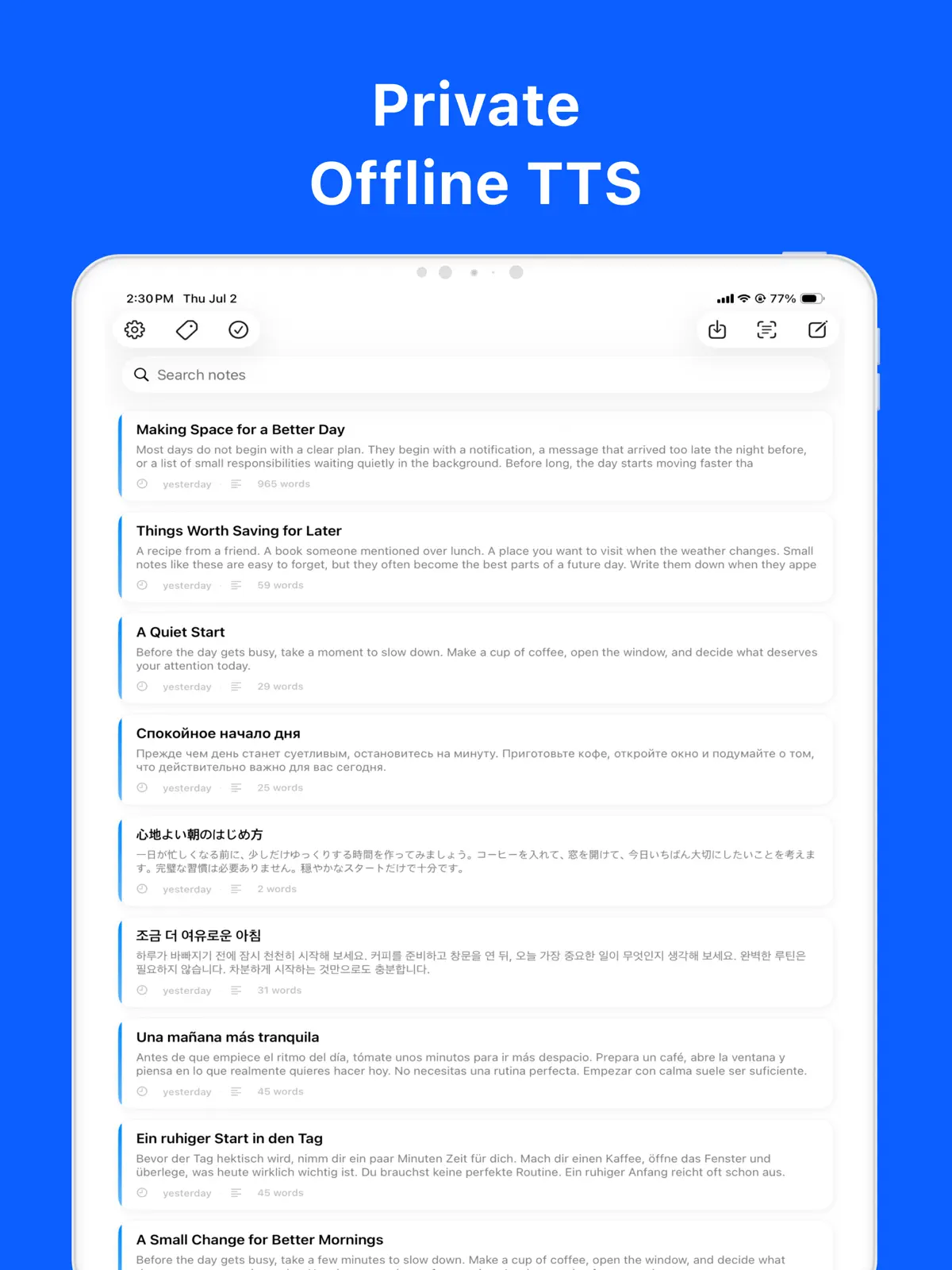
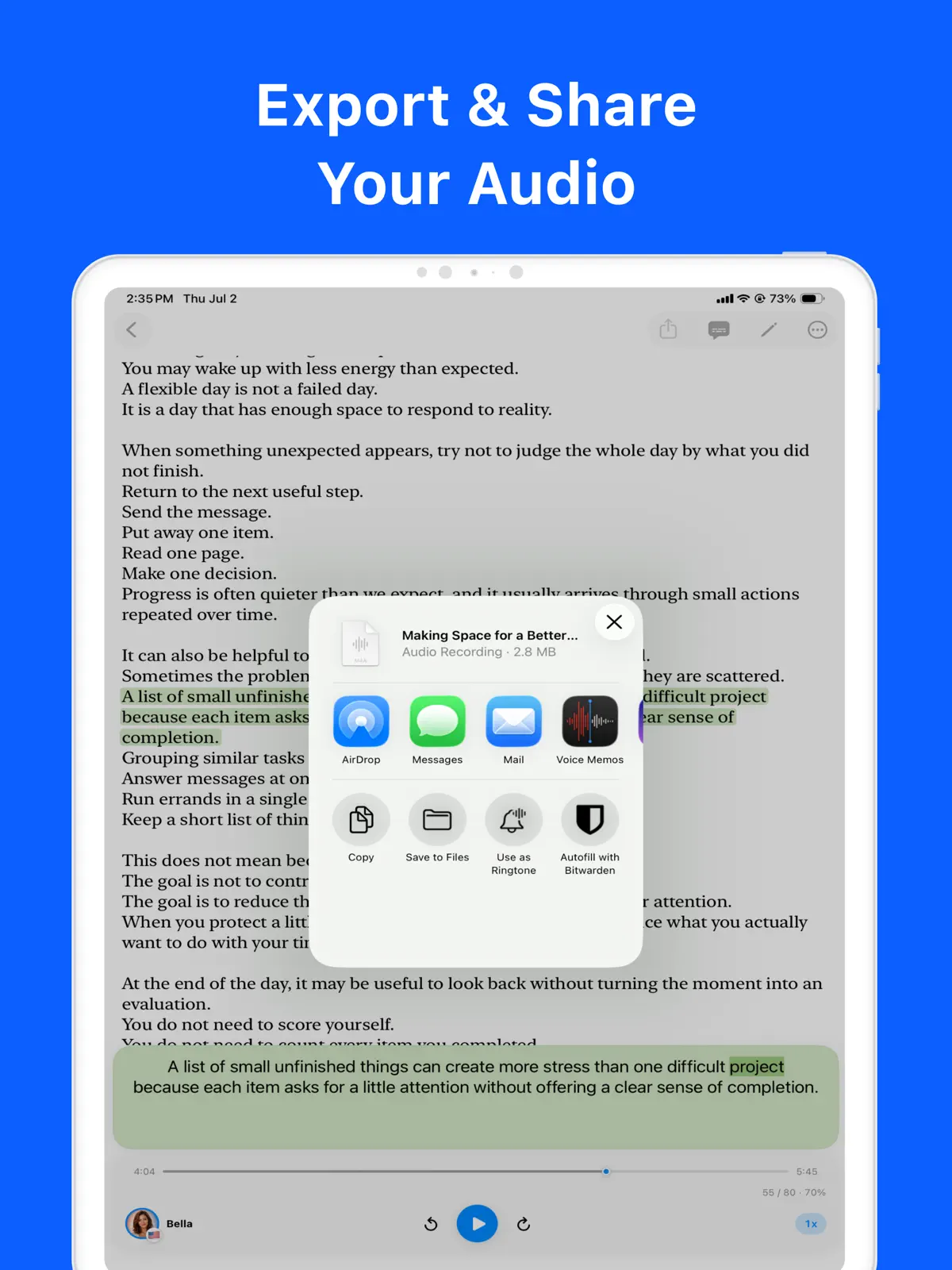
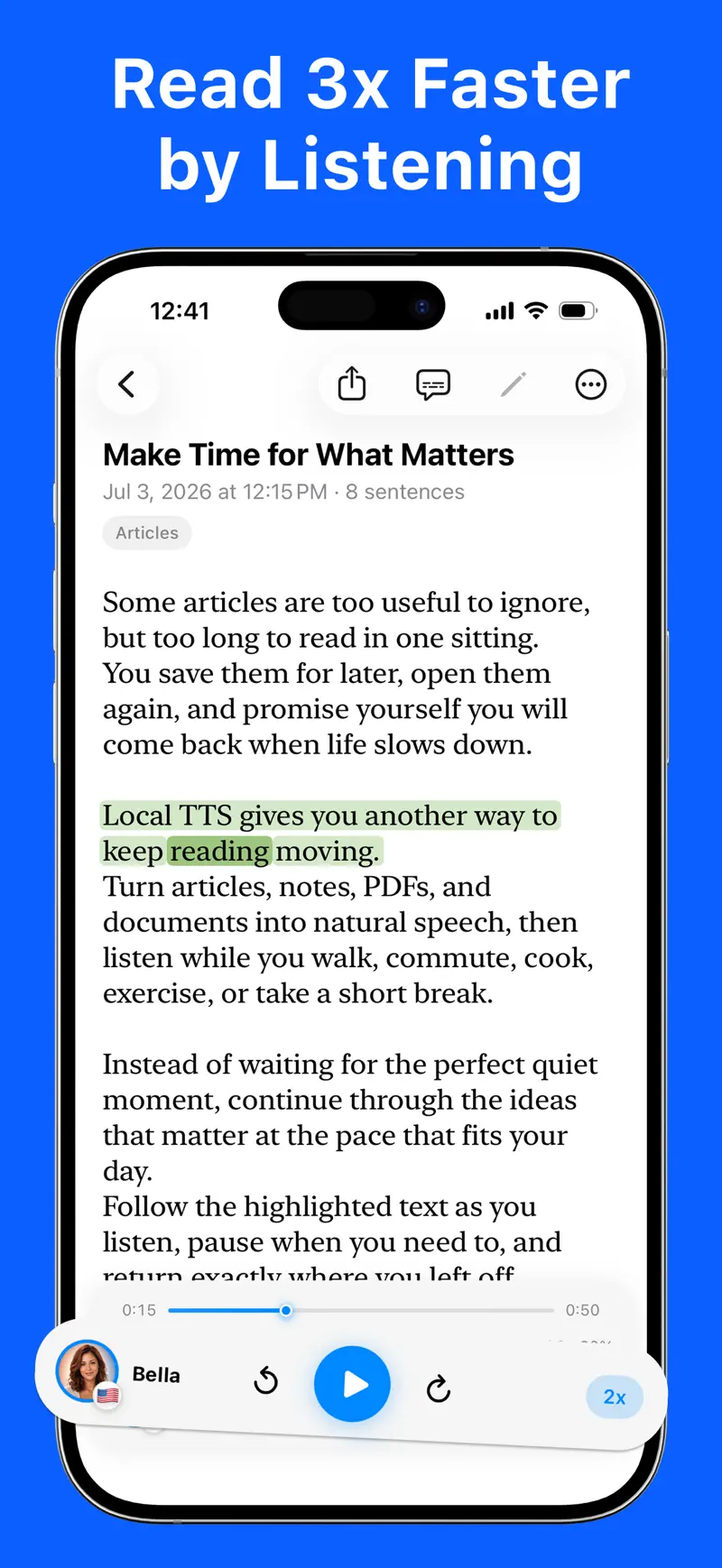
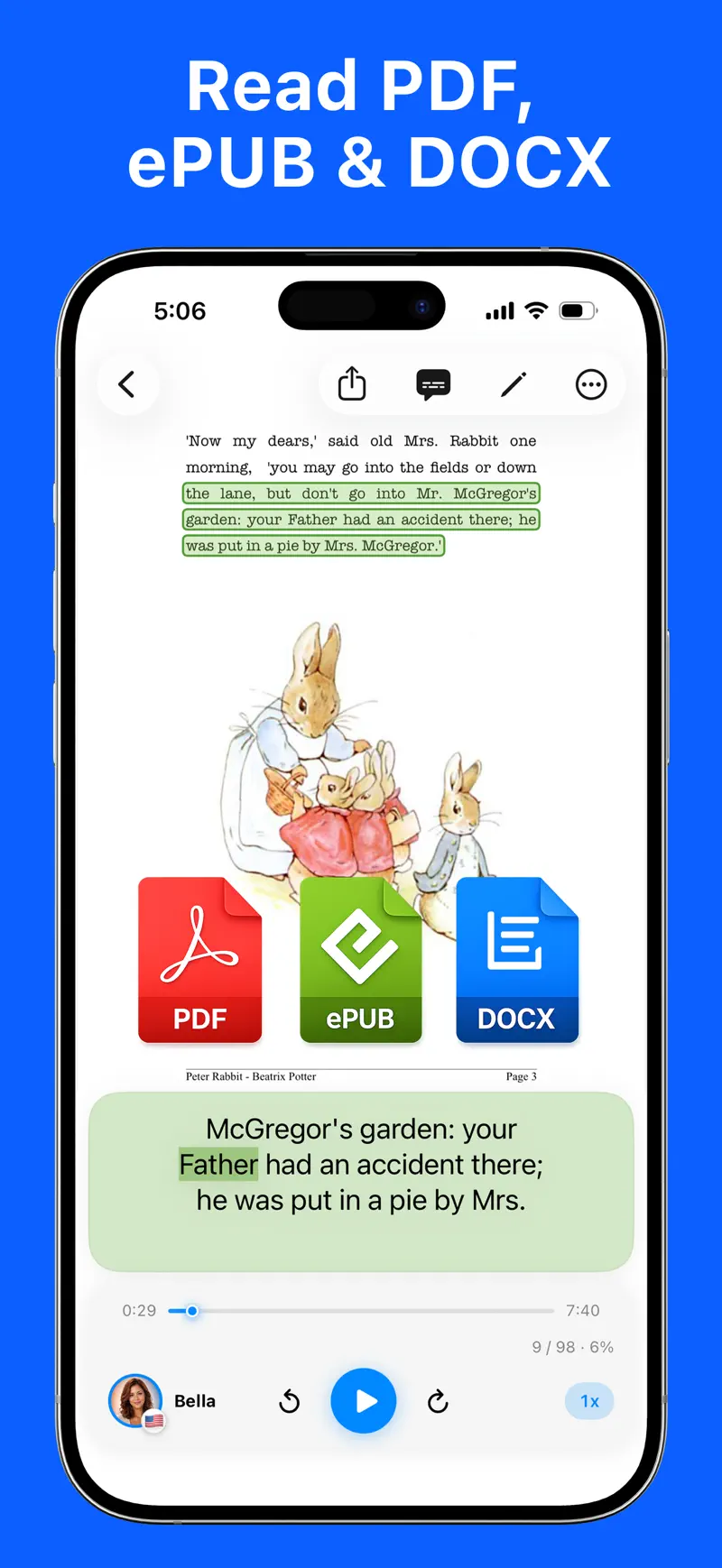
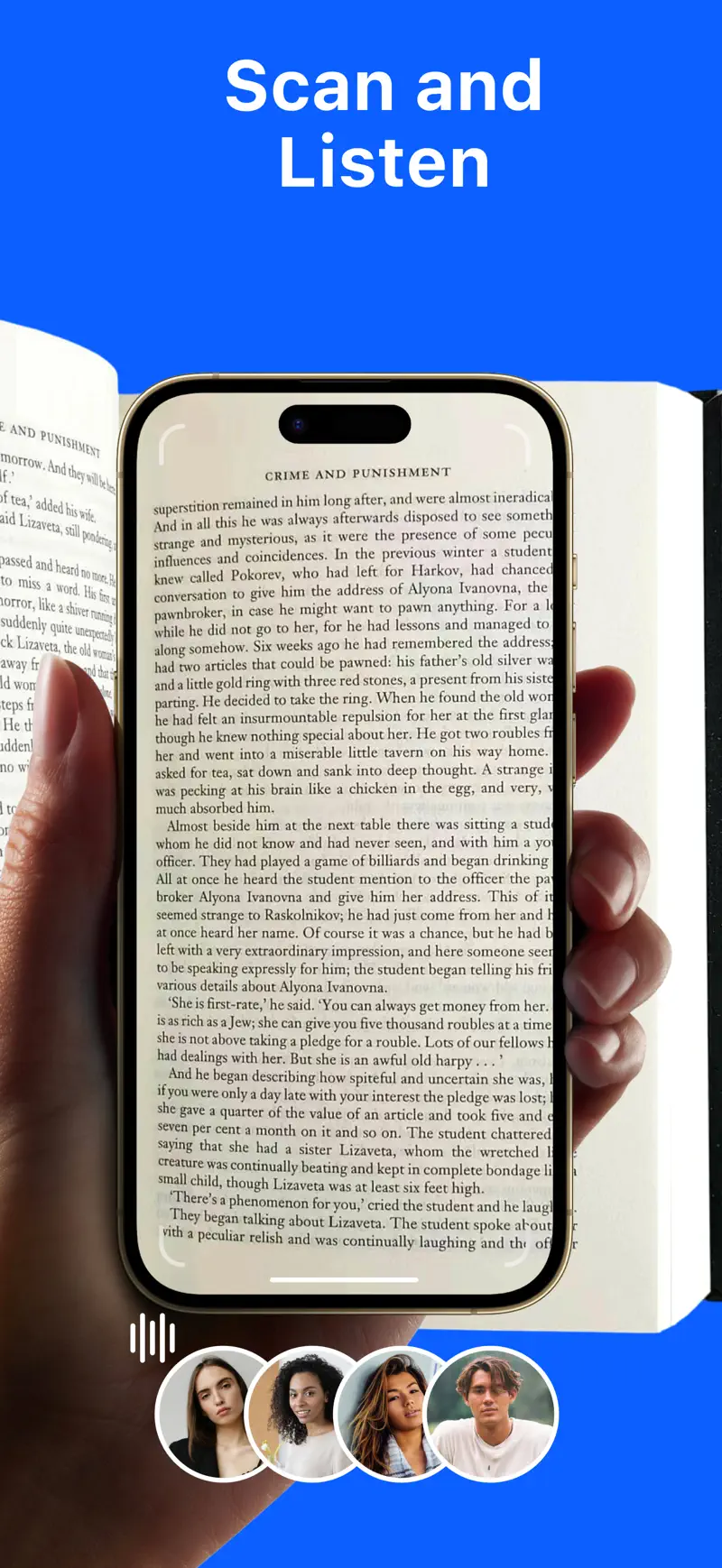
Local TTS turns any text into natural speech with 38 neural voices, powered by the open-source Kokoro-82M and Supertonic 3 engines — 100% offline, right on your iPhone or iPad. Listen to PDFs, e-books, articles, scans, and notes with no internet, no account, and no tracking. Nothing ever leaves your device. TWO OPEN-SOURCE NEURAL ENGINES • Kokoro-82M: 28 natural American and British English voices • Supertonic 3: multilingual voices that read 31 languages, with automatic language detection • Every voice runs entirely on your device — it even works in airplane mode ALL 31 LANGUAGES English, Spanish, French, German, Italian, Portuguese, Dutch, Russian, Ukrainian, Polish, Czech, Slovak, Slovenian, Croatian, Bulgarian, Romanian, Hungarian, Greek, Swedish, Danish, Finnish, Lithuanian, Latvian, Estonian, Turkish, Arabic, Hindi, Indonesian, Vietnamese, Japanese, and Korean. READ FROM ALMOST ANYTHING • Files: import PDF, EPUB, Word (DOCX), TXT, and Markdown • Paper: scan a printed page with the camera, or read text from a photo — on-device OCR • Everything else: paste text or type your own notes A READING VIEW THAT FOLLOWS ALONG • Word-by-word highlighting synced to the audio • Immersive mode: the toolbar and player tuck away while you listen — or pin the player • Make it yours: choose the reading font and text size • Search inside a document, jump from the PDF table of contents, and pick up right where you left off • Natural delivery: dates, units, and Roman numerals are read the way people actually say them MADE FOR LISTENING • Background playback with lock screen and Control Center controls • Adjustable playback speed • A different voice for each note, plus tags to keep things organized • Private iCloud sync across iPhone and iPad FREE PLAN • One Supertonic 3 multilingual voice that reads all 31 languages • Three premium Kokoro-82M English voices • Read up to 500 characters per note • No account required — and no ads, ever GO PRO — UNLOCK EVERYTHING • Unlimited text: paste or import with no 500-character cap • The full catalog of all 38 neural voices • Export speech as M4A audio files to play anywhere, on any device • Full multi-page PDF import • Still 100% offline and private, even with Pro SUPPORTED DEVICES On-device neural speech needs a recent chip, so Local TTS requires: • iPhone 12 or later • iPad (10th generation) or later • iPad Air (4th generation) or later • iPad mini (6th generation) or later • iPad Pro (M1, 2021) or later • iOS / iPadOS 18.6 or later Download Local TTS and turn every screen into your personal narrator. • Contact: support@richsoft.app • Privacy Policy: https://richsoft.app/tts/privacy • Terms of Use: https://www.apple.com/legal/internet-services/itunes/dev/stdeula/


Recensioni

Amazing ⭐️⭐️⭐️⭐️⭐️

•
badgalkamiii•16 set 2026

This app is a lifesaver for me. Thank you, and thanks to ChatGPT for recommending this app to me 😍 It’s really useful for me since I don’t have internet access while commuting; I can use it to listen to my study PDFs offline.

최고의 TTS, 믿고 쓰는 앱

•
orc..•29 giu 2026

여러 TTS 앱을 써봤지만 음성 정확도와 자연스러움이 단연 최고예요. 지원 언어도 다양해서 학습이나 업무에 두루 활용하고 있습니다. 피드백 드린 부분도 빠르게 업데이트로 개선해 주셔서 감동이에요. 특히 온디바이스로 작동해서 인터넷 없이도 개인정보 걱정 없이 안심하고 쓸 수 있다는 점이 가장 마음에 듭니다.

최고!

•
fhjy86•11 lug 2026

아이에게 영어 동화책 읽어주는데 너무 좋아요!!


Informazioni

VenditoreRich Soft Co., Ltd
Dimensione528.7 MB
CategoriaProduttività
Lingue7 supportate

Novità v2.5

Your library is now easier to browse. • Book covers now appear in your library. Choose between list and grid views to find your next listen. • The tab bar now features Liquid Glass on iOS 26. • Improved cover loading makes scrolling smoother, even in large libraries.

Domande frequenti su Local TTS - AI Voice Reader

Che cos’è Local TTS - AI Voice Reader?

Local TTS - AI Voice Reader è un’app di Produttività per iPhone creata da Rich Soft e distribuita in tutto il mondo tramite l’App Store di Apple. Local TTS turns any text into natural speech with 38 neural voices, powered by the open-source Kokoro-82M and Supertonic 3 engines — 100% offline, right on your iPhone or iPad.

Local TTS - AI Voice Reader è gratuita?

Sì, Local TTS - AI Voice Reader si può scaricare gratuitamente dall’App Store di Apple.

Come si scarica Local TTS - AI Voice Reader su iPhone?

Scarica Local TTS - AI Voice Reader dall’App Store di Apple: tocca il pulsante App Store in questa pagina oppure cerca “Local TTS - AI Voice Reader” sul tuo iPhone. Richiede iOS 18.6 o versione successiva.

Qual è la valutazione di Local TTS - AI Voice Reader sull’App Store?

Dati aggiornati a ottobre 2026: Local TTS - AI Voice Reader ha una valutazione media di 4.2 su 5 stelle, calcolata da Rich Soft su 35 recensioni aggregate in 11 paesi dell’App Store.

Ottieni Local TTS - AI Voice Reader

4.2 · 35 valutazioni

Approfondimenti

Guide, consigli e approfondimenti su Local TTS - AI Voice Reader.

Vedi tutti gli articoli
Produttività5 min di lettura

Sintesi vocale su iPhone: come farsi leggere ogni testo

Trasforma articoli, PDF, EPUB e note in voce naturale su iPhone. Confronta Contenuto letto ad alta voce di iOS con un lettore TTS privato e offline.

Local TTS - AI Voice Reader
Leggi l’articolo